Common Troubleshooting Tips
User could not access to RapidResults from the login portal
All users who need access to RapidResults must be privileged to access the portal.
If you are not able to access RapidResults, please contact your System Administrator.
Strange Icons appear on the toolbar in the Images screen
There can be instances when you see strange icons appear on the Images screen.
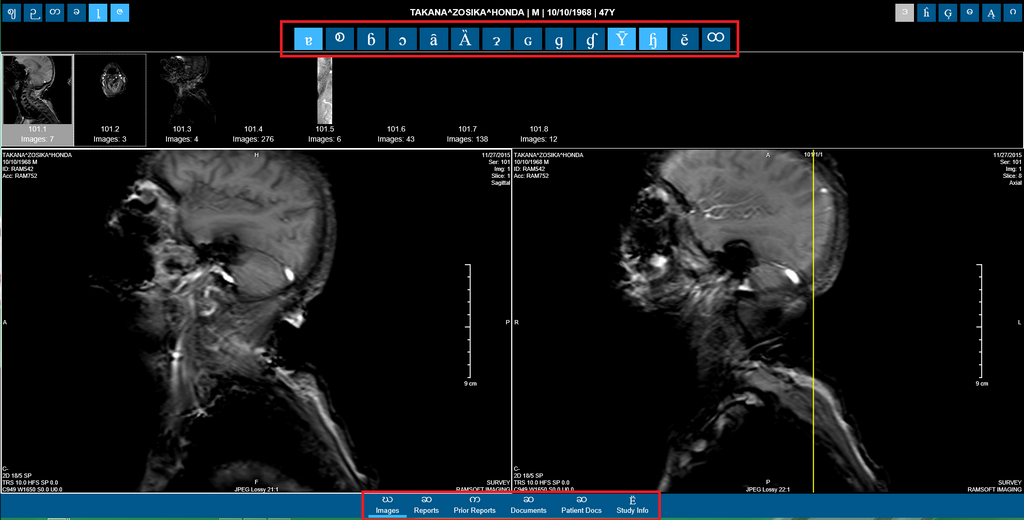
This is an issue with Internet Explorer.
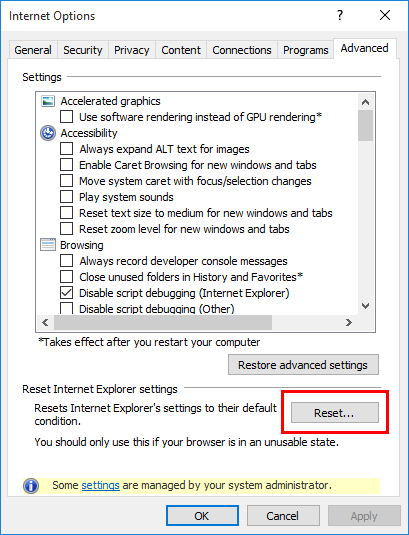
Please perform the following troubleshooting steps to fix this issue:
-
Go to Tools > Internet Options.
-
Click on the Advanced tab.
-
Click Reset.
-
Click OK.