Window Presets

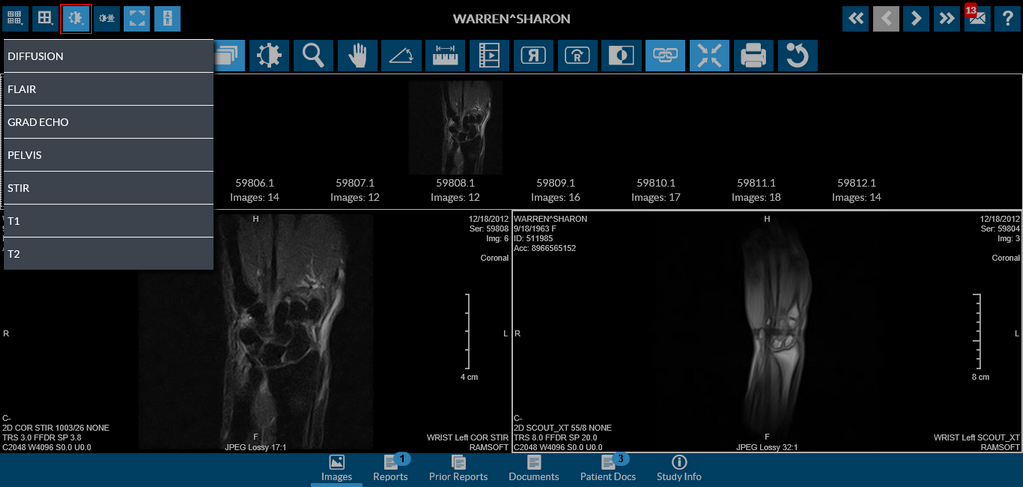
Although it is nice to have the ability to change the window and level values on the fly, however, quite often it is not necessary. Applying preset window level values to the images, will display the images in the optimal state. Window Level presets available for the current study are accessible through the Windows Level Preset button next to the Hanging Protocol Layout buttons.
The following screenshot shows an image with the GRAD ECHO window preset applied.
Holding down the right mouse button and moving the cursor also activates the tool. This activation is indicated by the change of the mouse cursor icon.