Maximizing Images
You can maximize an image or a video in RapidResults by double-clicking on the image/video. Double-clicking on an image/video maximizes the image/video by displaying it in full screen mode.
The following screenshots show an image before and after maximizing.
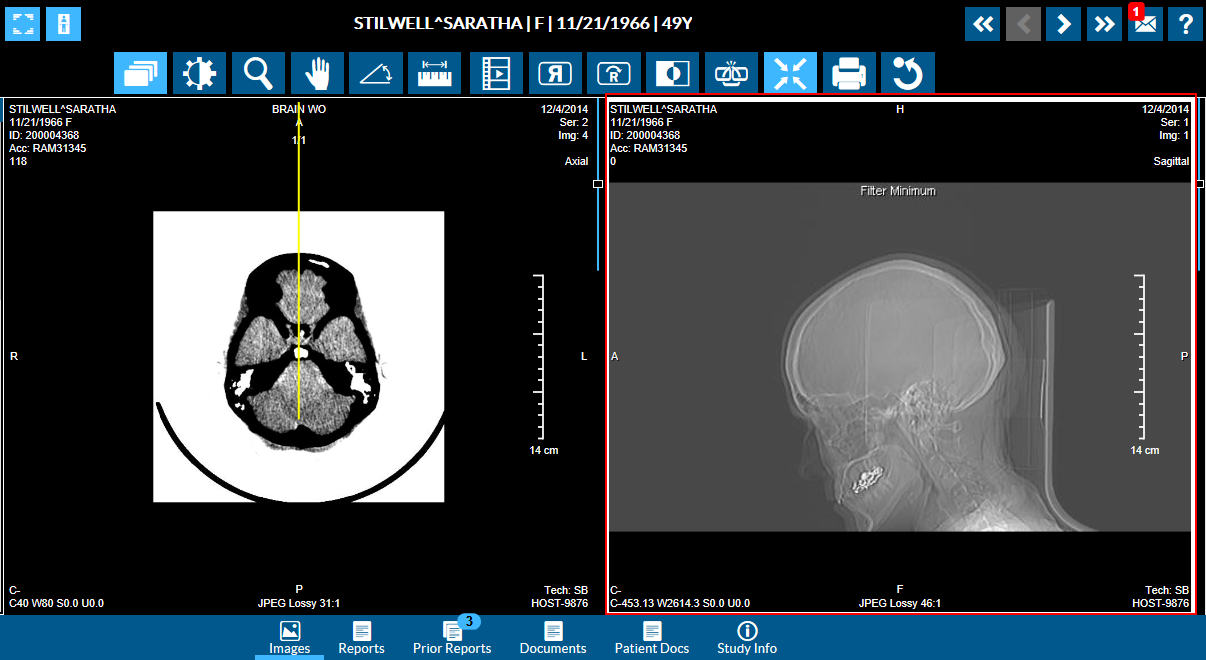
When you double-click on the image in the right side viewport, the image is maximized.
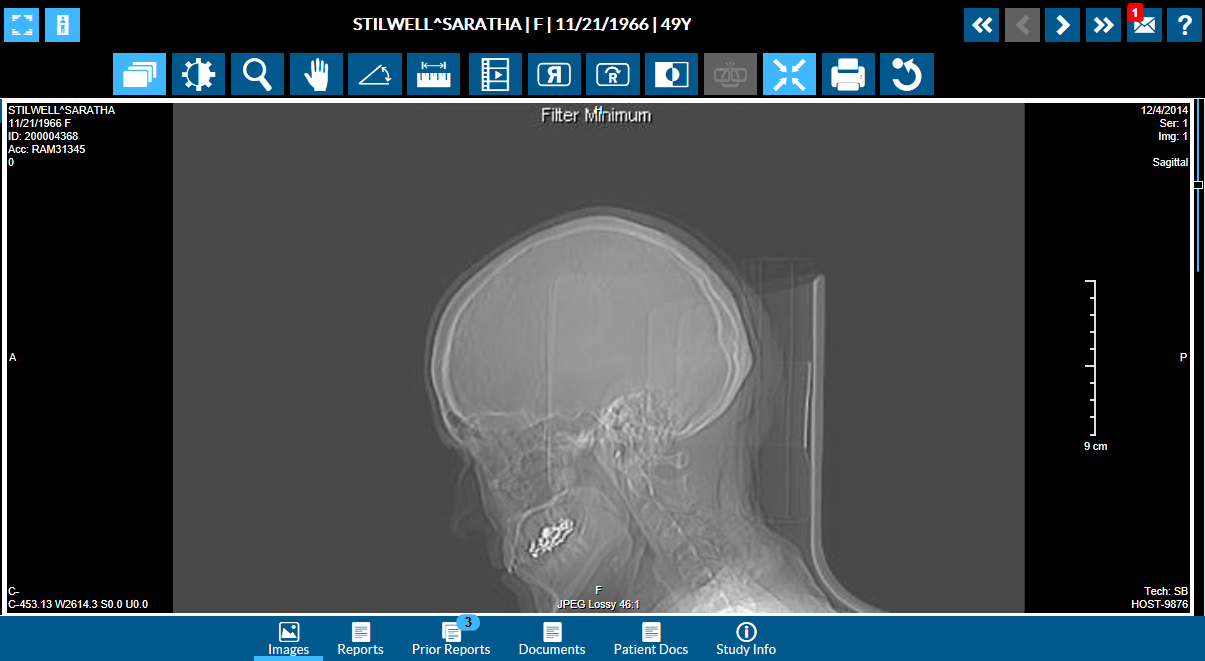
Similarly, you can bring back an image/video to its original size by double-clicking on the maximized image/video and the image would be restored to its original size.
Stylus/Touch screen Users
Double-tap over the image/video to maximize the image/video and double-tap on the maximized image/video to restore it to its original size.
