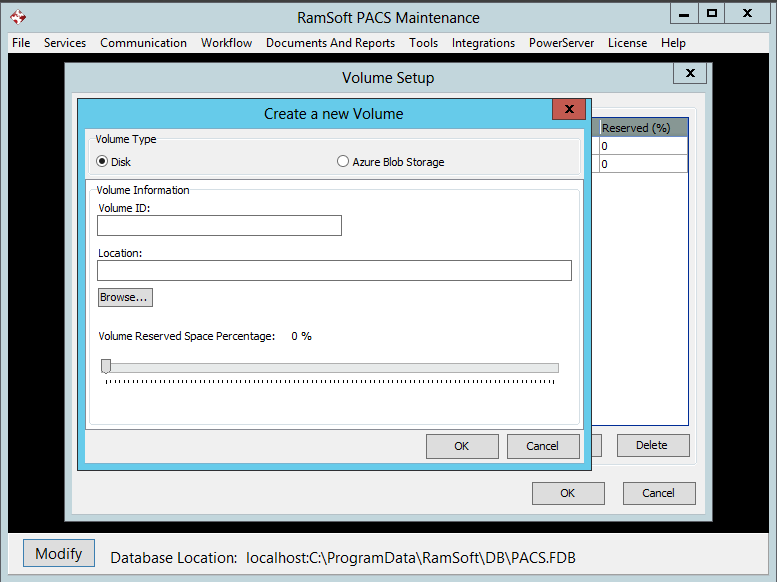
Setting Up Disk Management
The Disk Management section is designed to prevent RamSoft PACS from attempting operations that will not be completed due to a lack of hard disk space.
To access Disk Management:
- Select the File > Disk Management option.

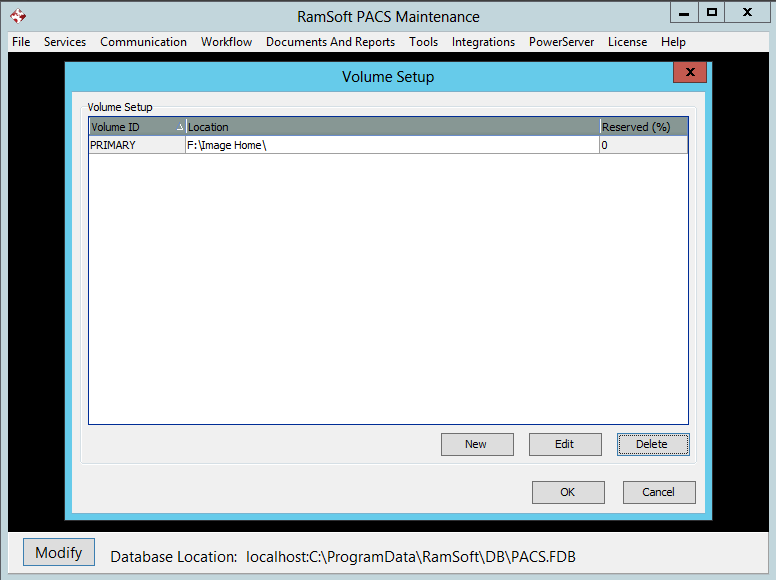
- This will open the Volume Setup form. The Volume Setup form contains information about the volumes currently used by the system. The Volume ID and corresponding Location are displayed for each volume.
- To add a volume, click the New button. For PRU 8 or lower, the user can then Set Up the Disk Volume. For PowerServer PRU 9 or later, the user is given a choice to Set Up the Disk Volume or Set Up the Azure Blob Storage Volume.