How Do I Setup the Reports Settings?
The ability to configure the contents and layout of a standard SR report can be performed in the Documents And Reports > Reports > Settings menu item. This is a global setting which will alter the way all SR text reports look.

Selecting the Setup option will bring up the following window.
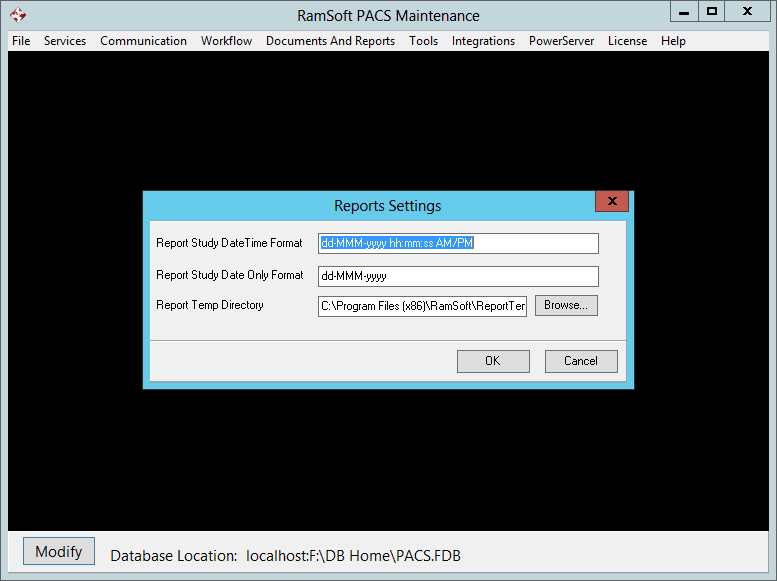
The format of any Date and Time values to be displayed in the reports can be configured in the Report Study DateTime Format field. If the values contain only dates but no time value then the format can be configured in the Report Study Date Only Format field. If these fields are not populated, the default Windows settings will be used.
The Report Temp Directory field is used to store temporary files which are generated when MS Word files are converted into PDF files. To select the temp folder, click on Browse button and then select the ReportTemp folder inside the RamSoft folder. Any temp files generated inside this folder are automatically deleted by the system.