How Do I Setup DICOM Communications?
The DICOM service listens on a specified port for any DICOM communication. If it receives an incoming message, it authenticates the sender, negotiates the appropriate compression syntax and begins receiving DICOM objects. This service is also responsible for sending DICOM objects to other DICOM stations and DICOM printers.
The DICOM sub-menu is located under the Communication menu.
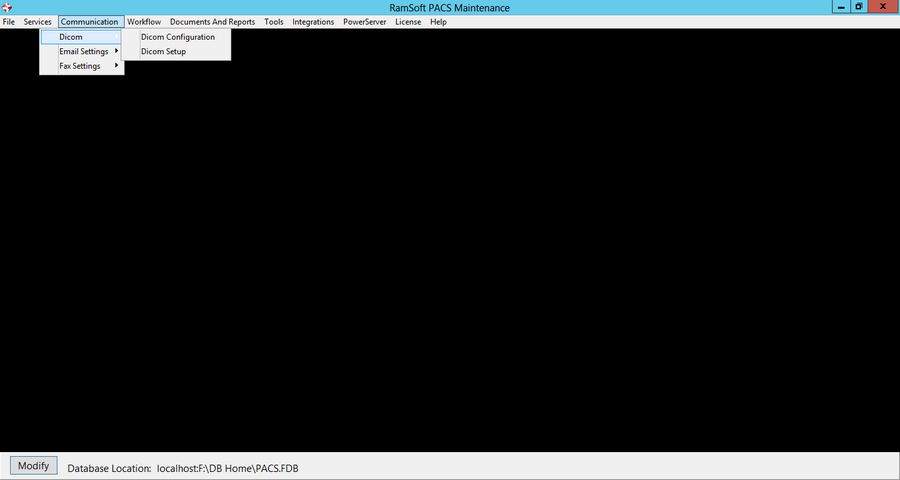
The sub menu is composed of two options i.e. DICOM Configuration and DICOM Setup.
The DICOM Configuration dialog is used to configure the basic aspects of the DICOM communication. This information is provided to the machines communicating with the RamSoft PACS in order to establish proper communication channels.
The DICOM Setup window allows the user to configure some more advance settings specifying the behaviour of the DICOM service.
You will need to restart services after saving these changes.