How Do I Setup Fax Settings?
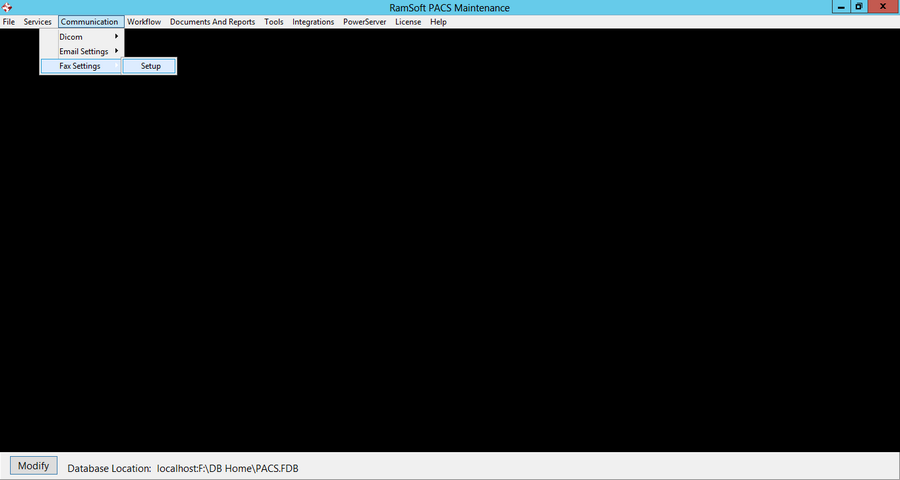
To enable fax reports for the RamSoft software, go to Communication > Fax Settings.
The Fax Settings form is setup with three options MyFax, Active Fax and InterFax. My Fax is the default option to send and receive faxes. The other option to send fax is by using the Active Fax or the InterFax services. The user can determine either of the three options by clicking on the designated radio button at the bottom of the Fax Settings form.

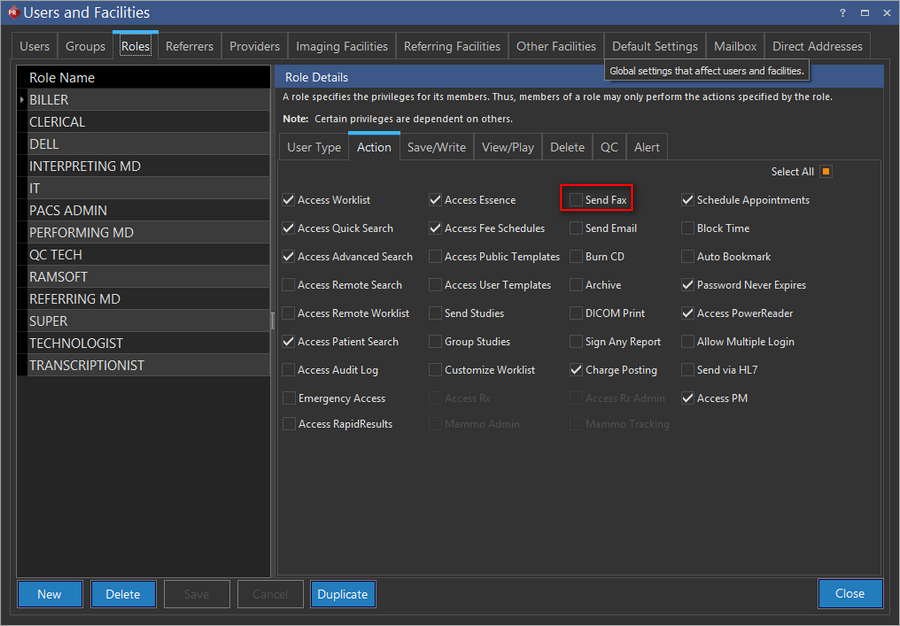
After all the options have been setup for faxing, the Send Fax option must be selected in PowerReader (Settings > Users & Facilities > Roles > Action Privileges tab) for the user to be able to fax documents.