How Do I Set Up Web Customization?
The Web Customization feature in RamSoft PowerServer allows the user to customize the way their PowerReader client login screens appear.
This feature is only available on PowerServer/TeleServer.
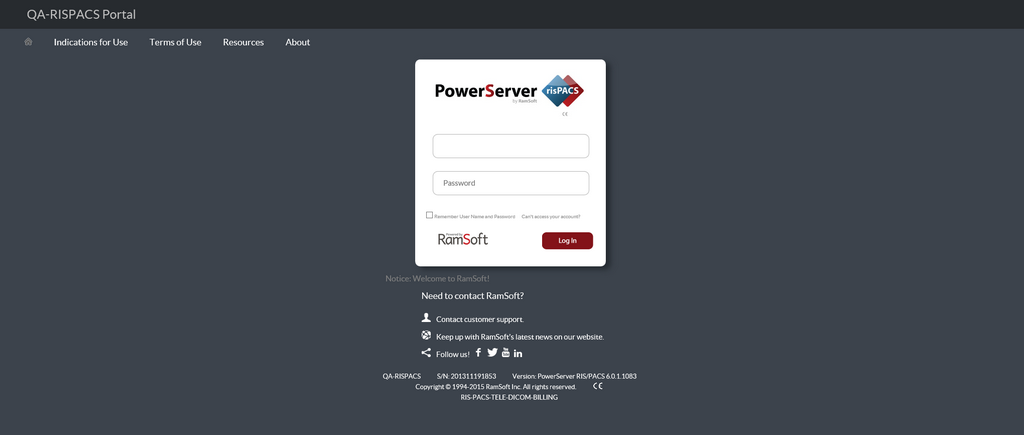
To access the Web Customization feature:
- Select PowerServer > Web Customization > Setup.

- This will open a Web Customization window.
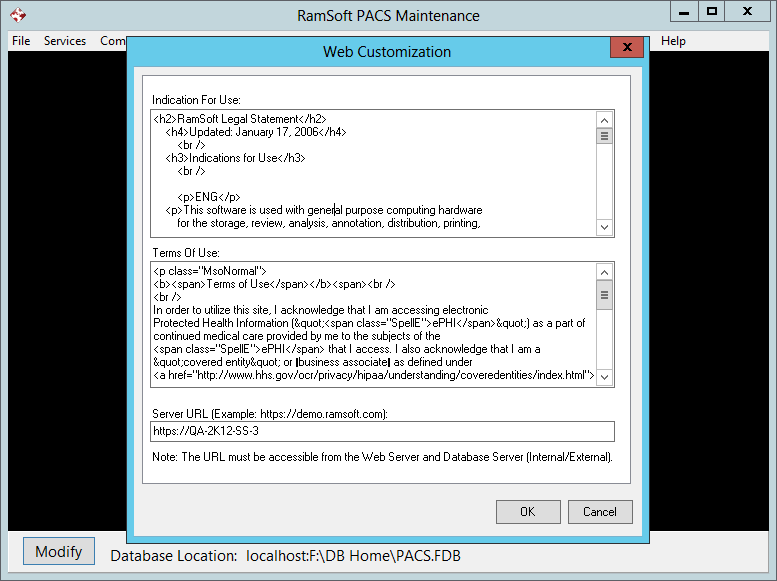
You can update the Indications for Use and Terms of Use to control the terms and conditions to be displayed in the PowerReader login portal.
The Server URL field shows the URL that the PowerReader login portal uses.
- Click OK. The PowerReader login screen will be updated to display the modified content.
Note: You can use a customized logo and add a custom message that you would want to display on the PowerReader client login screen through System Configuration settings in PowerReader. For more information on this topic, refer to the section Configuring the PowerReader specific settings in the 6.0 PowerServer User Manual.