How Do I Start Local Services?
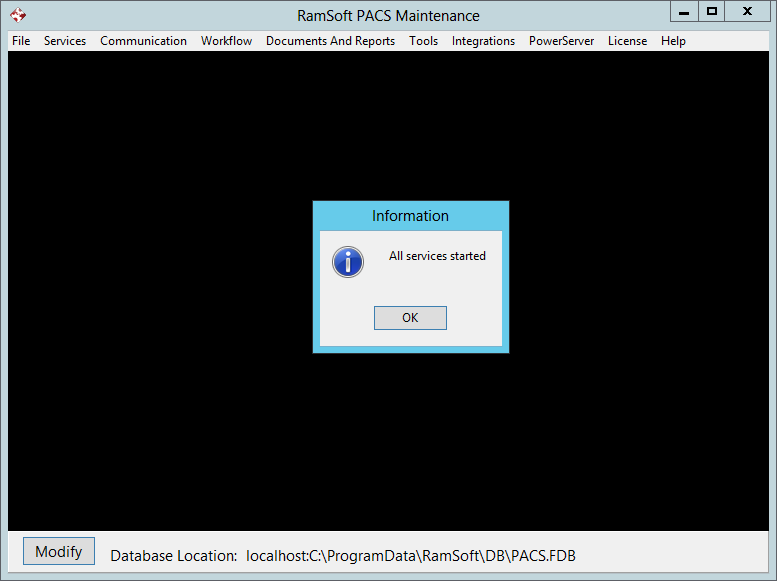
To Start Local Services, go to Services > Local Services > Start.

The Start option will start all six services described in the service tasks table.
When a service is first started up, it inspects the configuration parameters that have been set up for it and behaves as these parameters instruct it to. Since these services run non stop, they will not load new configuration parameters until they are restarted. Some parameters, such as the database file name, cannot be changed while the services are up and running. This is one reason for providing the Start feature.