How Do I View & Edit Details about a Patient?
In order to view information about a patient, you will need to open the Patients search form and locate the patient in question. The Using the Search List section contains details on how to perform that task. Once the patient has been located and highlighted, click the Patient Info  button. This will open the Patient Information Form. The form is also accessible from the Patient Explorer by right clicking the patients name and choosing the Patient Info option from the menu.
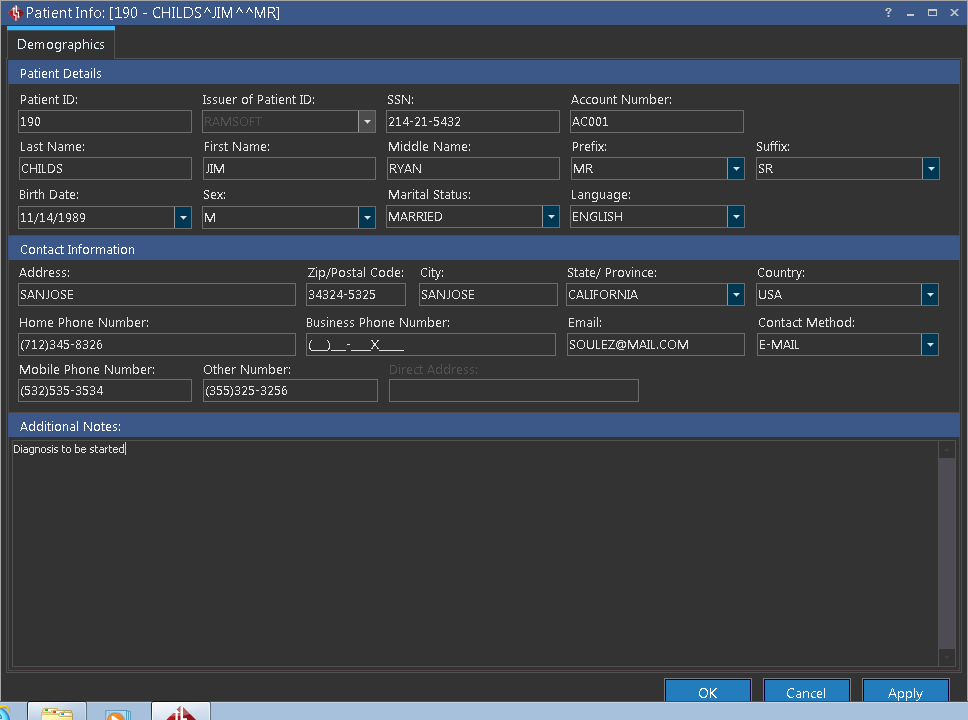
Here any information about the patient can be viewed and edited. Once you are finished click OK to save the changes.