How Do I View & Edit Details about a Study?
In order to view information about a study you will need to locate the study in your worklist. Once you have found it, highlight the study and click the Study Info  button. This will open the Study information form.
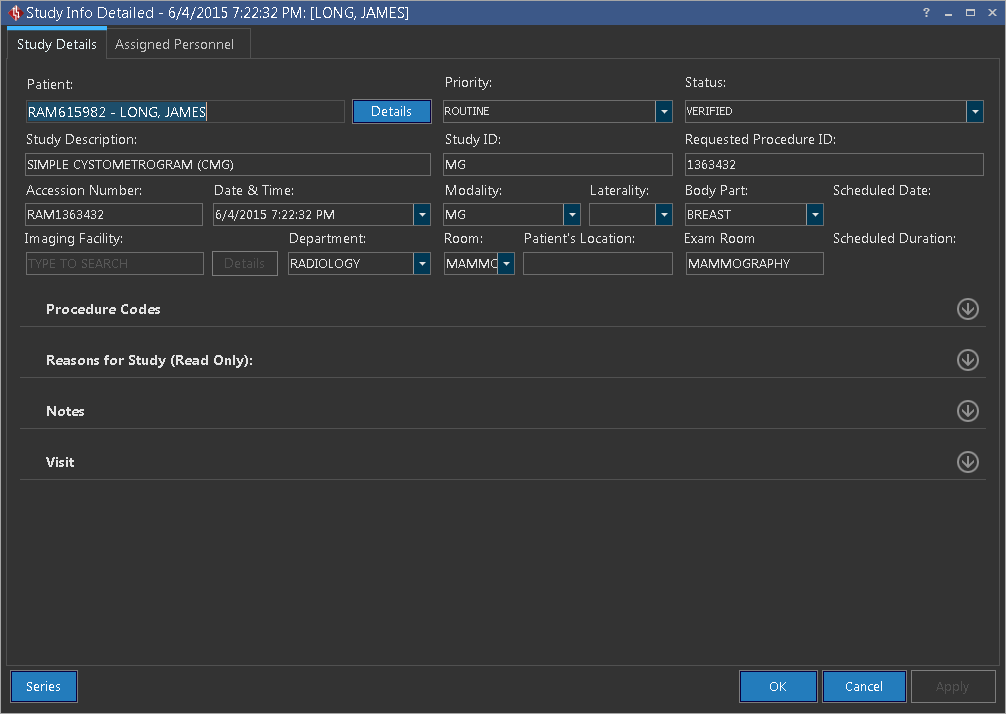
Here you can view and edit any information within the study. Once you are finished click OK to close the form or click the Series button in the lower left corner to display the series information for the study. The How Do I View & Edit Details about a Series? section of the manual discusses that form in detail.