How Can I Monitor any DICOM Communication Problems?
The RamSoft software maintains a list of all the errors and warnings that occur during DICOM communication with other systems. This list is accessible by clicking Settings > Logs > Communication > Error Log tab.
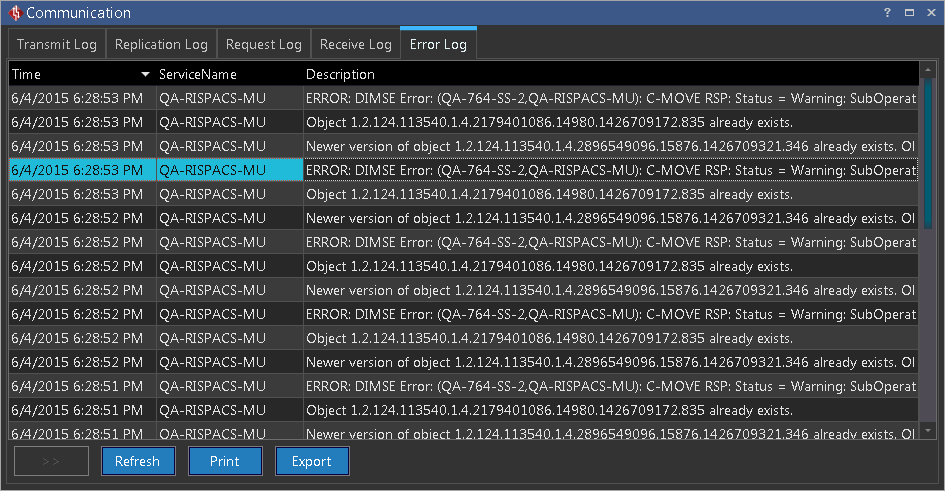
Every entry in the Error Log corresponds to one error or warning message. Each error message is dated and shows the station that was on the other end of the DICOM transmission when the error occurred. If the error occurred on another station, and that station sent the error message to the RamSoft software, the station name will simply appear as RECEIVER.
This log is a useful troubleshooting tool. If a DICOM ping is failing, this log will indicate what the error is. If DICOM objects are rejected by either party, that information will also be logged.