E-Learning
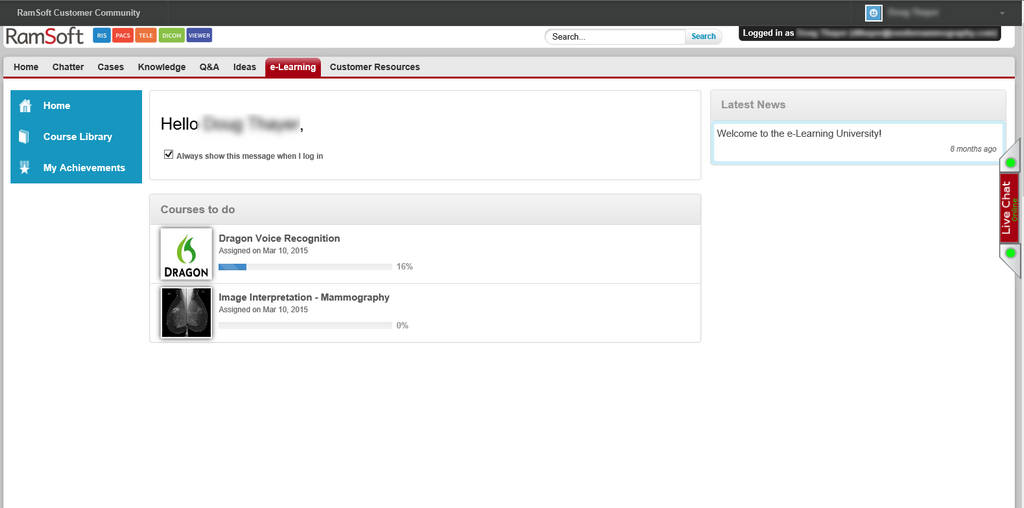
RamSoft E-Learning allows the user to login into the e-learning portal and view the audio-visual help available for various sections of the software.

Clicking the E-Learning option will launch the RamSoft Customer Community login page in the web browser.
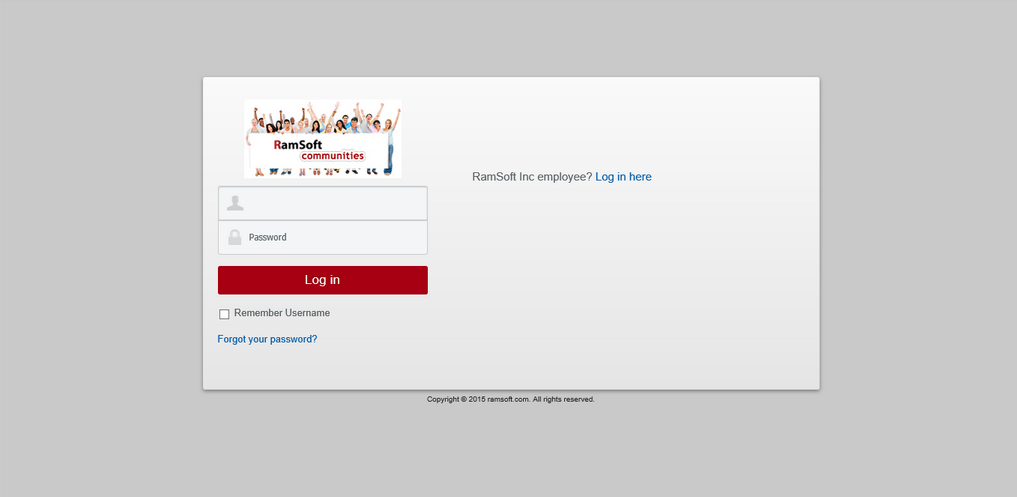
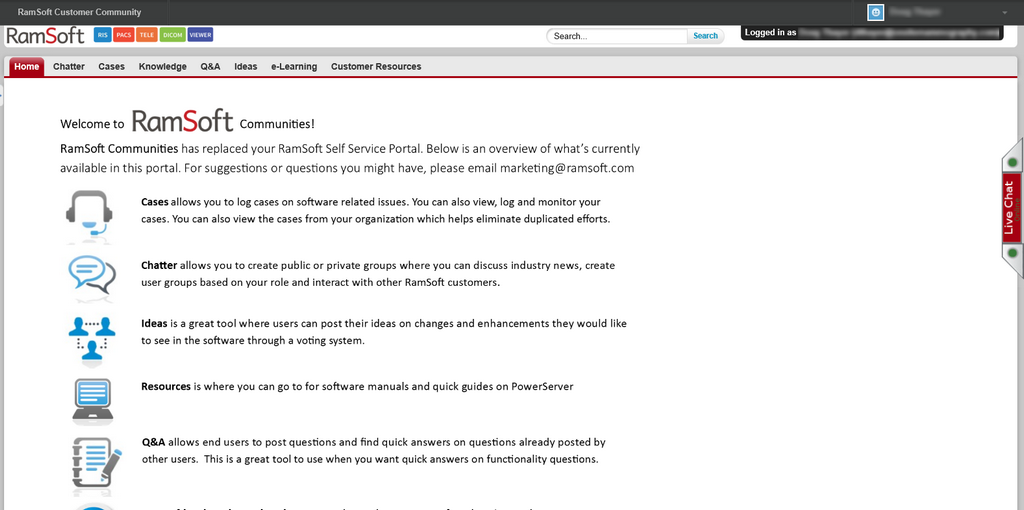
Entering the ID and Password allows you to access the RamSoft Communities home page.
Clicking the e-Learning tab will display all the course you have taken or registered for. Selecting the Course Library menu option will display a list of all the courses.