Comparing Studies
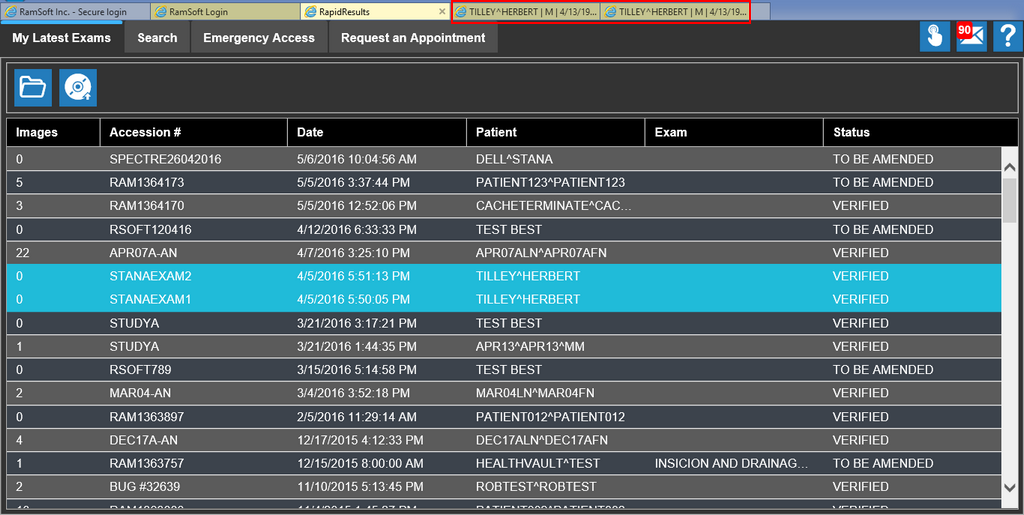
RapidResults allows you to open studies like you would in a web browser. This can be helpful when comparing multiple studies by switching between the browser tabs.
Opening studies in two different browser tabs allows you to alternate between the studies and essentially compare the priors and access prior reports quickly.
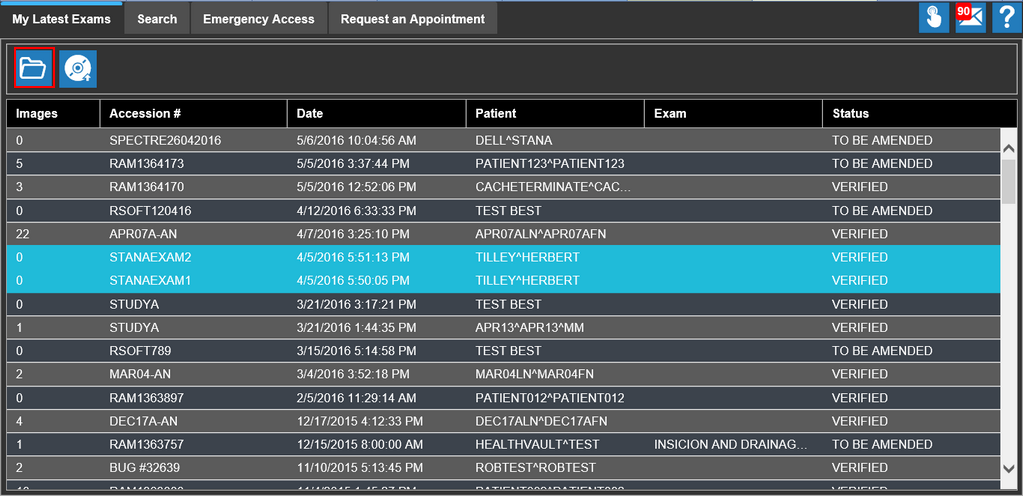
To open multiple studies in RapidResults, select the desired studies from the My Latest Exams/Search screen and select the Open Study  tool.
tool.
The studies open up in different tabs on the browser window.