Launching RapidResults
To access to RapidResults, you must login successfully to the PowerServer portal. You will need to accept the Terms of Use upon initial login.
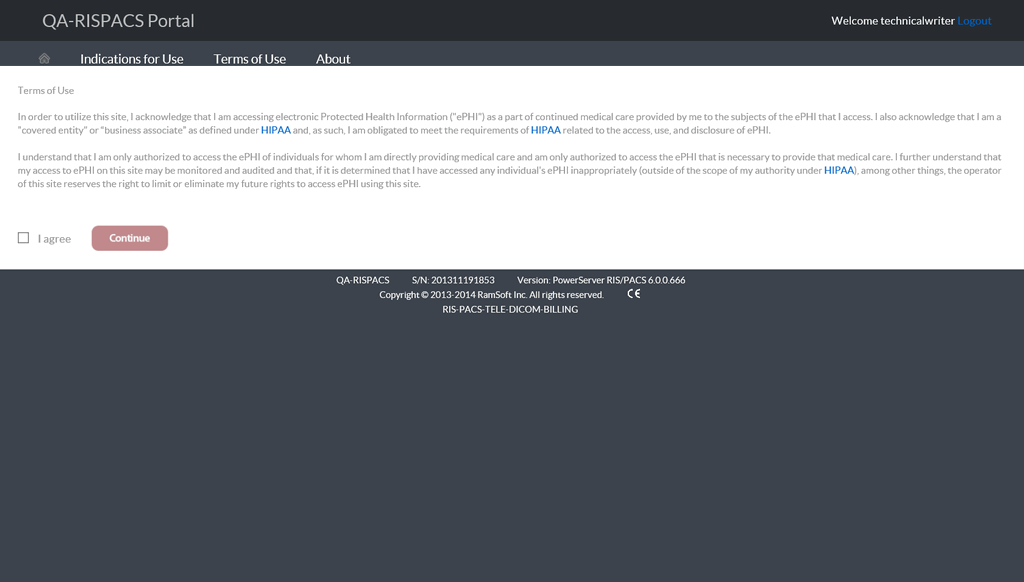
Select, I agree checkbox and click Continue. Only then, the PowerServer portal with application icon to access RapidResults is made available. Ensure that you are accessing the server with correct S/N (Serial Number) and Version details available at the bottom of the login page.
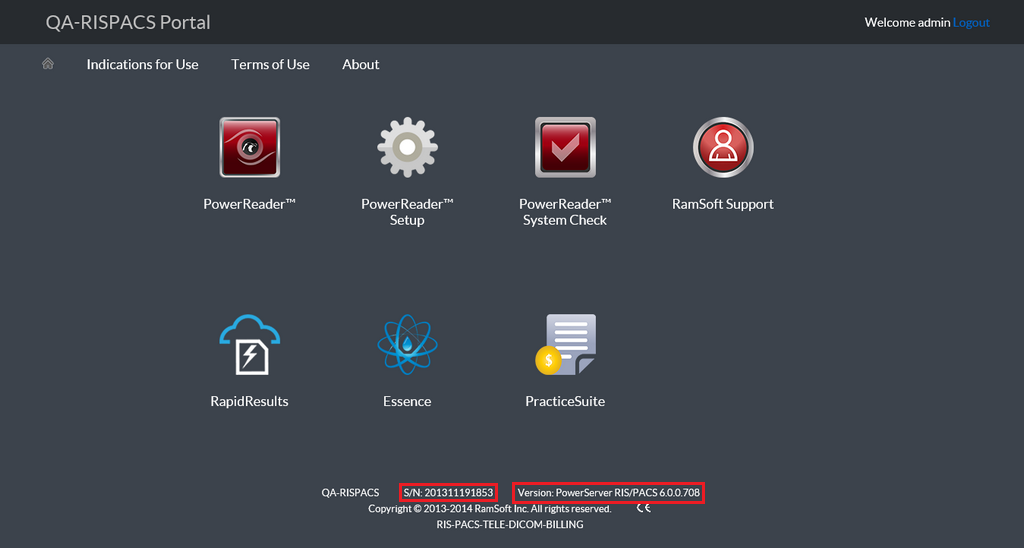
Click on RapidResults. RapidResults application will open with a list of latest studies.