How Do I Configure the Keep Alive Config Option?
In a TCP/IP protocol, if the network connection between two clients drops, the receiving client might not detect the disconnect for a long time. The Keep Alive Config option has been designed to overcome this shortcoming of the TCP/IP protocol. The option associates a timer with the connection and when the Keep Alive timer reaches zero, a probe packet is sent to the peer. If the connection is valid, a reply to the Keep Alive probe is received from the peer. This procedure is useful because if the connection is lost, you will notice the disconnect even if there is no traffic on the connection.
To configure the Keep Alive Config option, go to File > Database > Keep Alive Config.
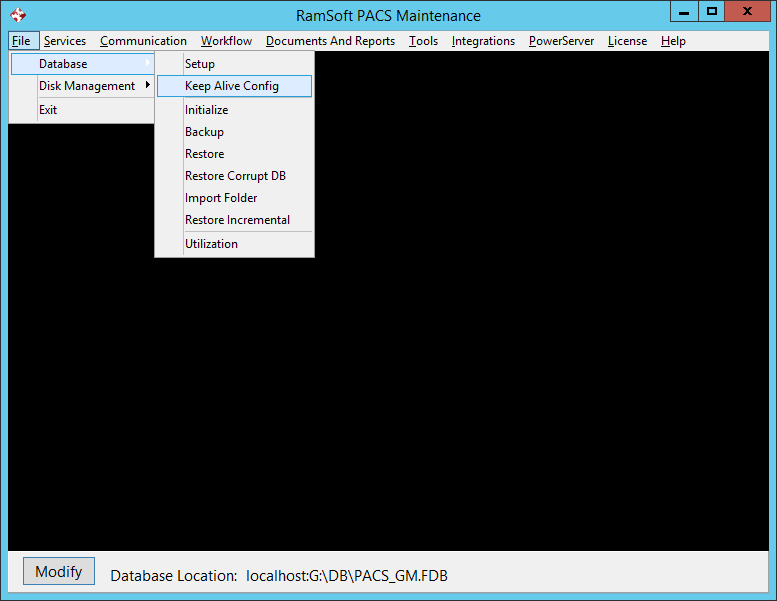
This will open the Keep Alive Config form.

The Keep Alive Timeout option determines the timeout if the connection has been dropped on the other side.
The Keep Alive Timer (min): option determines the maximum time interval between messages received from a client. Default is 5 minutes.