How Do I Restore a Database?
danger
WARNING: This process should only be performed if a recent backup of the current database file exists. The Restore process will overwrite the current database. This means that any modifications to the database since the date of the backup will be lost, irretrievably
Restoring a database
To restore a database:
- Select the Restore option from the File > Database > Restore menu.
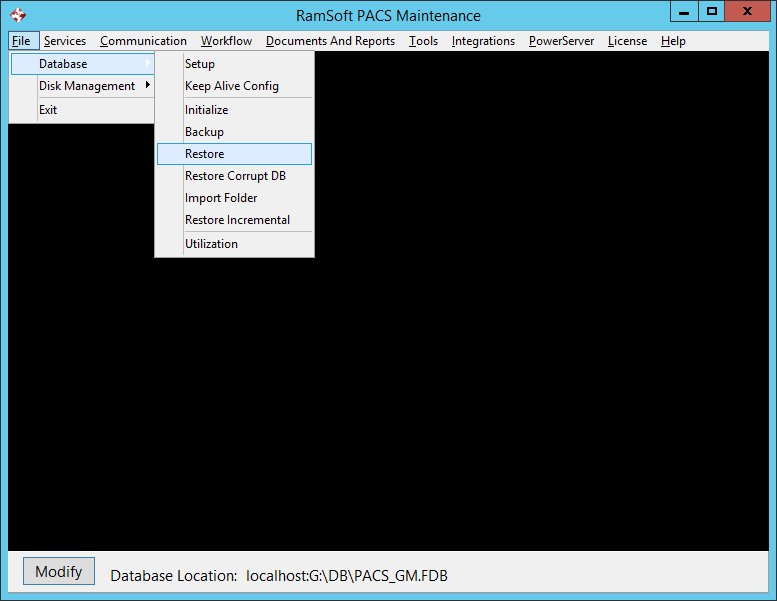
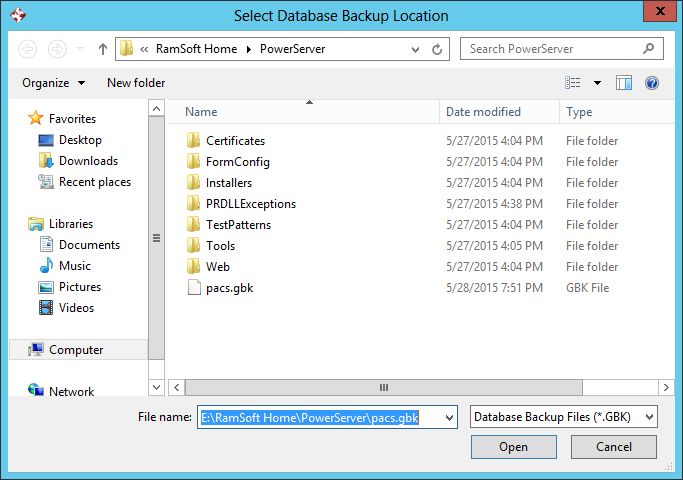
- This will open the Select File dialog. Select the folder and name of the file that the database should be restored from.
-
Click Open.
-
The Restore process will commence. During the Restore process, a restore log will open showing the progress of the operation.
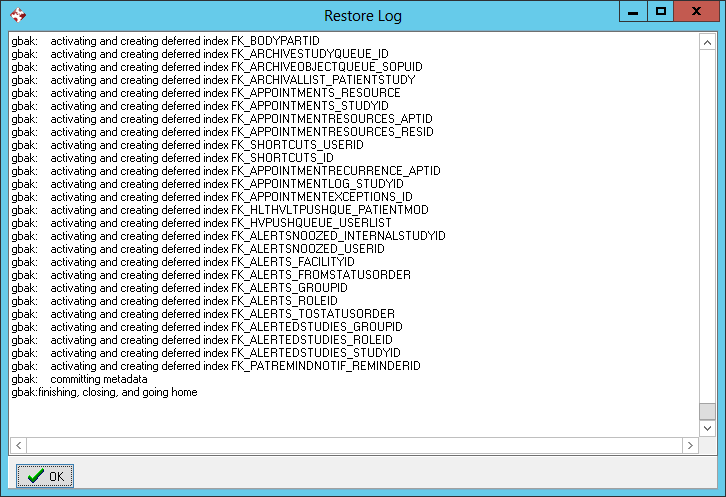
- When the Restore process is completed, a message will appear indicating that the database has been restored.