Patient Information
The Patient Registration form contains details on a particular patient in the database. To search for a patient, see the section Using the Search List for details on how to perform that task.
This form can be found by clicking on the View Patient Information icon in the top toolbar on the Worklist or Search screen. The Patient Information screen appears as shown below:
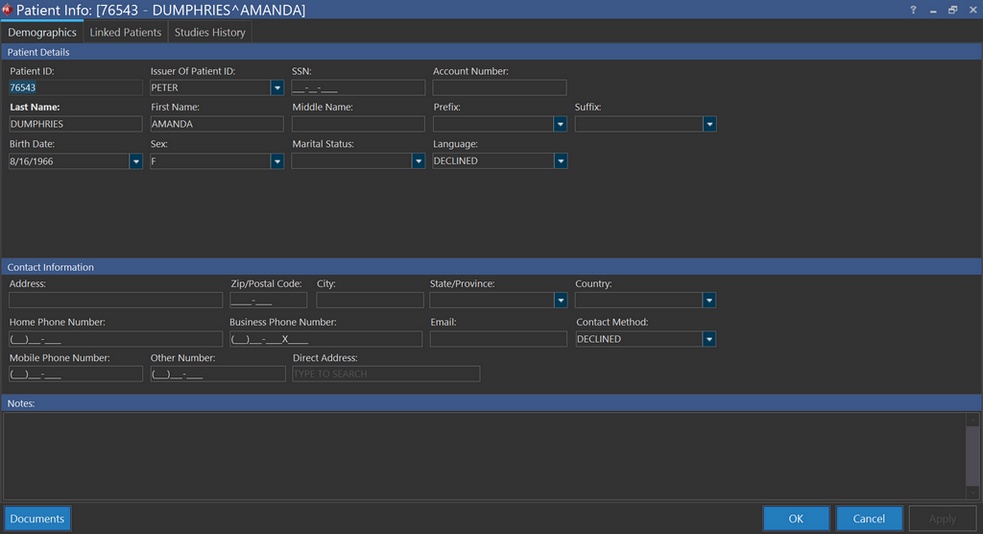
Another way of accessing this form is by right-clicking the patient's name in the Patient Explorer and choosing the Patient Info option from the menu.
The following tabs are available in the Patient Registration Form:
Patient Information tab
The Patient Information tab contains essential information about the patient.
The Contact Information section displays the patient's Address, Phone Number, Email, etc.
Note that when you edit any fields in the Patient Info form, there may be a slight delay of a few seconds for this update to reflect on the Worklist/Search screens and on Patient Explorer.
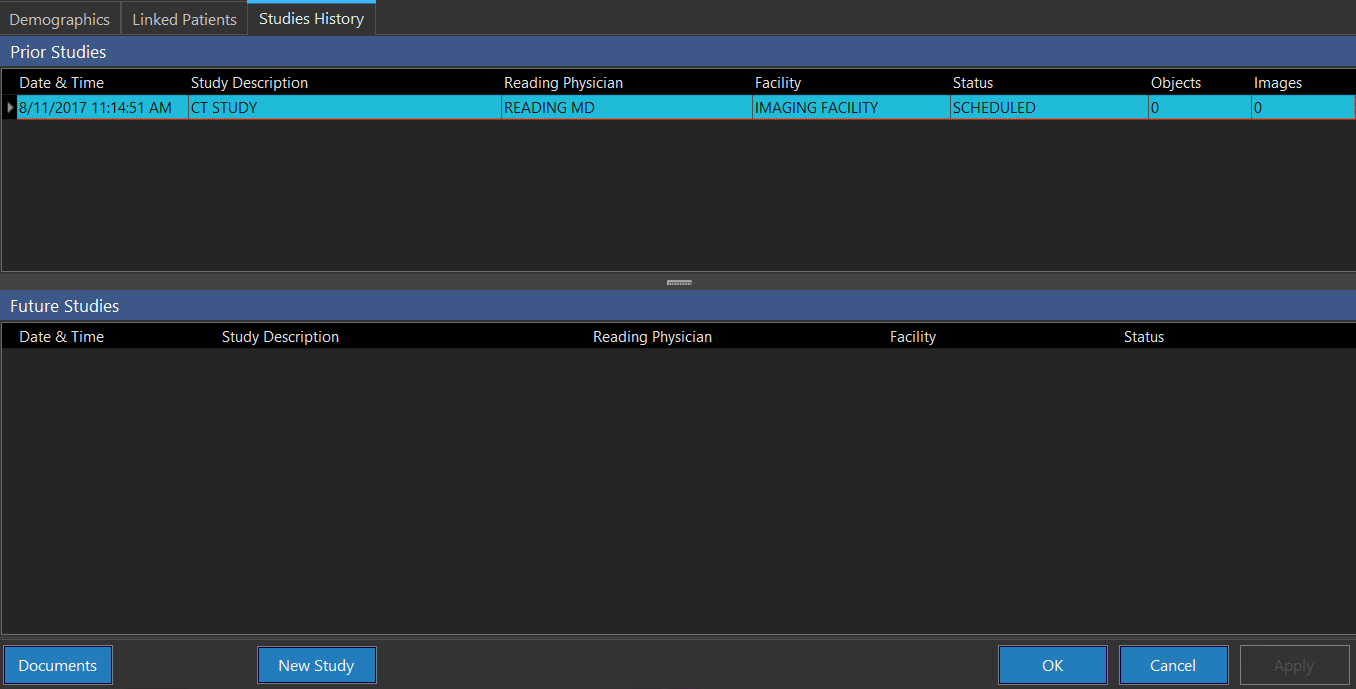
Studies History tab
See the section Studies History Tab for more details on this tab.
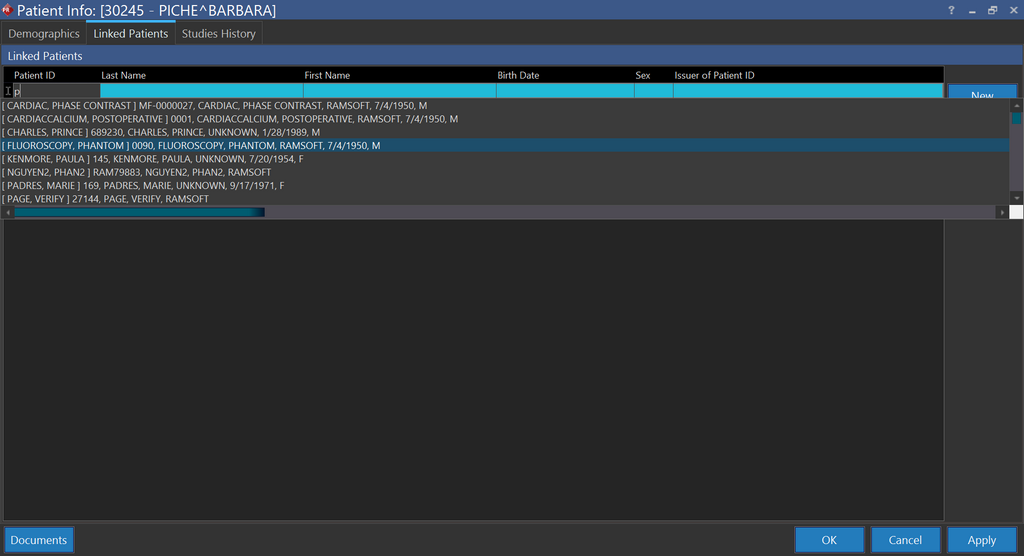
Linked Patients tab
See the section Linked Patients Tab for more details.
To save changes made to the Patient Registration form, click Apply and then click OK.