Creating a New Patient
Create a new patient by pressing the F2 key on the Worklist or Search screen. The Patient Info screen is displayed.
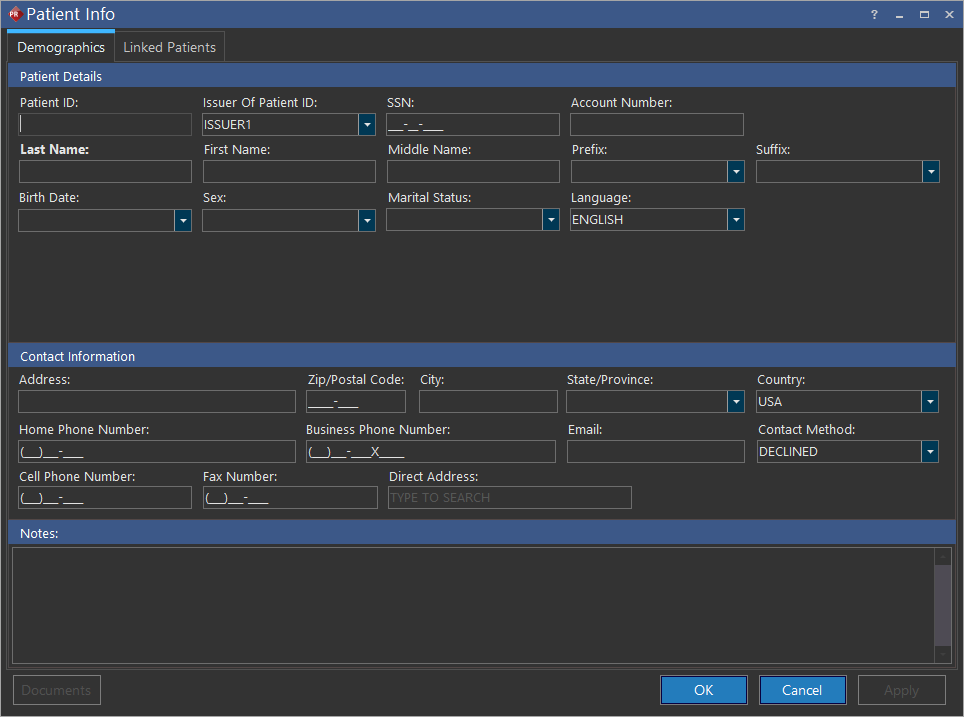
Enter the patient's information. Only the Last Name field is required. All other information is optional, although it is recommended to complete as many fields as possible. A patient's date of birth can be entered as far back as 1/1/1800. Any birth date older than 1/1/1800 is not allowed.
Click OK to save when finished. If the information entered is identical to a previously registered patient at the facility, a notification will appear saying that the newly created patient and the previous patient will be merged together.
The New Study form automatically opens for that patient. Clicking Cancel will skip that step.