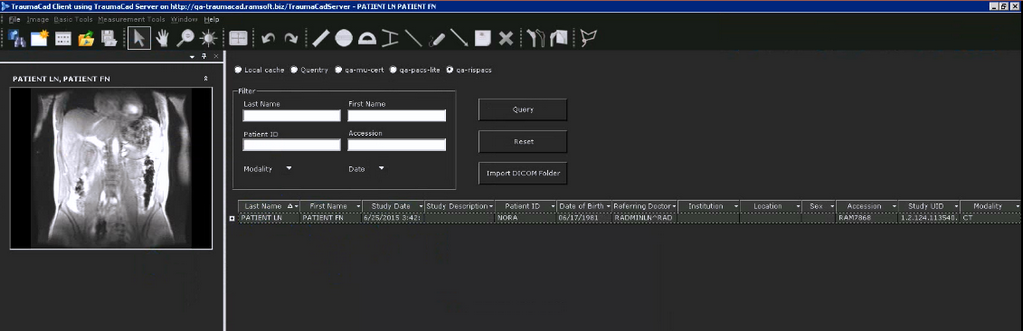
Orthopedic Templating Software
In PowerReader, you can use the Custom URL button to launch orthopedic template enabling software TraumaCad.
These Third-Party websites can be configured using the following URL:
| TraumaCad | https://myserver.com/traumacadserver/main/index.aspx?studyuid=%STUDYINSTANCEUID%&USERID=%USERNAME% |
|---|
For example, the following screenshot shows a Study Desktop configured with a Custom URL button (TraumaCad):

Press Ctrl+Alt+F12 on the study desktop to open an integrated third party website with PowerReader.
When the custom button is pressed, the third-party HTML page pre-populated with the current study information is displayed.