System Configuration
System Configuration controls the software in the background. Only administrators are privileged to access this screen.
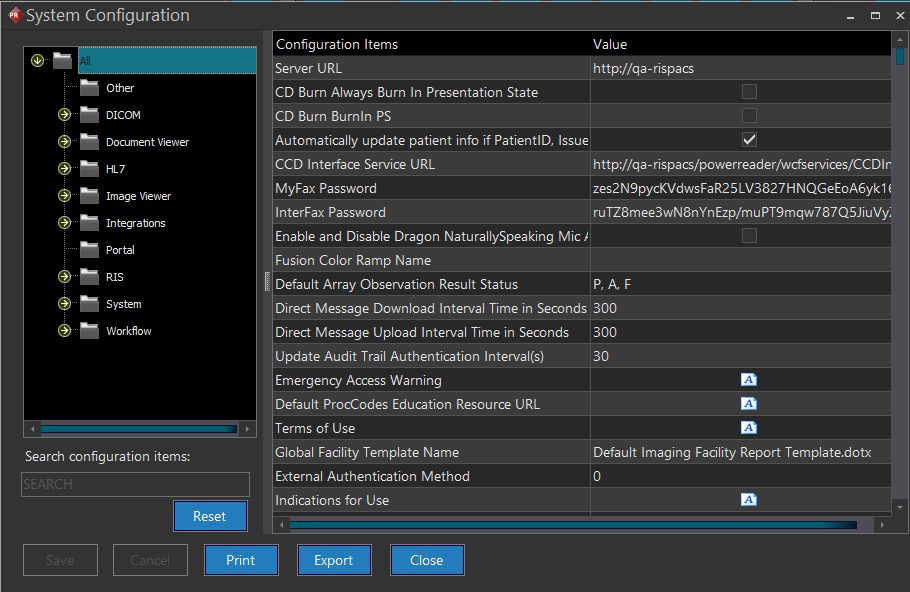
Click Settings > System Configuration. System Configuration screen appears as shown below.
System Configuration screen/interface has different categories and sub categories accessible through a tree like navigation structure (expand & collapse). All of the configuration items are placed under relevant category(s) and subcategory(s) so that you can easily access them. By default, system shows all of the configuration entries listed in System Configuration window.
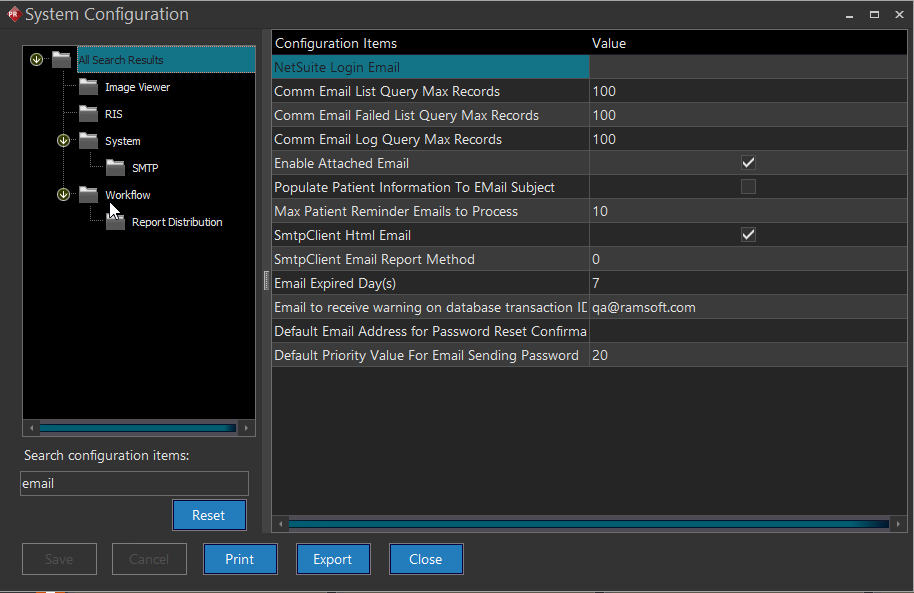
You can search for the specific configuration item using any term in the Search configuration items text field. While you type, the typed text matches with the database and gets filtered. As a result, you could find the searched result on the screen immediately. If the searched item is found in more than one category or sub category, system displays the search results in tree like navigation structure. System highlights the currently selected category and configuration item as shown below.