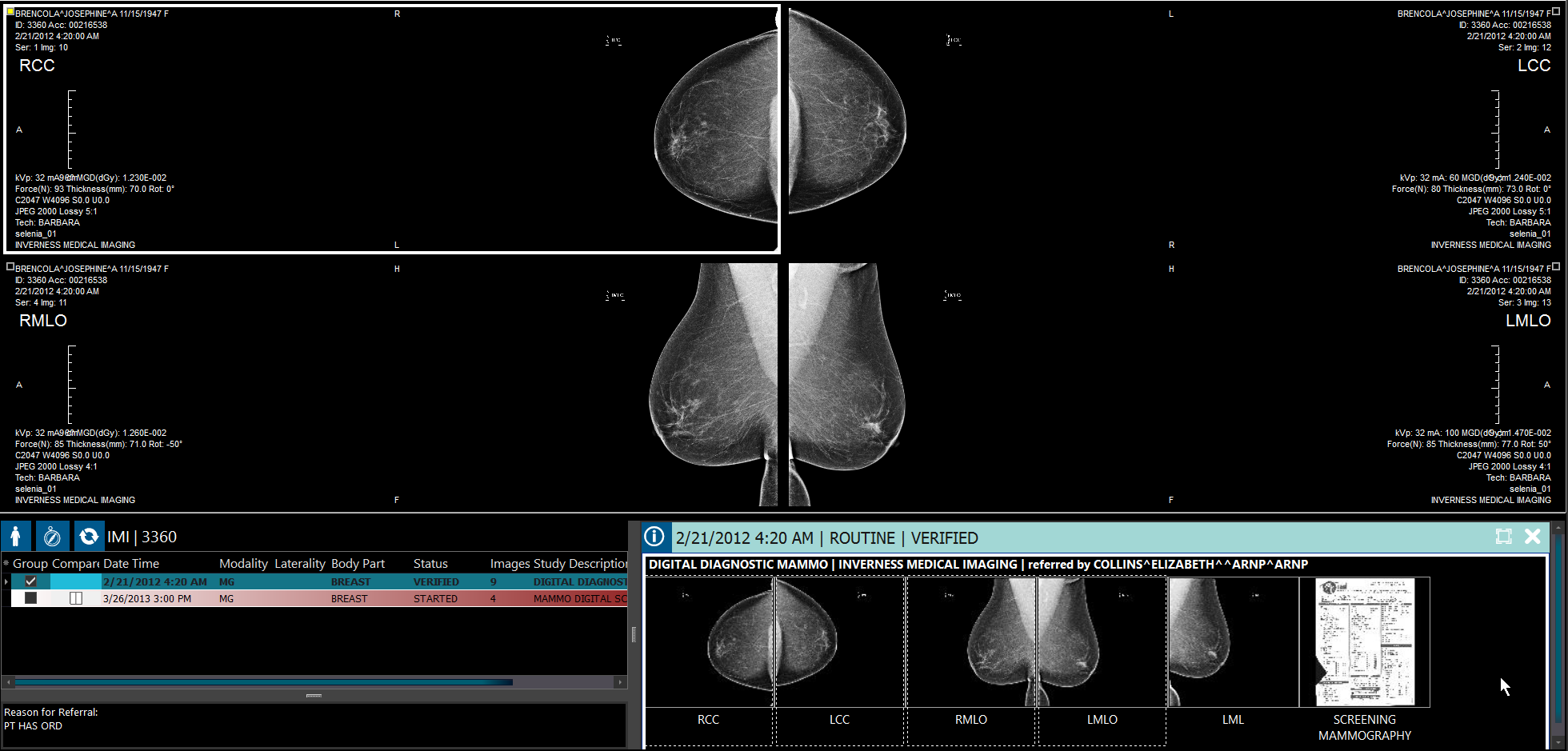
Mammography Thumbnails
Mammography images thumbnail descriptions are now annotated with the view they are located in along with modifier on one line and any information on ImageType3 if there is one existing. They appear as LMLO, RMLO, LCC, RCCID, etc.
Open any Mammography (MG) study in PowerReader. When the study opens, the Patient Explorer opens depending on your settings.
Note that for all other images, the thumbnail descriptions include only series description if there exists one. If Key Objects do not have series description, the username along with the date/time of the creation of the key object is included.
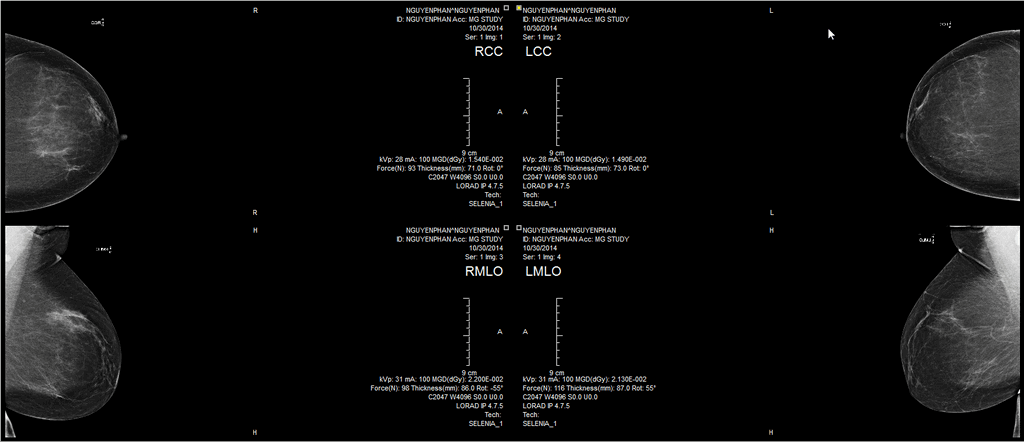
MG studies are labeled as LCC, LMLO, RCCID, RMLO, etc.
In the Patient Explorer:
- Double-clicking over a thumbnail would load the corresponding Frameset for display in the currently selected viewport (replacing any Frameset already displayed).
- You can also select different thumbnail series to allow for selection for two or more than two Framesets which when double-clicked would be displayed in the currently open view ports or display in newly opened viewports.
- You can only select as many Framesets as the number of viewports available based on your layout settings.
- You can drag and drop thumbnails from the Patient Explorer to any viewport to display the respective frame set in the selected viewport.