How Do I Rename a Presentation State?
When you open a study, a presentation state is created. However, it is not saved until the study is closed. The name given to it, is your last name. If you will like to use a different name, you can rename the Presentation State from the Image Right click Menu.
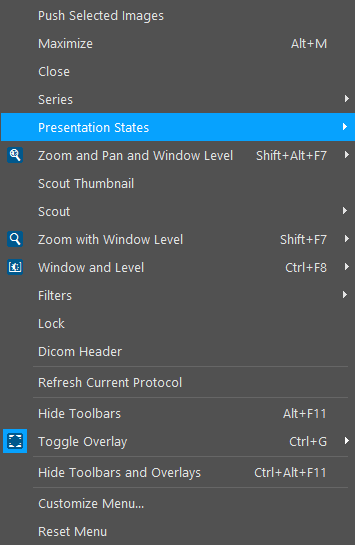
This will open the list of all Presentation States associated with the image.

The currently highlighted Presentation State is the one that is being created. Opening its sub menu, gives the following.

To rename the presentation state, change the Label.