Training Your Speech Understanding™ Voice Profile
After you login as a new user, you have the option to complete the enrollment process after you have selected and calibrated your microphone. This is recommended for best recognition results but it is not required to run the program.
For optimal recognition, at least 10 minutes of dictation is recommended.
For the voice profile training, go to the menu and select Tools > Profile Training.
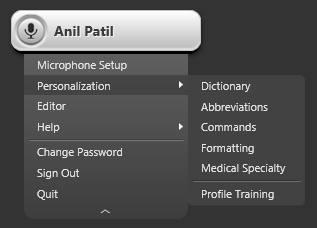
Selecting Profile Training will open the following window.
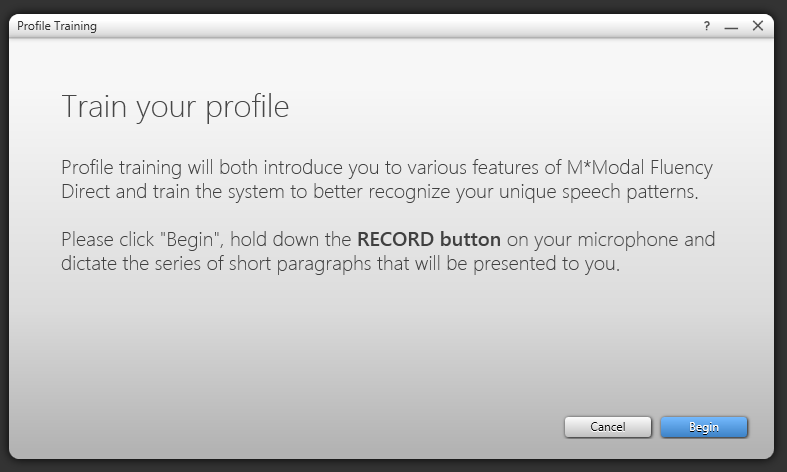
You can perform two steps here. You can turn on the microphone and read the text displayed in the profile training window. The Voice Training window will display text to be dictated. As you complete each page of narrated text, a new narrative will appear. You can also train your profile by clicking on the Scan Now button which will allow Speech Understanding to scan your SENT EMAILS to analyze your speech patterns.
Once you have finished training, click Save to save your voice profile. You can return at any time to continue the training process.
While the voice profile is saved on your computer, it can be accessed from any other computer you login into.