Secure Messaging with qliqSOFT
QliqSOFT is a HITECH and HIPAA compliant secure messaging app for hospitals, clinics, and healthcare facilities to assist medical professionals. Messages are initiated from RapidResults and sent to physicians or patients. The recipient of the message proceed to use the qliqCONNECT desktop or mobile application to respond and continue the conversation in the qliqCONNECT application.
The following steps are used for a user registered in QliqSOFT to send a message from RapidResults Messaging.
-
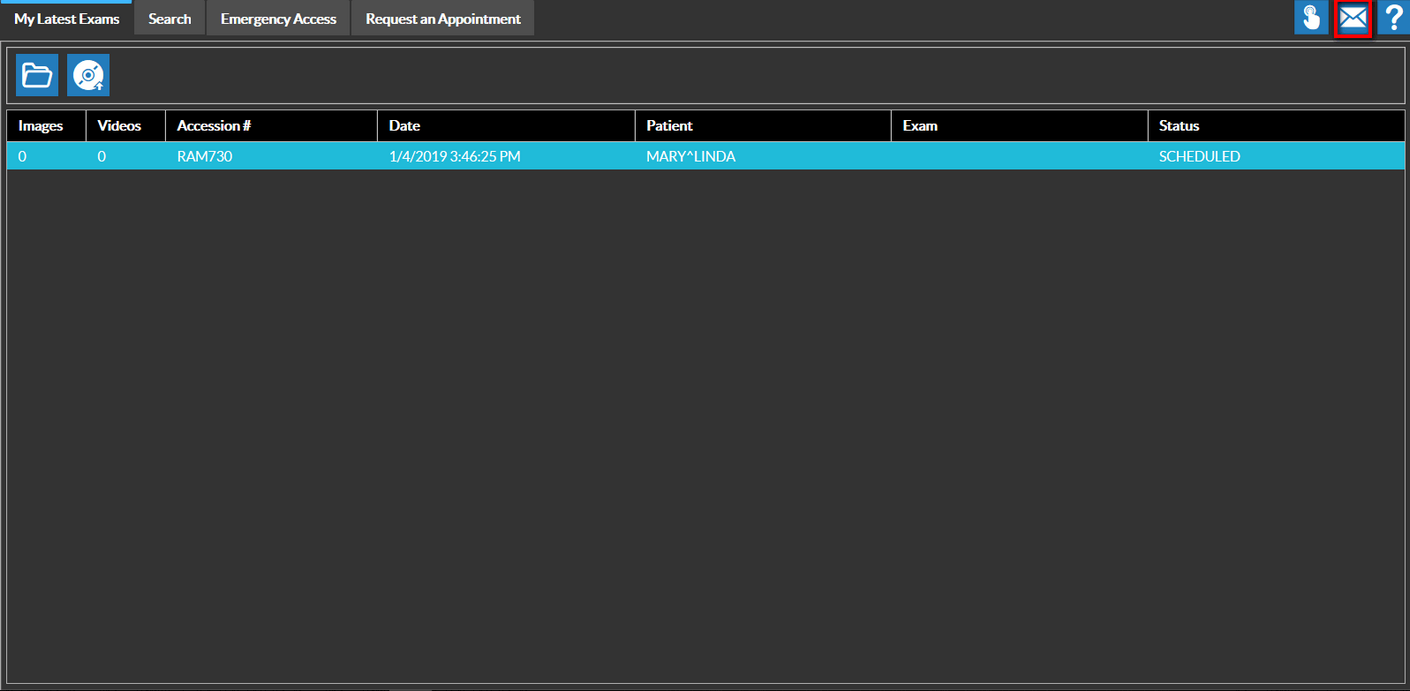
On any screen, click the Messaging icon.
-
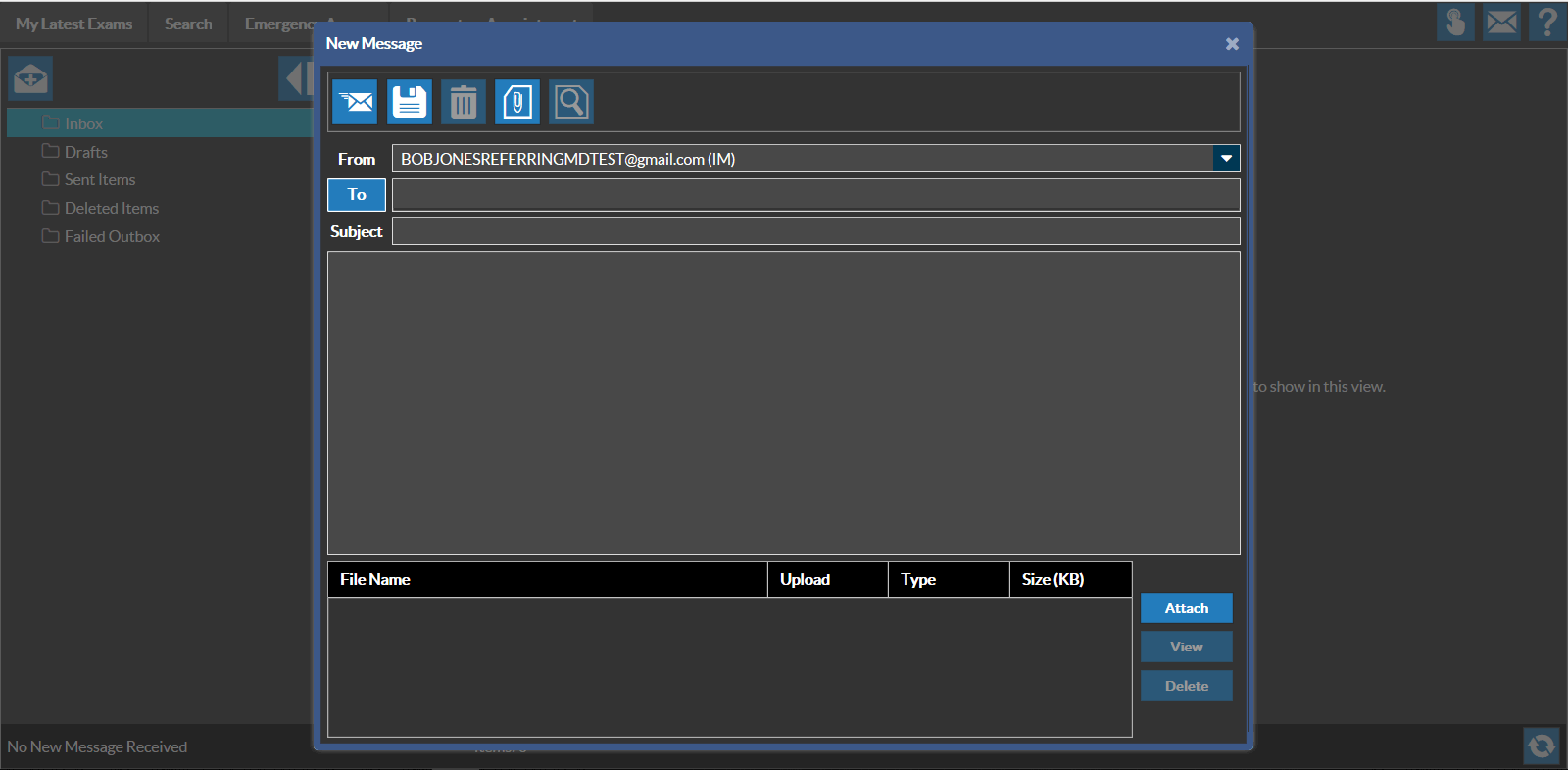
The user's email address should automatically be populated in the "From" field.
-
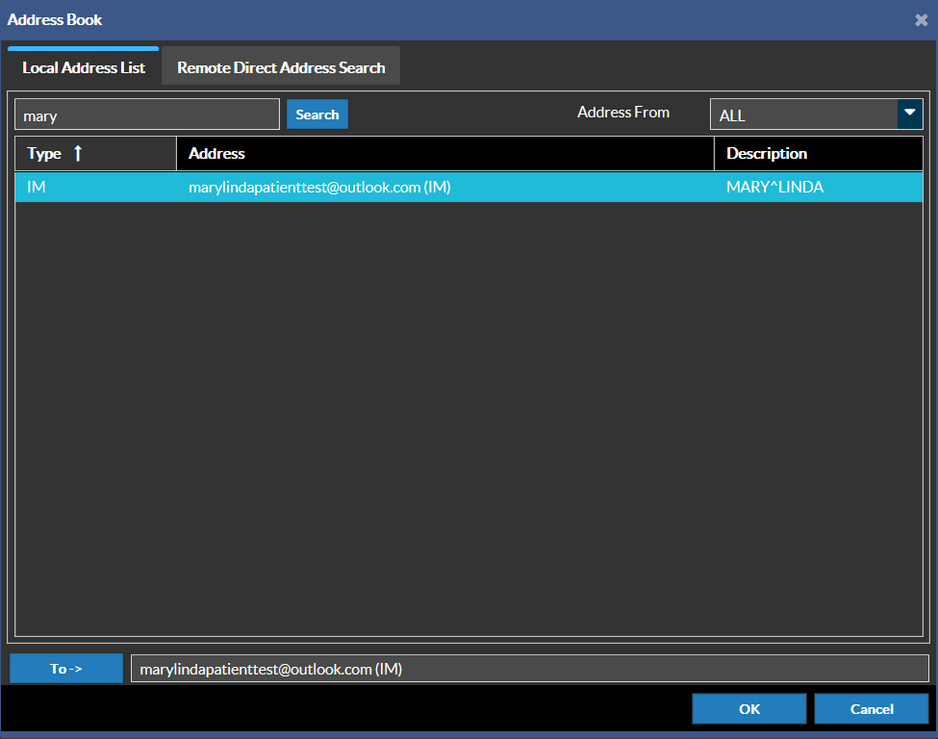
Type in the Recipient by either searching for an existing user or manually typing in the E-mail address or Phone Number. More recipients can be added if desired. If the recipient does not contain either a E-mail or Phone Number, it will be displayed as blank.
-
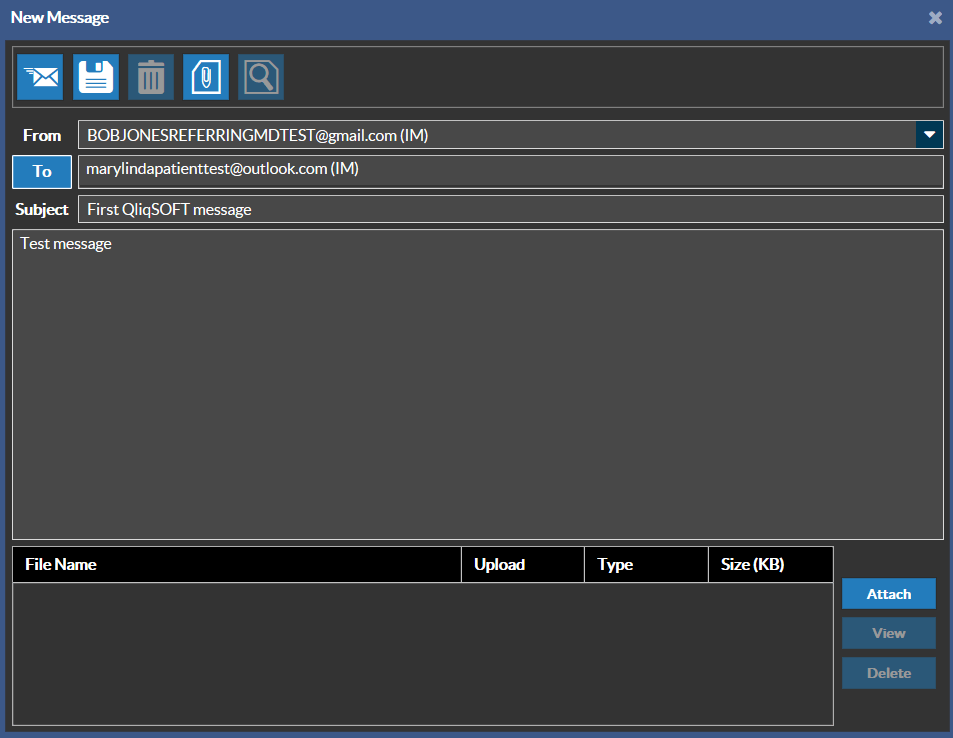
Type the message body content and click Send.
Messages can be sent to two types of users: Members and Non-Members of QliqSOFT.
Member:
A QliqSOFT Member is an individual that can see and contact users in his or her organization's QliqSOFT contact list. These Members are PowerReader Users with the Access Messaging privilege with a valid E-mail address. See Receiving Messages for Members
Non-Members:
A QliqSOFT Non-Member is a User without the Access Messaging privilege in PowerReader or a patient. Non-Members cannot see other non-members in their QliqSOFT contact list. See Receiving Messages for Non-Members