How Do I Delete a Connection Path?
To delete a Connection Path, open the Connection Path dialog. This dialog is accessible by clicking Settings > Server Settings > Connection Paths tab.
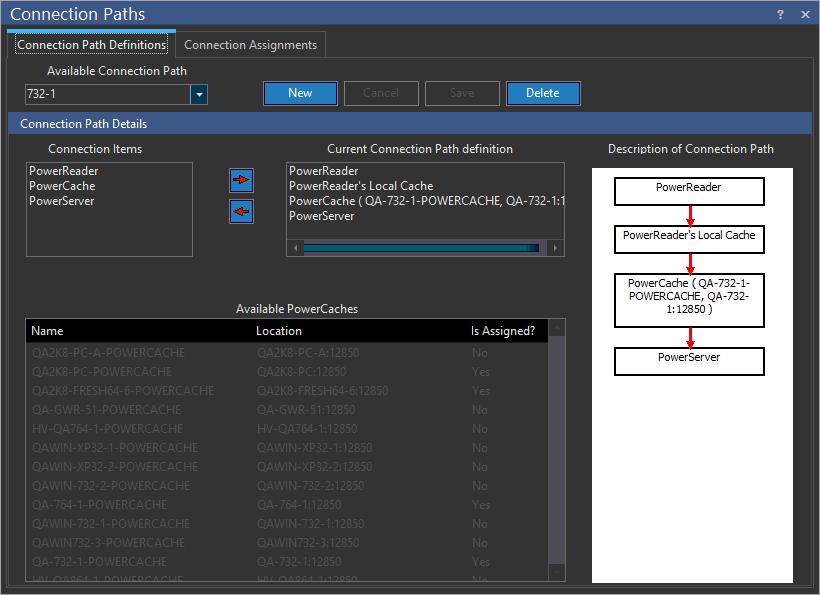
Next, choose the path to be deleted from the Available Connection Path definitions dropdown menu. Press Delete to remove the Connection Path. Any nodes that belong to the deleted Connection Path will now become unassigned. Hence, PowerCache will be used by the other Connection Paths it is a part of. If no other Connection Paths are defined, the PowerCache will remain idle. The PowerReader client will inspect the Connection Path list, and if no other Connection Paths are available, it will establish connection with the "DEFAULT" connection path.