How Do I View an Image Using a Different Presentation State?
When you open a study, the images are displayed using the last presentation state that was created for this study. If you will like to apply another Presentation State that was created earlier, you will need to open the list of all presentation states associated with the image. This is done from the Image Right Click Menu.
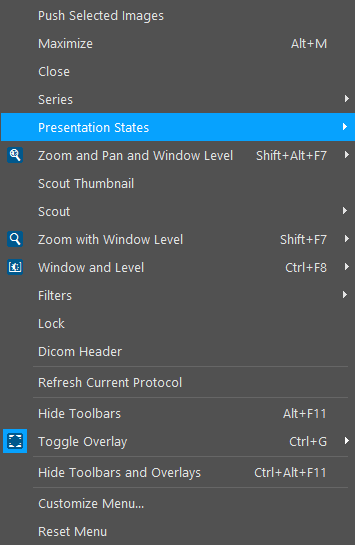
This will open the presentation state list.
The Presentation State currently highlighted is the one that is being overlayed on top of the images. To apply another one, simply choose the desired one from the list.
