How Do I Determine When a Study Has Been Received?
Users are able to determine when a study was Received on their station. This data includes the date and time at which the study was received on the receiving station. The Received Time is configured to recognize when DICOM Service received the last object.
In PowerReader, select the  button.
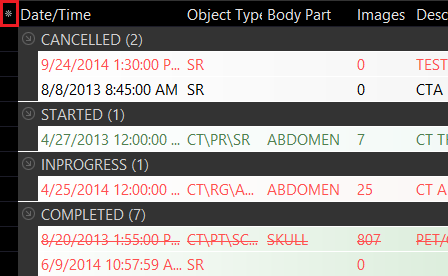
Clicking this button will display the list of available columns. The columns that have the check marks beside them are the columns that are currently displayed on the Worklist. Scroll Down until you reach the Date/Time column.

Checking the Received Time column enables the column to be displayed on the Worklist along with other columns. The Received Times are filtered by Date and Time depending on when the last object was received on the receiving station. In the Worklist, the displayed times are based on the time zone of the station that received the study. The user is also able to set the Received Time Range as a Worklist filter.