Changing the QliqSOFT Password
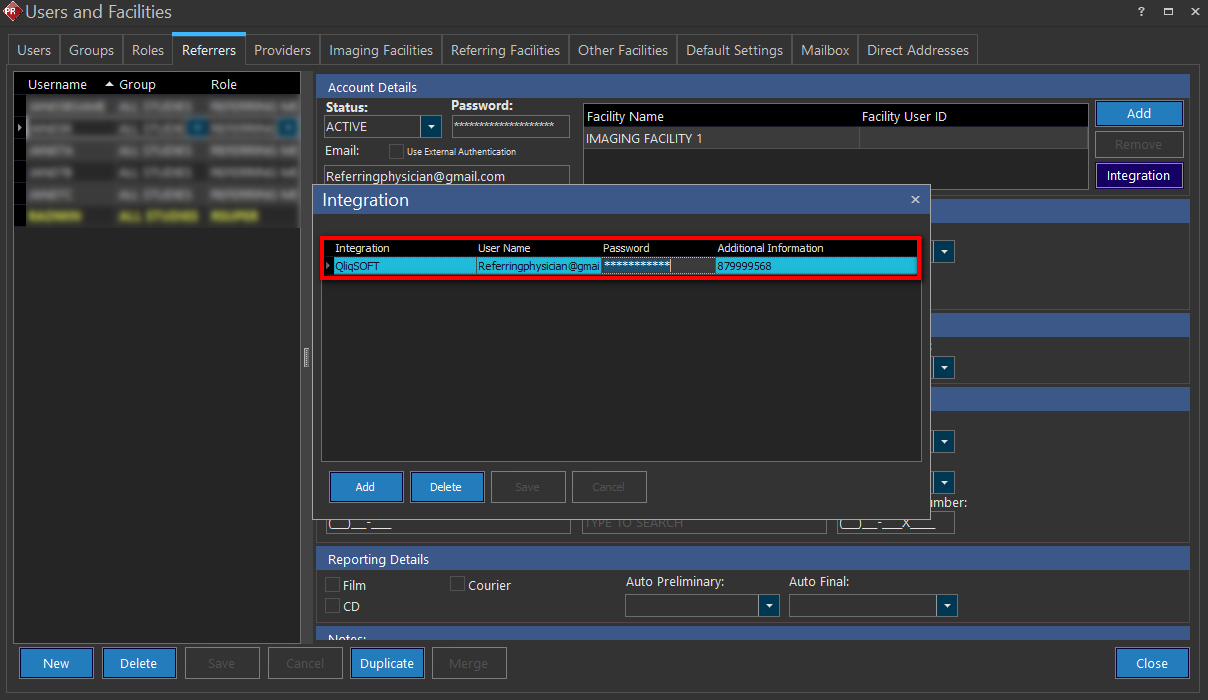
The QliqSOFT password can be changed under Users and Facilities by navigating to Integration -> QliqSOFT -> Password. Administrators can change their own and other user's passwords. If Qliqsoft logs the user out of the application after the password change, relaunch QliqSOFT with the following methods:
- Log out and log back into the PowerReader (desktop app).
- Manually log in using the Qliqsoft application (desktop app).
- Mobile app must be manually logged back in.