Receiving Messages for QliqSOFT Member
The following section describes the steps of logging into the qliqCONNECT application for a QliqSOFT Member to view received messages.
The first time a message is sent to the recipient, two messages are sent to the E-mail or Mobile Number (text message), depending on which one is available for the recipient. If both E-mail and Phone numbers are available, the installation messages are sent only to the E-mail address.
The first message contains a temporary password generated by QliqSOFT that the user can use to login to the qliqCONNECT desktop or mobile app, as well as links to download the applications. The temporary password can be changed by following the instructions in Changing the QliqSOFT Password.
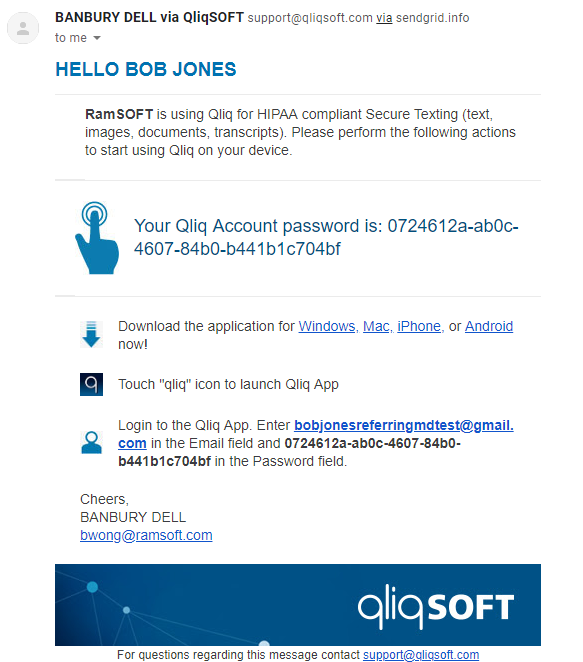
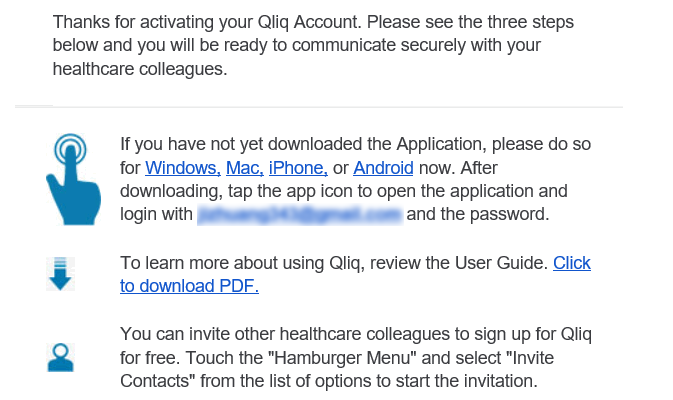
The second email contains similar information:
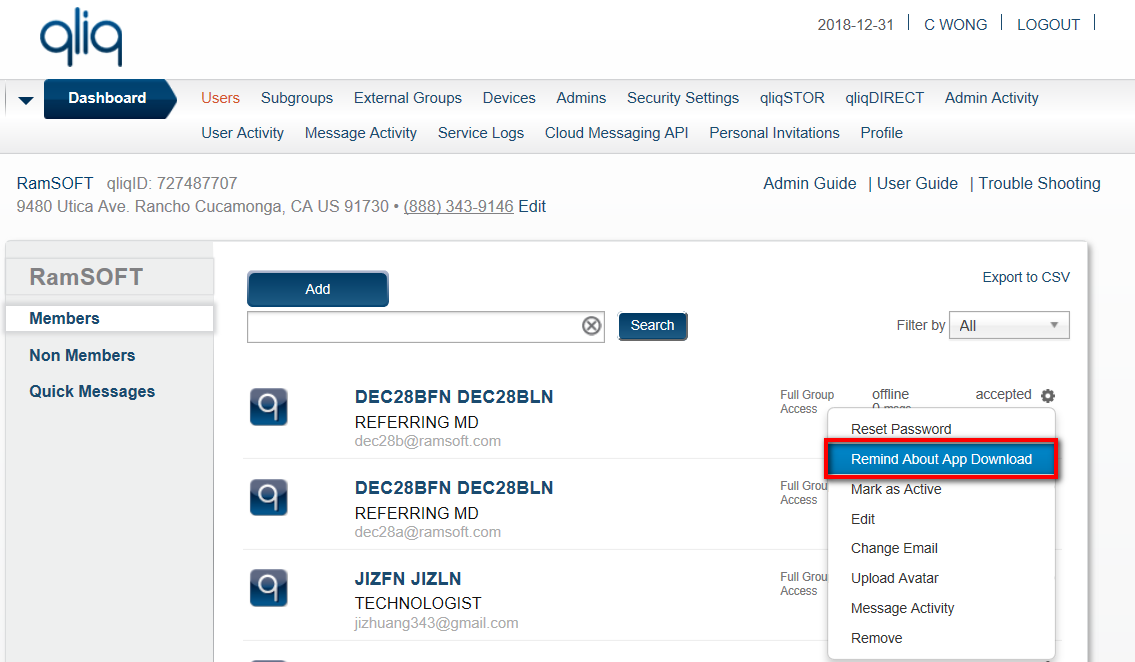
If the recipient lost these emails, it can be resent by a QliqSOFT Administrator in the QliqSOFT Dashboard:
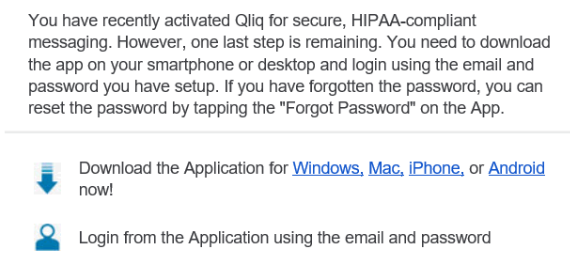
This is an example of the message that is resent:
Upon launching PowerReader, depending on if the qliqCONNECT desktop application is installed:
- If installed, the QliqConnect Desktop application will automatically launch along with PowerReader
- If not installed, only PowerReader will launch.
- The Mobile App needs to be launched manually on the mobile device using the same password as the Desktop app.
- Logging out of PowerReader will not shut off qliqCONNECT desktop app.
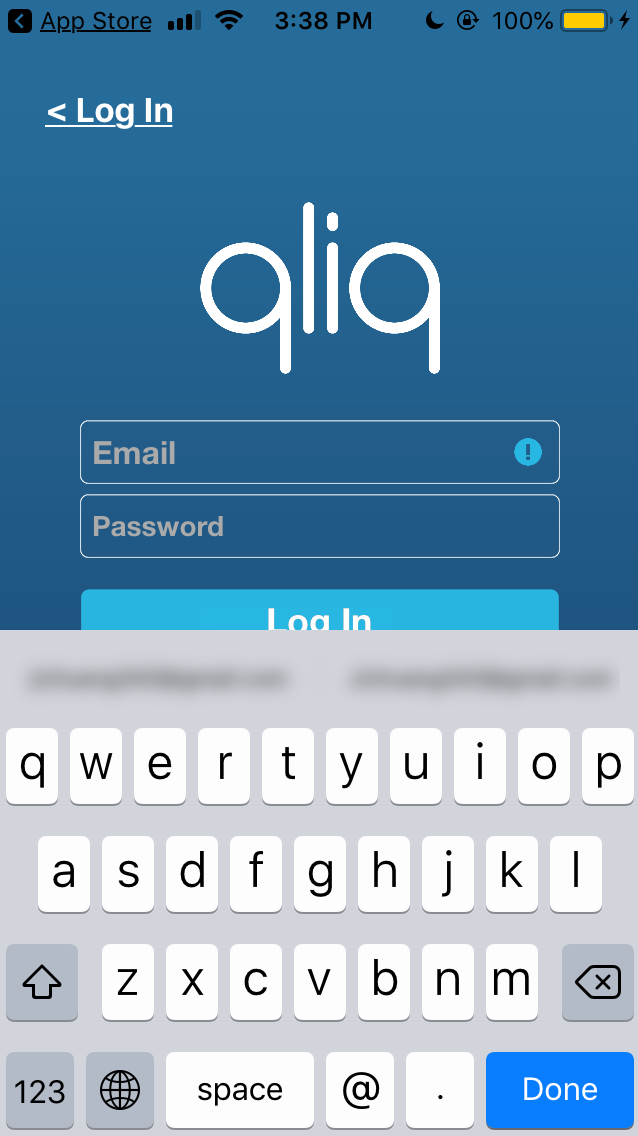
The following is a sample of the login screen for the Mobile application. The login is the same as the desktop application:
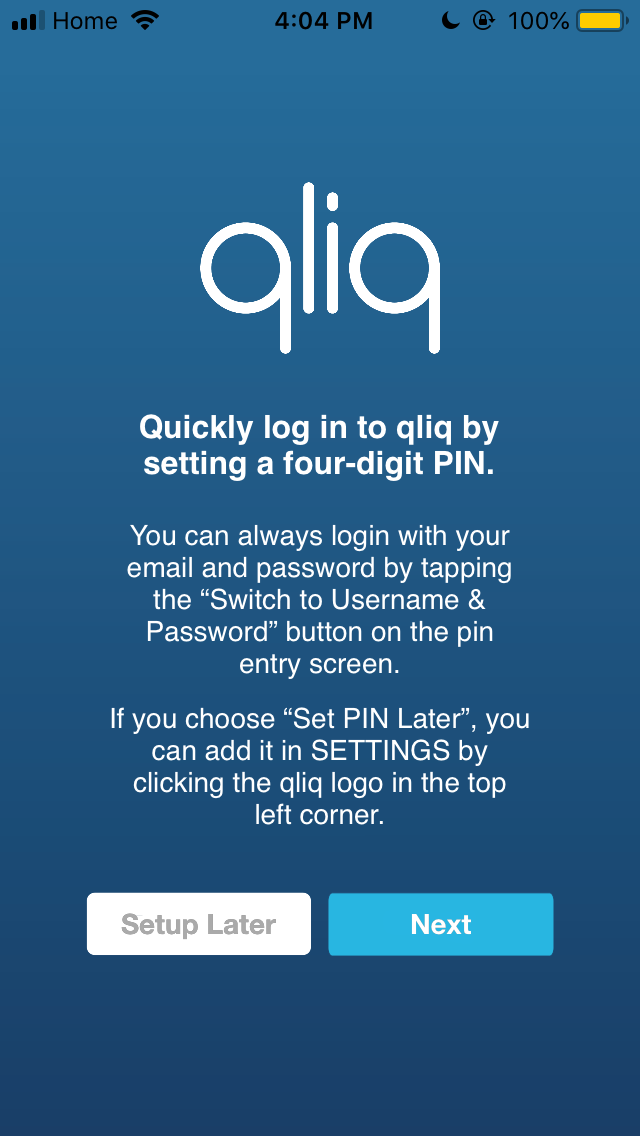
Users can also choose to set up a four-digit pin for easier access to the mobile application.
qliqCONNECT sample messages
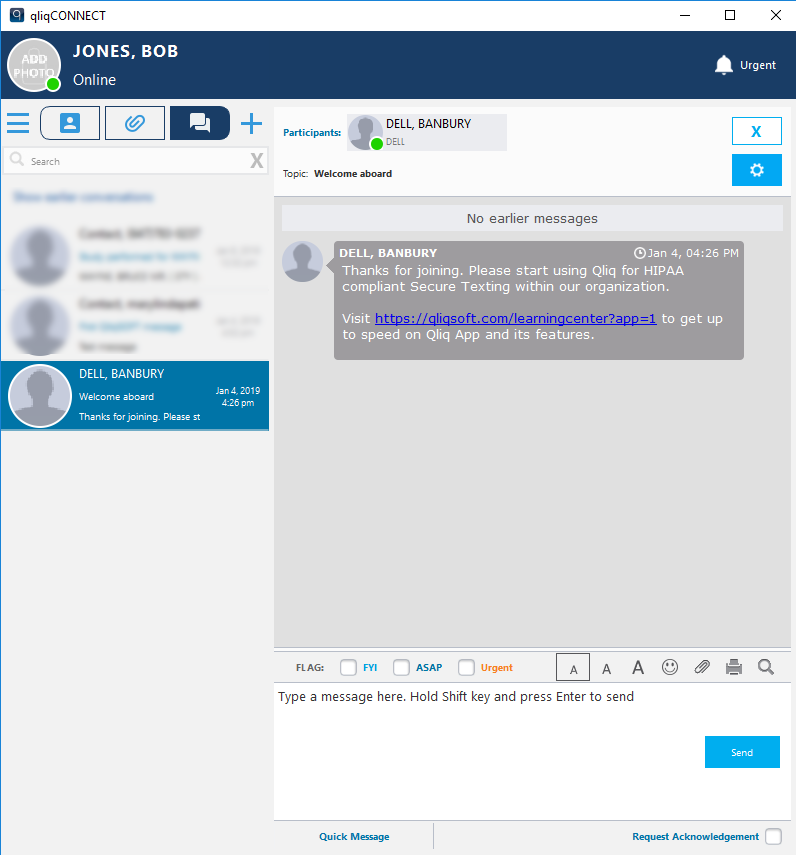
An example of an initial welcome message in the qliqCONNECT application is displayed below:
An example of a message in the qliqCONNECT application sent by a QliqSOFT Member is displayed below:
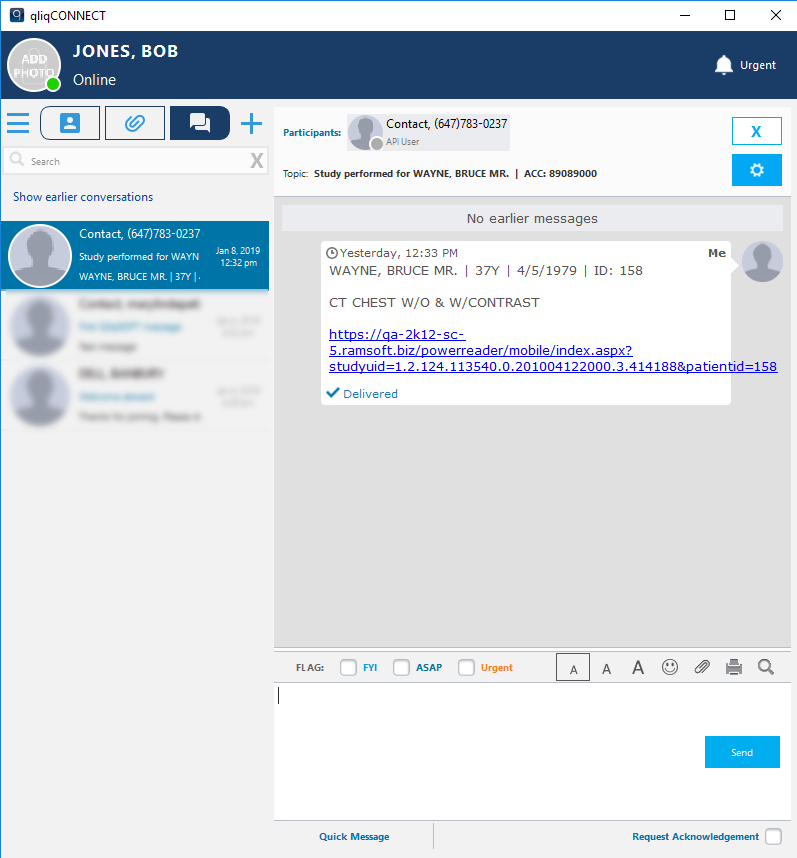
The user can reply to the thread directly in the qliqCONNECT application (desktop or mobile).
Note: Only messages sent using the RamSoft Messaging functionality are stored in RamSoft. Any messages sent using the qliqCONNECT desktop or mobile application are not stored in RamSoft. These messages are stored only in the qliqCONNECT app. Users are expected to use qliqCONNECT for further messaging after the initial message has been started in the conversation.