How Do I Delete a Patient?
In order to view information about a patient, you will need to open the Patients search form and locate the patient in question. The Using the Search List section contains details on how to perform that task. Once the patient has been located and highlighted right click on the patient record and select Delete.
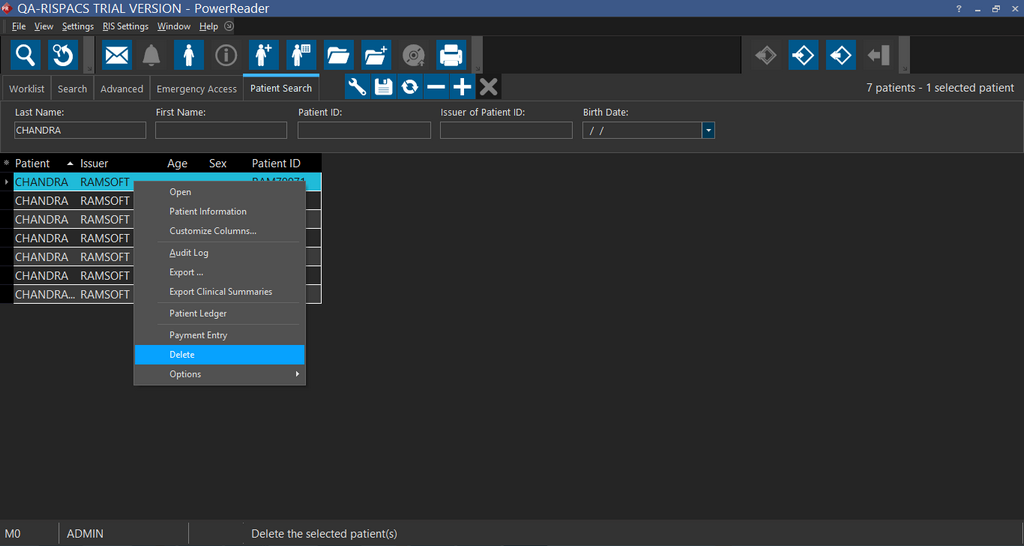
This will remove the patient from the system. This will also delete any studies associated with that patient.