How Do I View the DICOM Header of an Object?
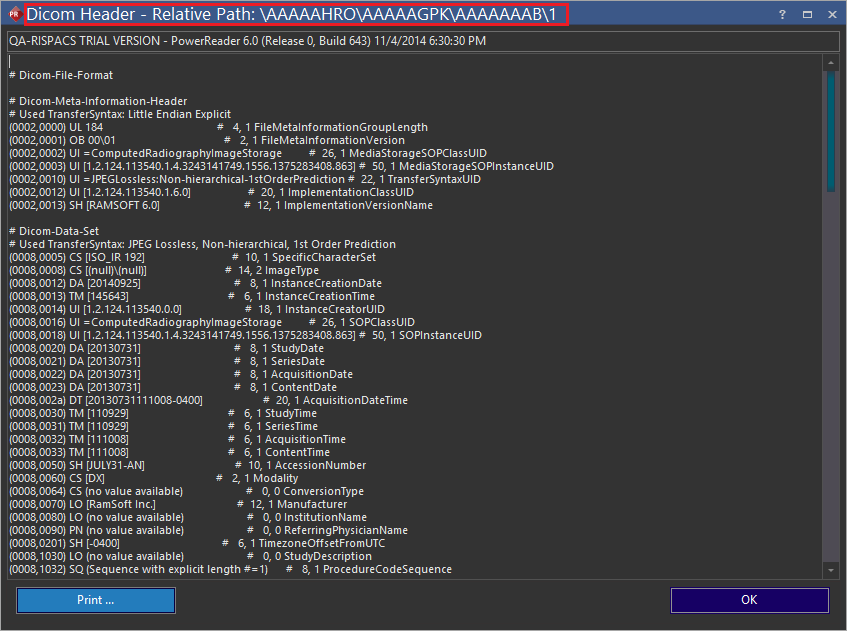
The RamSoft software allows the viewing of DICOM header data associated with any DICOM image, SR Report, AU dictation or Presentation State. The DICOM Header of any image is accessible through the Image Right Click menu.
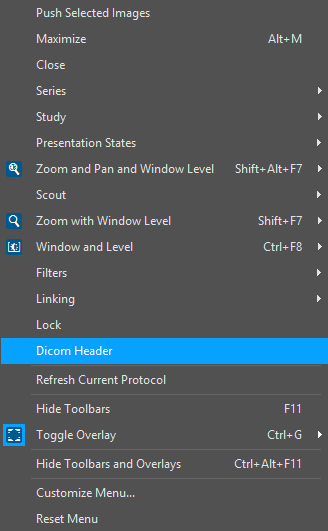
Choosing this option will display the DICOM Header for the currently selected image.
The DICOM Header of an SR Report is viewed by right clicking the tab associated with that Report.
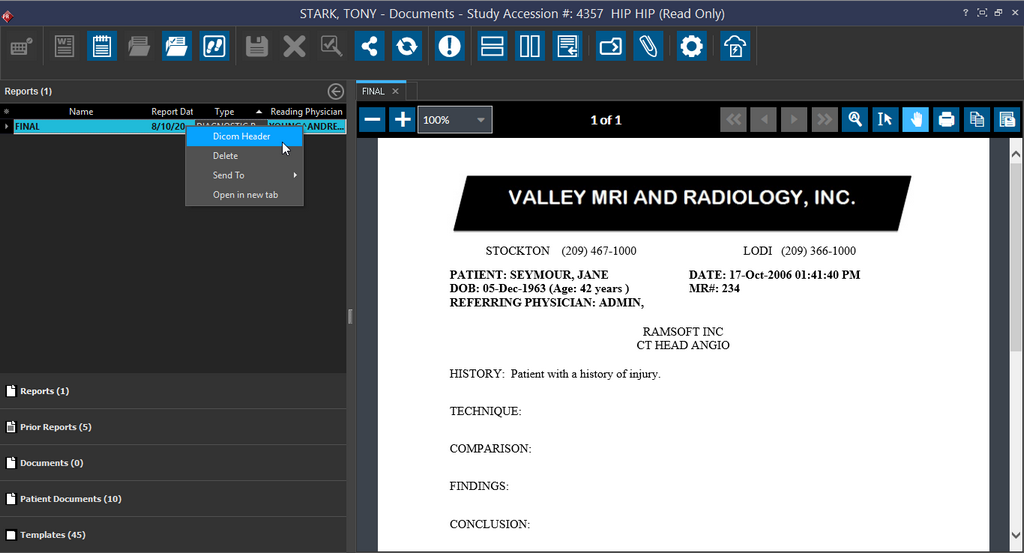
The right click opens a menu containing only one option DICOM Header. Clicking it will launch the DICOM Header dialog.
The DICOM Header of an AU dictation can be accessed from the Dictation tools pull down menu. Clicking the menu will open a list of all of the dictations associated with the current study.
Choosing the Presentation States option will open a list of all the presentation states associated with the current image.
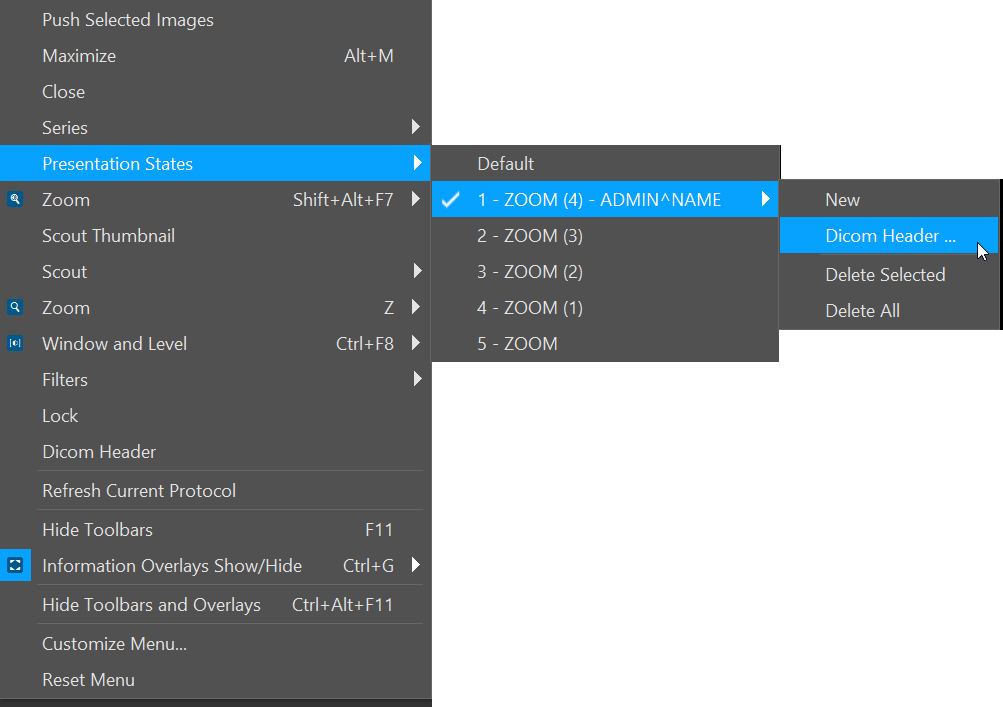
Highlighting the desired presentation state will open the following menu.
Choosing the DICOM Header option will display the DICOM Header information for the presentation state.