Measure Cobb Angle
 | The Measure Angle tool from the Annotation Tools toolbar measures the angle created by two structures in the image. |
|---|
The tool is accessible from the main toolbar. It is used by placing three points on the image. The first point is the apex of the angle. The next two are the end points.
The Measure Tool right-click menu has the Delete option and the Deselect option. The Deselect option can be used to deselect the highlighted angle line. The Delete option can be used to delete the whole object if desired.
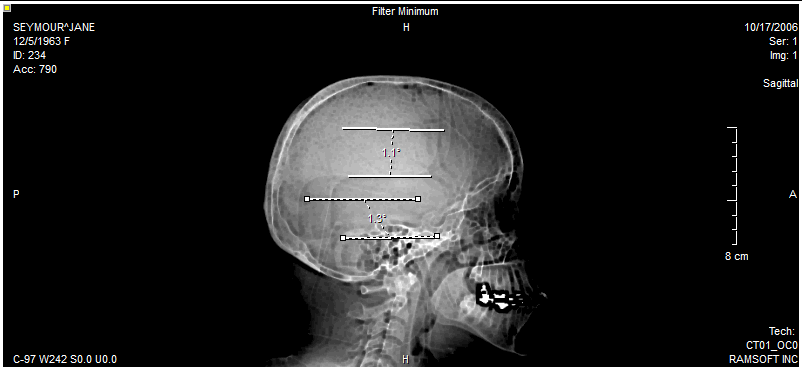
If the apex of the angle you need to measure is located off screen, the Cobb Angle tool can be used. This tool is accessible from the Angle tool pull-down menu.
This tool is used by placing four points on the image. The first two are the end points of one arm of the angle, and the other two belong to the second arm.
The picture below shows the Cobb angle tool being used to measure the angle between two vertebrae on an X-ray image.