Adding a Prefix to the Accession Numbers Generated by PowerServer
Use the System Configuration setting "RamSoft study ID Prefix" in PowerReader to append a prefix to the accession numbers generated by PowerServer.
When this system configuration entry has a value, any created studies including new study orders within the schedulers would have the value specified in the configuration entry prefixed to the accession number that gets eventually generated.
For example, in this case the value is set to "RAM".
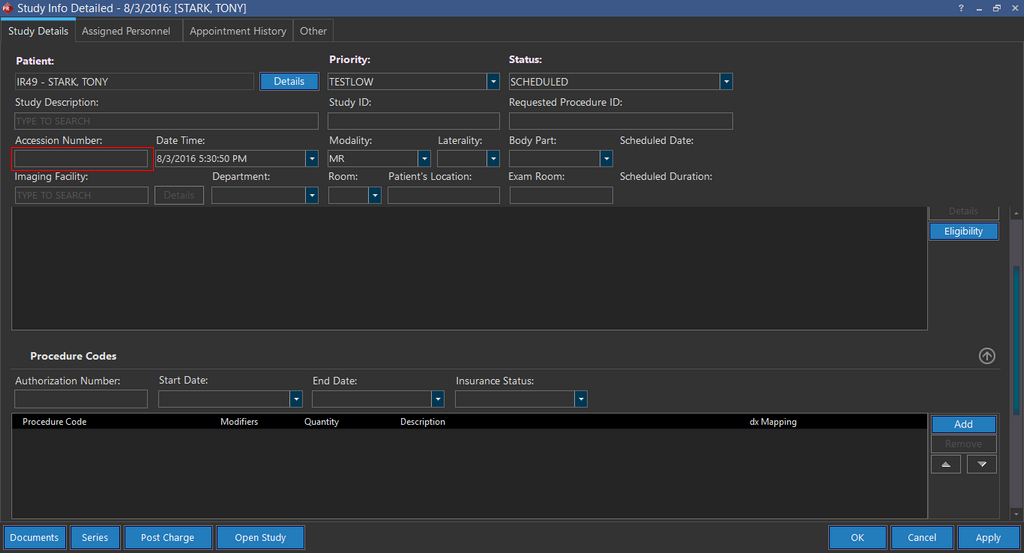
Now create a new study and save the study information. Leave the Accession Number field blank.
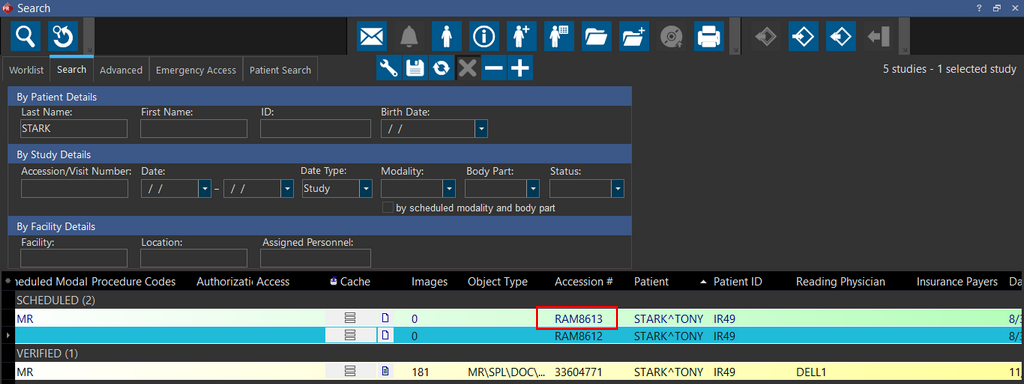
Now search for the newly created study. The PowerServer has assigned the study an Accession Number prefixed with "RAM".