How Do I Delete a Series of Images?
In order to view information about a series of images you will need to open the Series information form.
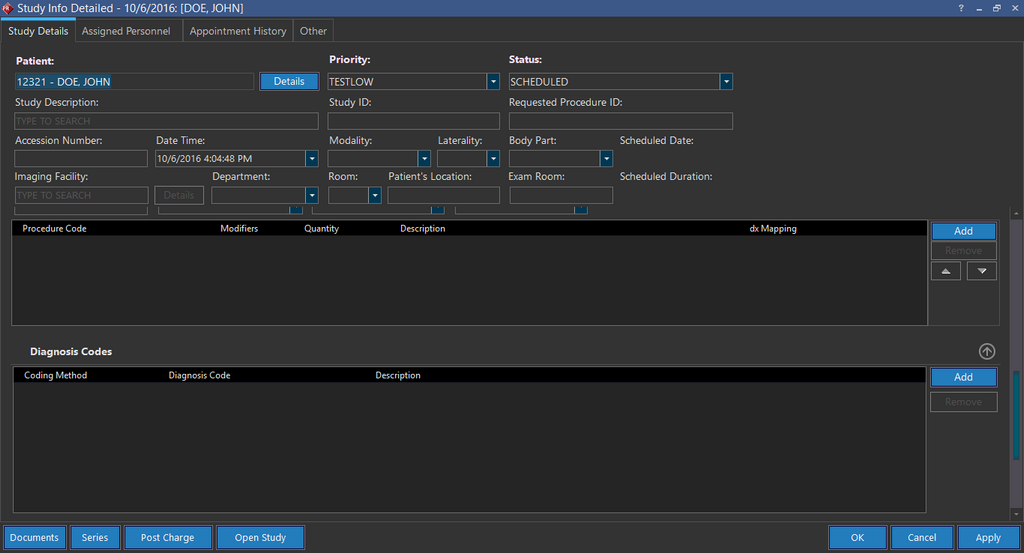
This form can be opened from the Worklist, by finding the desired study, clicking Info and clicking the Series button on the Study Info form. It can also be opened by right clicking the series in the Patient Explorer and choosing the Series Info option.
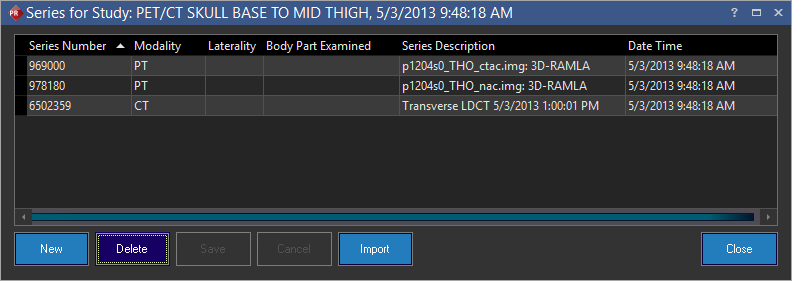
This dialog shows the listing of all the series of DICOM objects that make up the current study. To remove any of the existing series, highlight it and click the Delete button.
The series and the associated images are removed.