Updating a Document
You can update the Document Type in RapidResults by using the Update Selected Document tool  .
.
When you try to update a selected document, you can see that Update Selected Document form appears displaying the Report Title and Type.
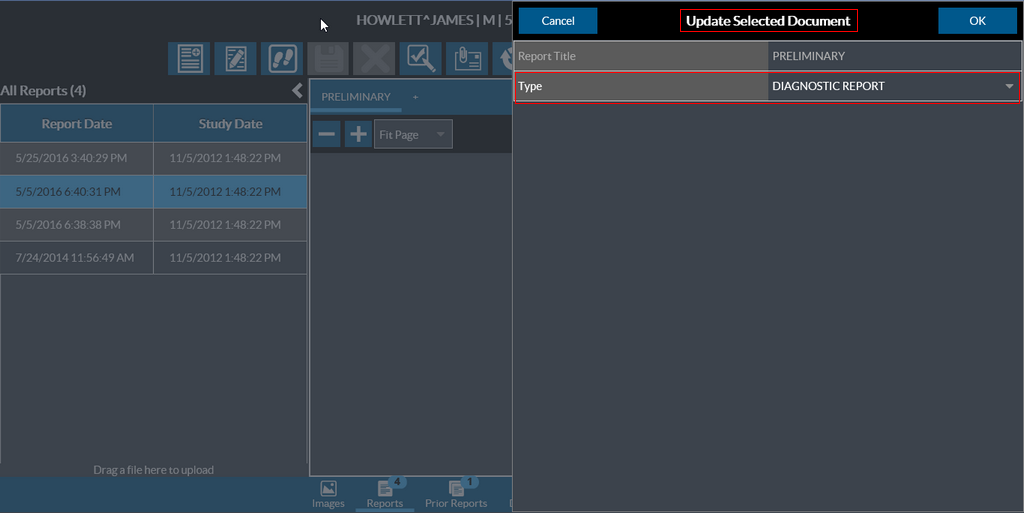
Select the desired Document Type from the available list and click OK.
Editing a Text/HTML report
You can edit a Text or HTML report in RapidResults using the Update Selected Document tool in the Document toolbar.
When you open a Text or HTML report in RapidResults, the report is launched in an HTML editor.
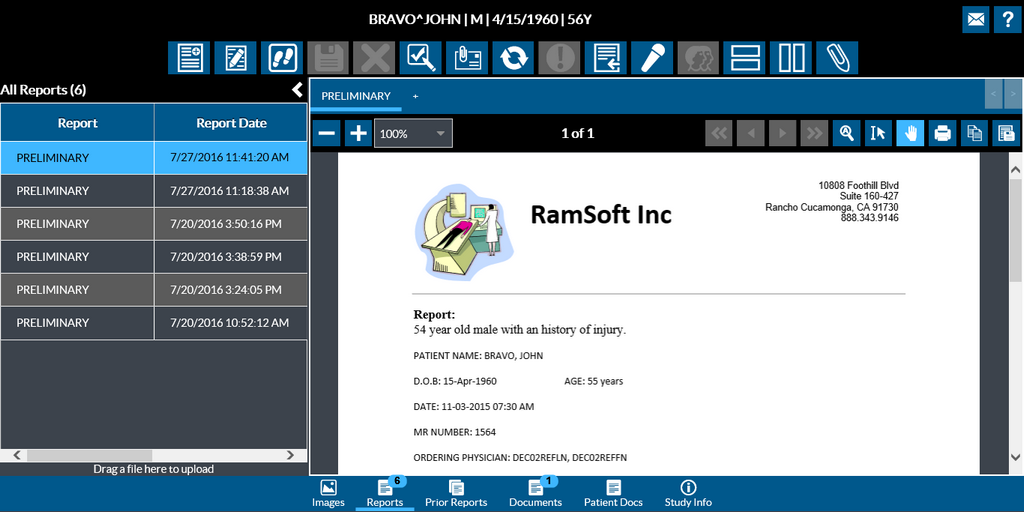
Click on the Update Selected Document icon to edit the report. Make the desired edits to the report.
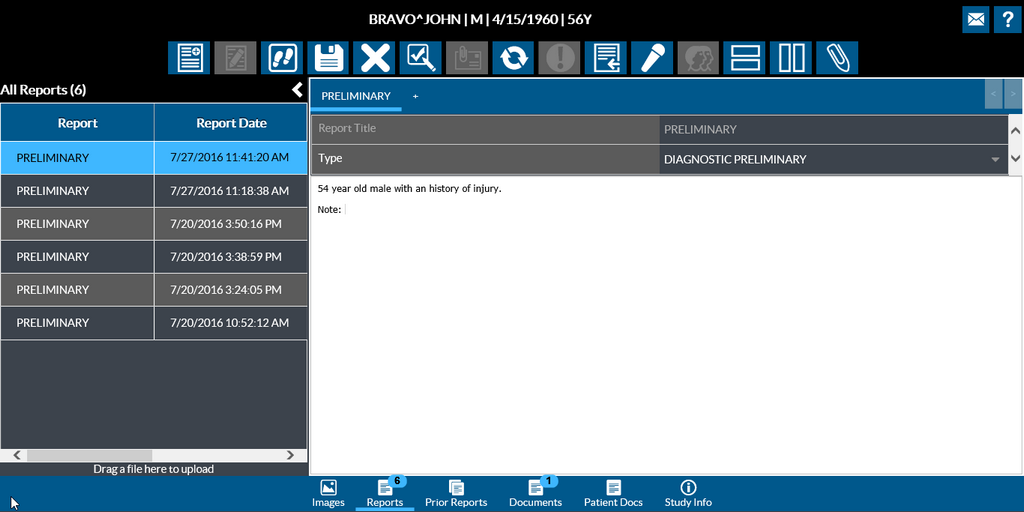
Click the Save the Report tool to save your changes to the report.
The Cancel Changes Made tool  lets you cancel any changes you have made to the report in case you wish to discard your changes. Click on this tool and Select "Close Anyway" to cancel any edits you made.
Note that this tool is enabled only when you are in the Edit mode.