How Do I Clear the PowerReader Cache?
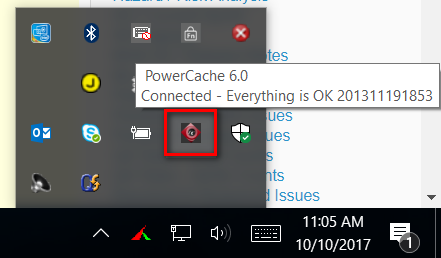
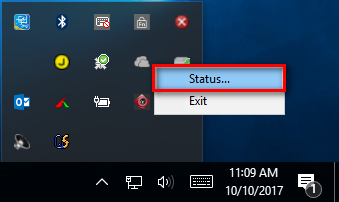
The PowerReader Cache can be cleared as necessary. Click the PowerCache icon on the taskbar and select "Status".
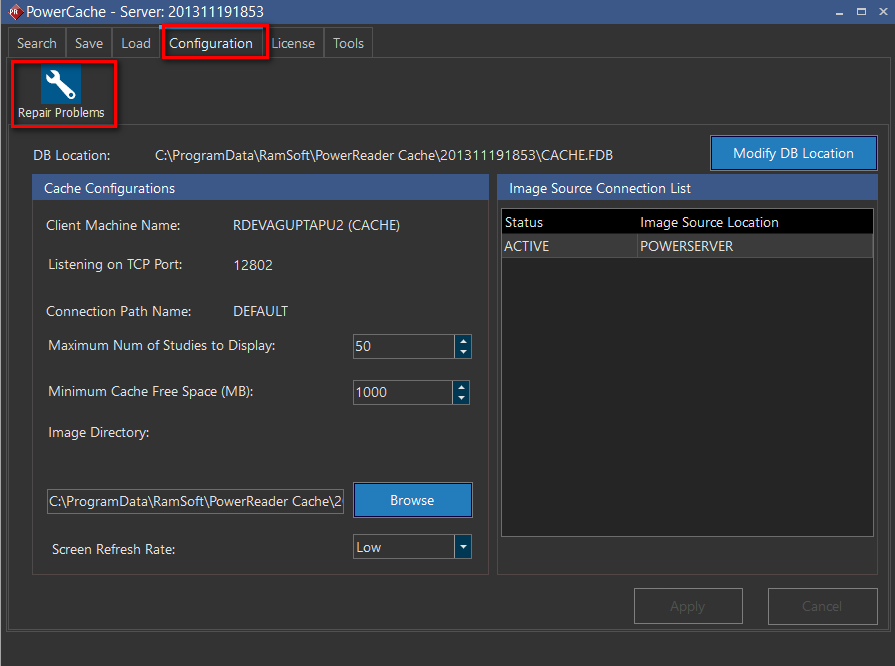
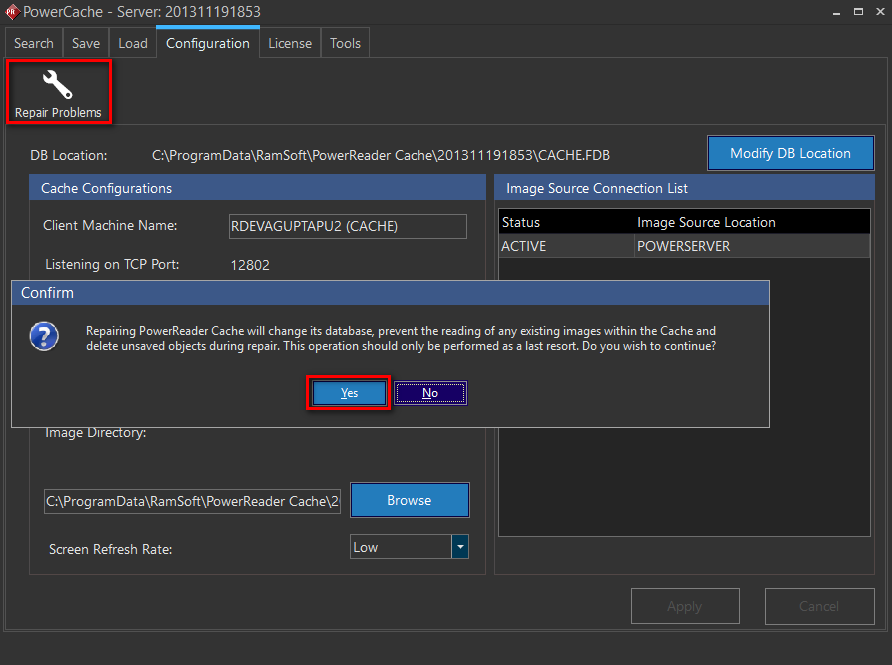
Click the Configuration Tab and click "Repair Problems".
Accept the warning below.
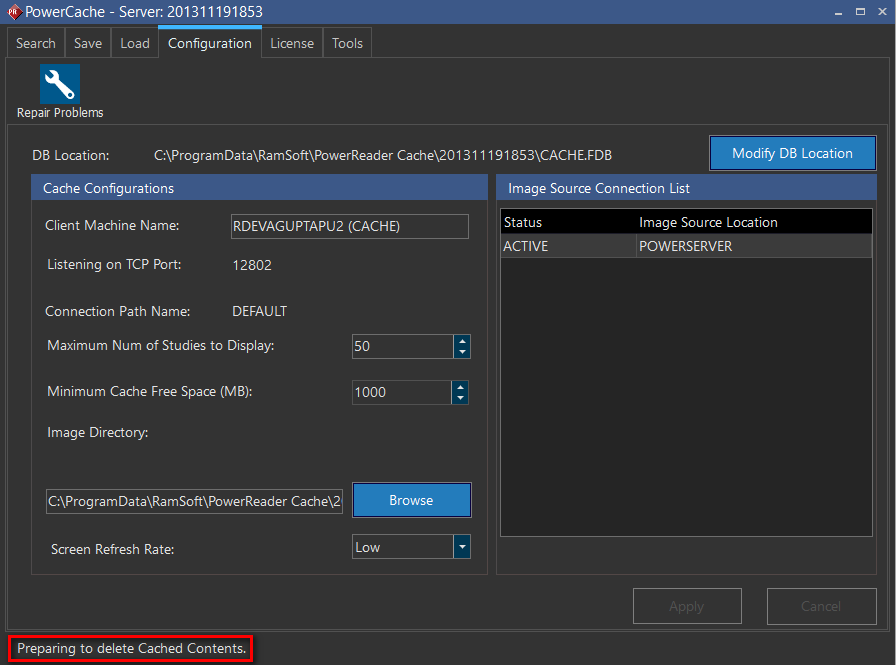
The message "Preparing to delete Cached Contents" is displayed at the bottom left corner. The process may take some time.
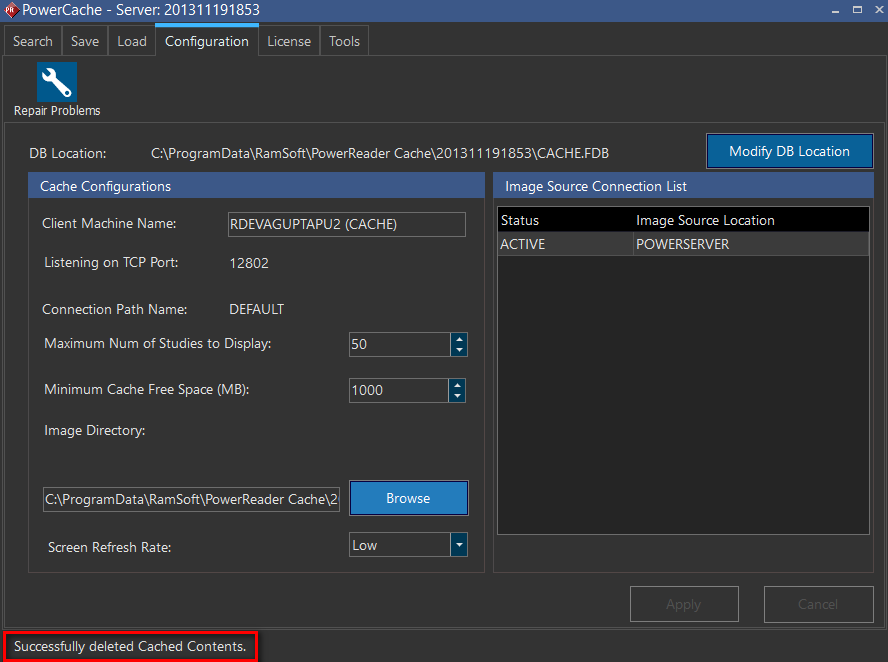
When the Cache purging process is complete, the message "Successfully deleted Cached Contents" is displayed.