Viewing Protocols
Viewing Protocols define the placement of images as they are displayed on the physician's monitor(s). In more complex implementations, the protocol can also define the magnification factor, brightness, contrast, visibility of annotations and image order. RamSoft's implementation of viewing protocols also include controls over the interactions between users and images such as scrolling, and whether images in the same series should share the same presentation state. Details such as the number of images per page and image layout can be configured for each study type. Once this is done, every type of study will automatically print in a predefined manner.
The following are two examples of viewing protocols opened on a single monitor configuration:
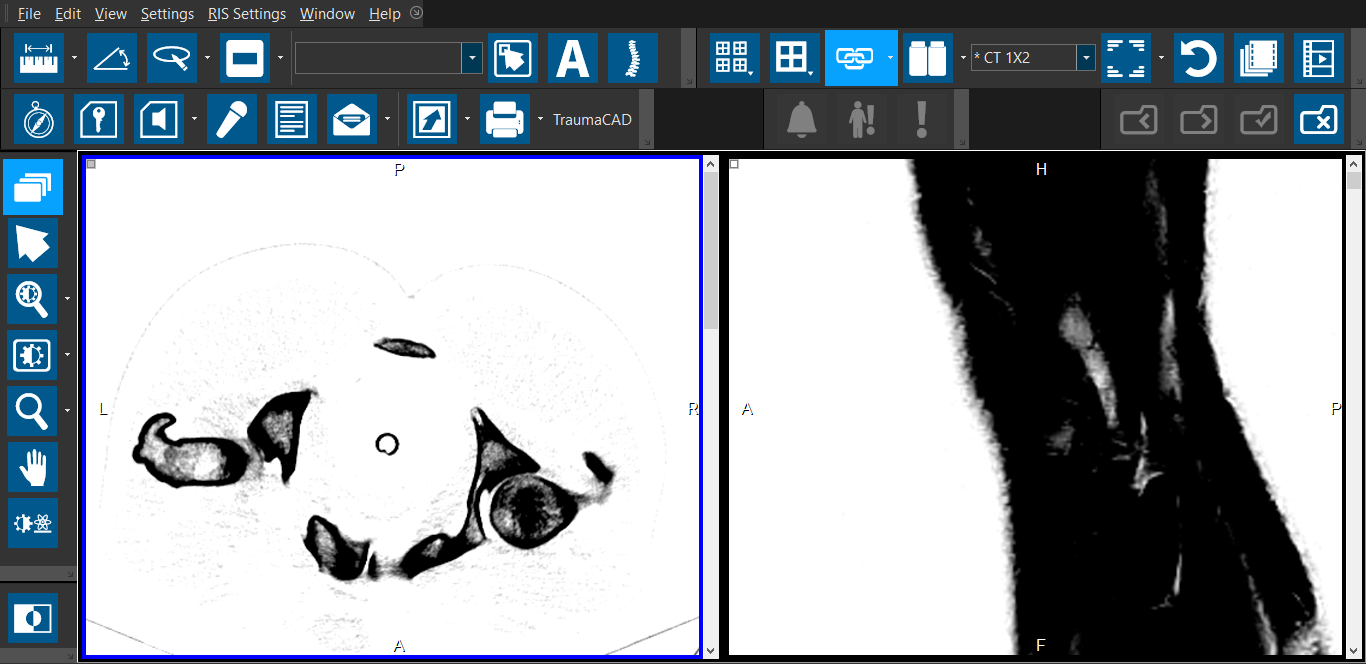
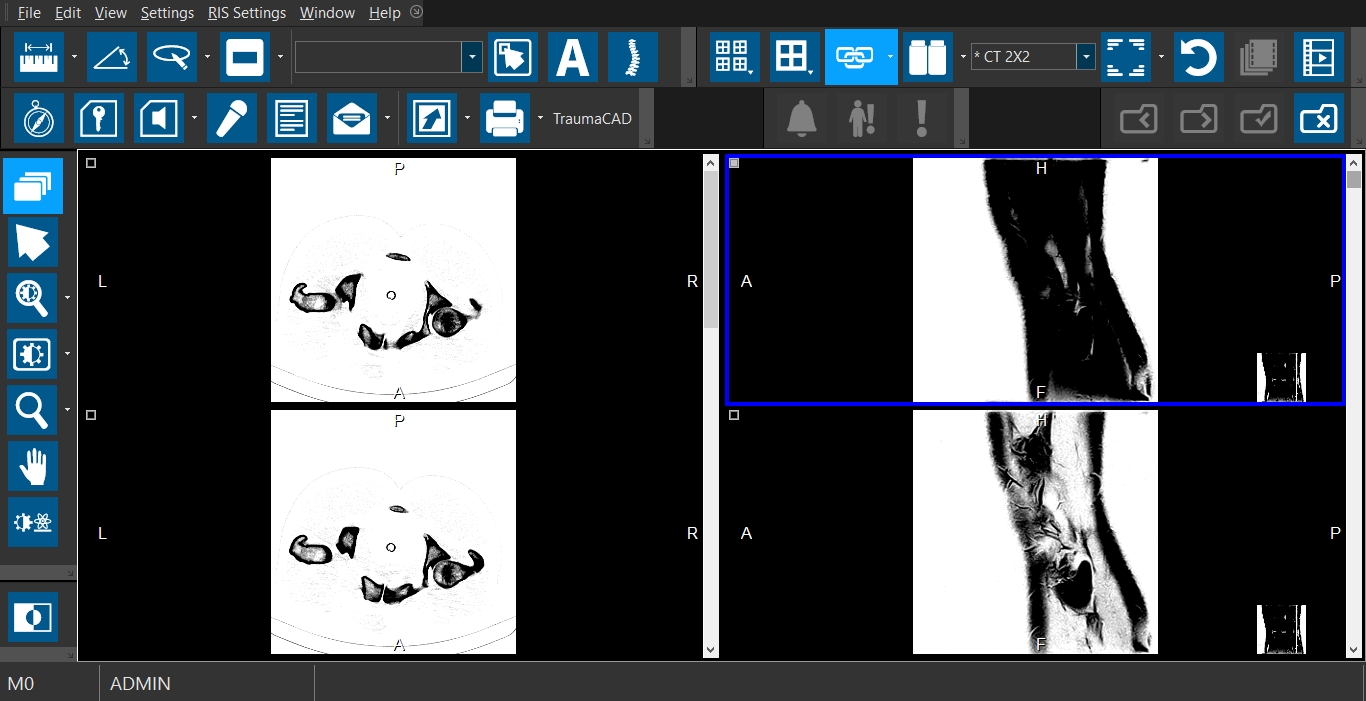
In order to get the maximum benefits, viewing protocols should be configured for each user of the system, or at the very least for each commonly viewed study type. When studies utilize viewing protocols, they will be displayed in the same fashion each time they are opened.
Depending on the type of study, images are laid out according to the most relevant viewing protocol for the type of study. The user can also swap currently used protocols or modify the screen layout and restore the protocol with a simple click of the mouse. The details of these interactions are described in Viewing Protocol Toolbar.
The RamSoft software provides three levels of viewing protocols:
- Default Protocols: preinstalled protocols available to all users, configured by the system admin
- My Protocols: user-defined protocols exclusive to the user who created it
- Published Protocols: user-defined protocols that are accessible to all users
The section Create a Viewing Protocol contains information on how a user can create their own protocols from protocols in any of the three levels.
Sometimes a user will adjust their screen layout on the fly. The RamSoft software offers the option to Save the Current Layout as a Viewing Protocol.
Once a viewing protocol has been created and used for a while, the protocol can be tweaked as necessary. The instructions for this are detailed in the Edit a Viewing Protocol section.