RamSoft Stana
RamSoft Stana is a solution for improved patient care and consistency in mammography, patient tracking and Mammography Quality Standards Act (MQSA) reporting. This is a Breast Cancer tracking and reporting system that incorporates directly into the radiology reporting Workflow.
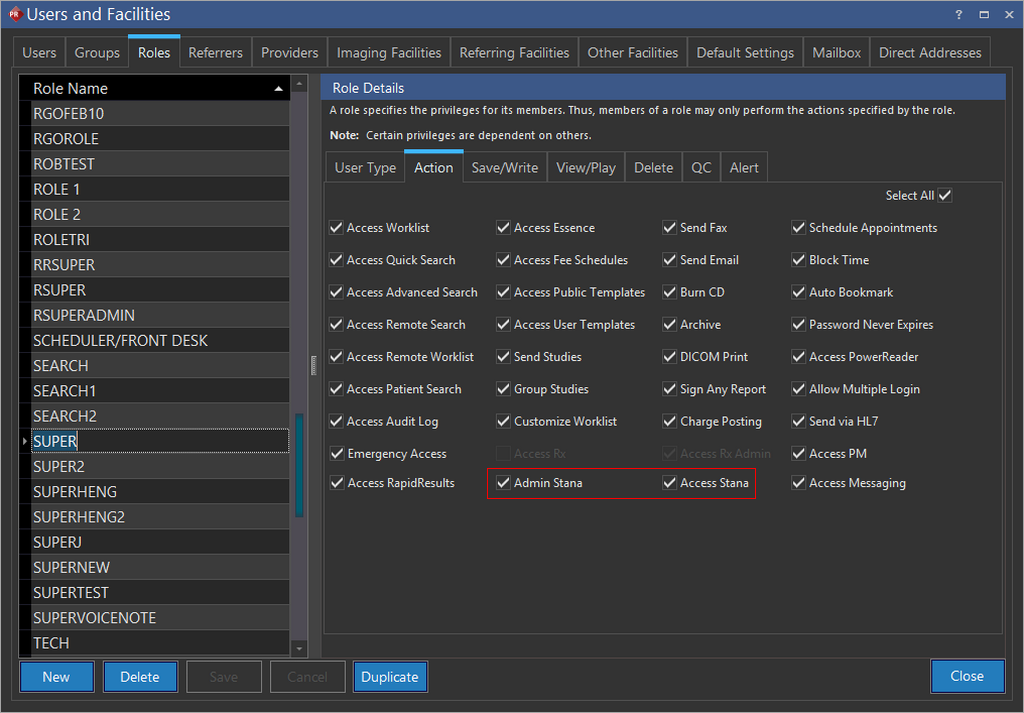
Stana is available only if you have the Stana license enabled. In addition, the following privileges must be enabled.
- Admin Stana
- Access Stana
Enable a facility with Stana. For more information, please refer to the topic Enabling a Facility with Stana. Studies need to be enabled for Stana in order to create reports and track the study progress. Breast Imaging Studies are created from PowerReader only. Any study that allows reporting with Stana in the Document Viewer can be referred to as a Breast Imaging Study. For more information, please refer to the topic Enabling Stana for a Study.
From this stage onwards, the Stana facility can collect Patient Demographics including Family history, generate Patient Reminders, send Reminder print letters and generate results. Users can create diagnostic reports using Document Viewer in PowerReader. For more information, refer to the section on Stana Reporting using Document Viewer.
Stana provides a consolidated statistical dashboard view of the most common data that you would need for Breast Cancer tracking. For more information on Stana, please refer to the section on Stana.
The Scheduling a Biopsy topic describes the procedure to schedule a Biopsy.
Settings can be configured for Mammo Categories, Pathology/Outcomes Results and Structured Reports/Forms. For more information on Configuring settings, please refer to the section on Configuration Settings.
For any Imaging facility, users can select a pre-defined date range or choose an active date range to display the reports and statistics for that date range. For more information on selecting a date range, please refer to the topic Selecting an Active Date Range.
Users with the following roles can use Stana.
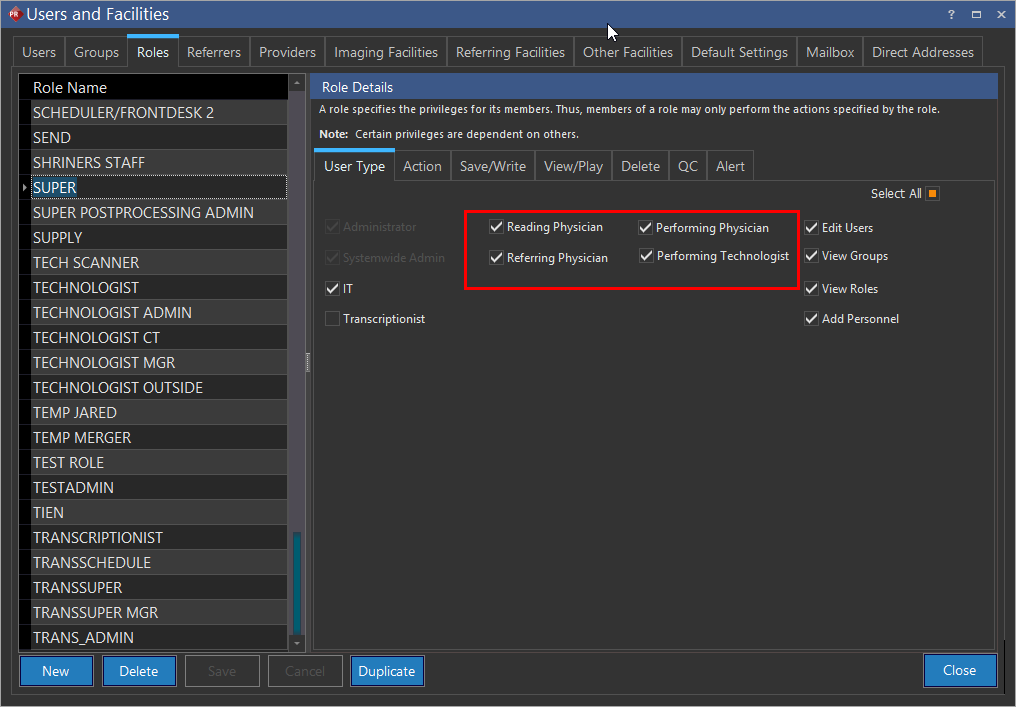
Note that the SUPER and RAMSOFT users have the Access Stana and Admin Stana privileges enabled by default.
Access to Stana studies is based on the groups you are assigned to and their privileges accordingly. It is imperative that the group assigned to the user has the privileges "Admin Stana" and "Access Stana" enabled in order to work on Stana studies. For more information on creating Groups, refer to the topic Groups Overview.
RELATED TOPICS: