Pathology and Outcome
You can configure Pathology and Outcome settings for a specific facility through the Settings drop-down menu.
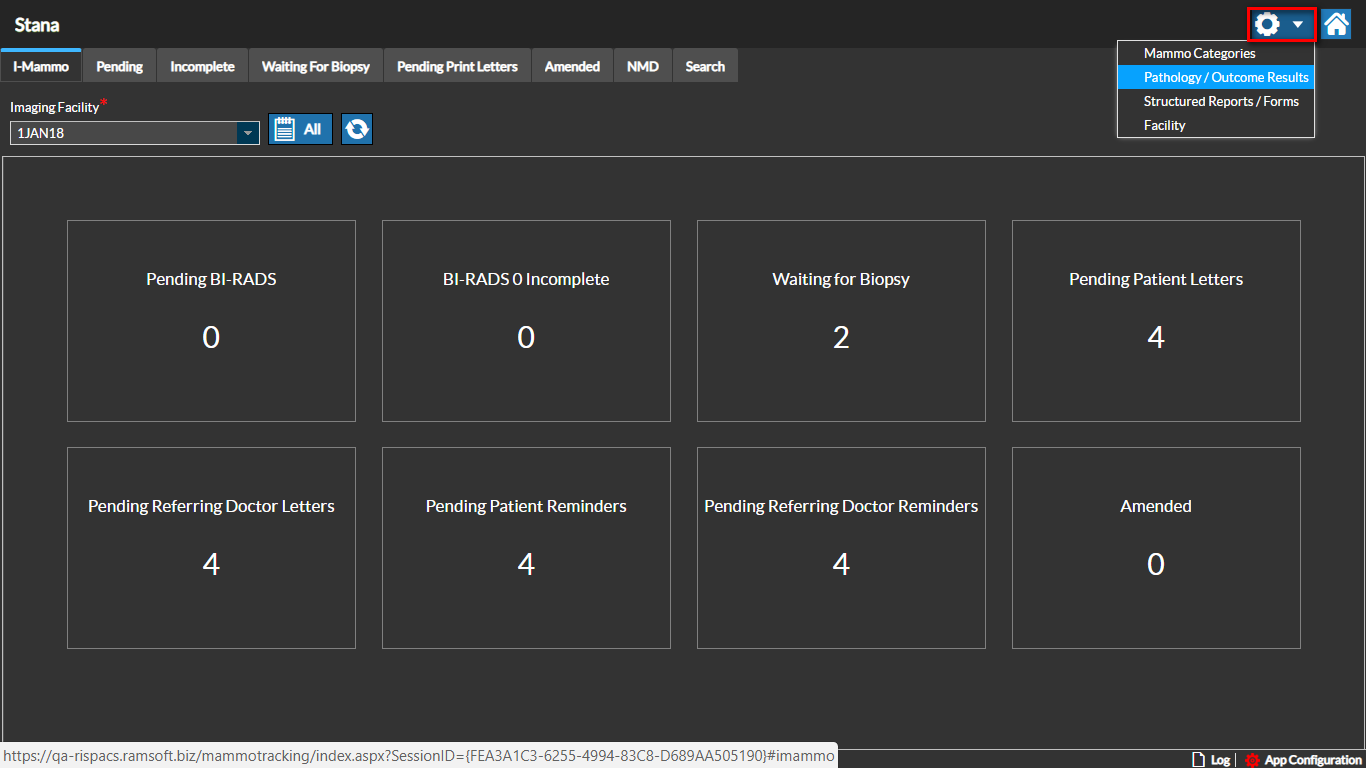
The Pathology/Outcome Results screen is displayed. By default, the Pathology tab details are shown.
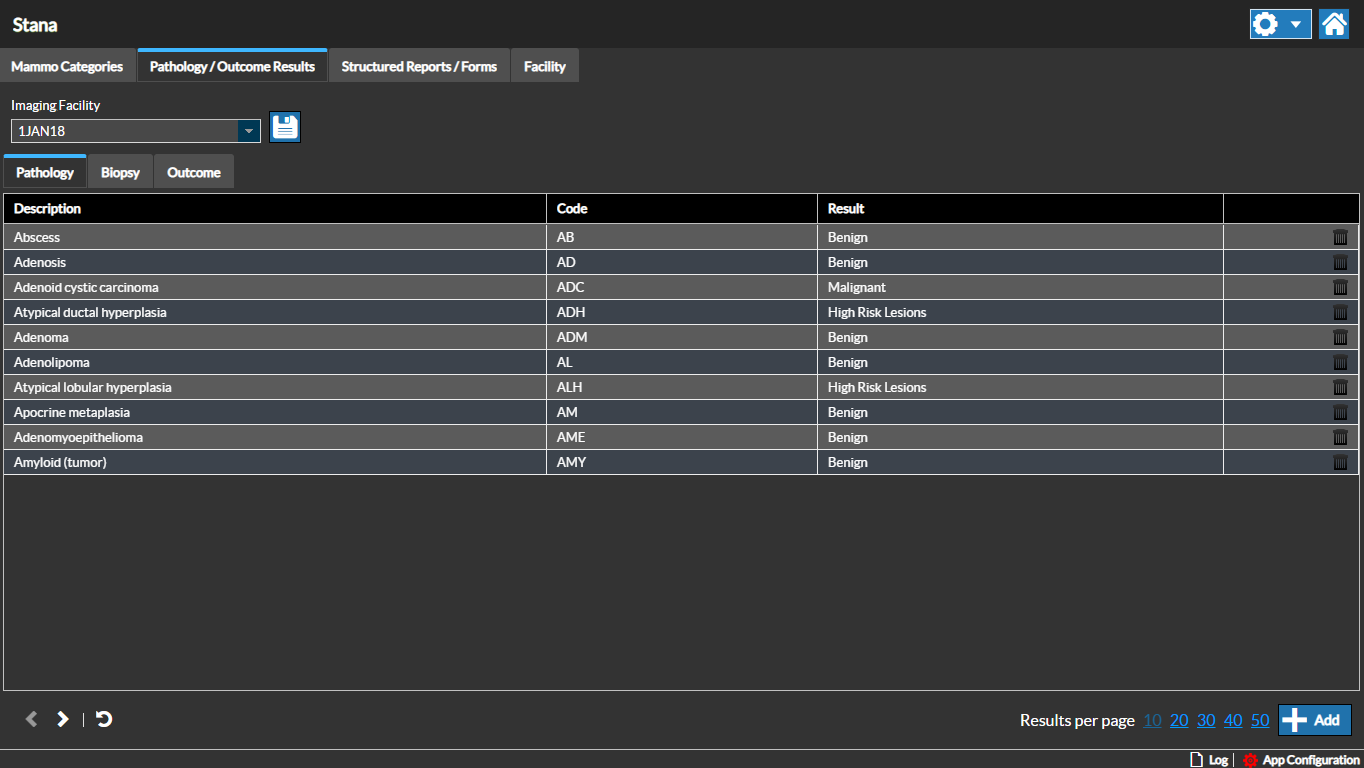
Pathology
Pathology results provide the pathology abbreviation, description and the result value.
Pathology information is configurable for each facility.
Adding a Pathology
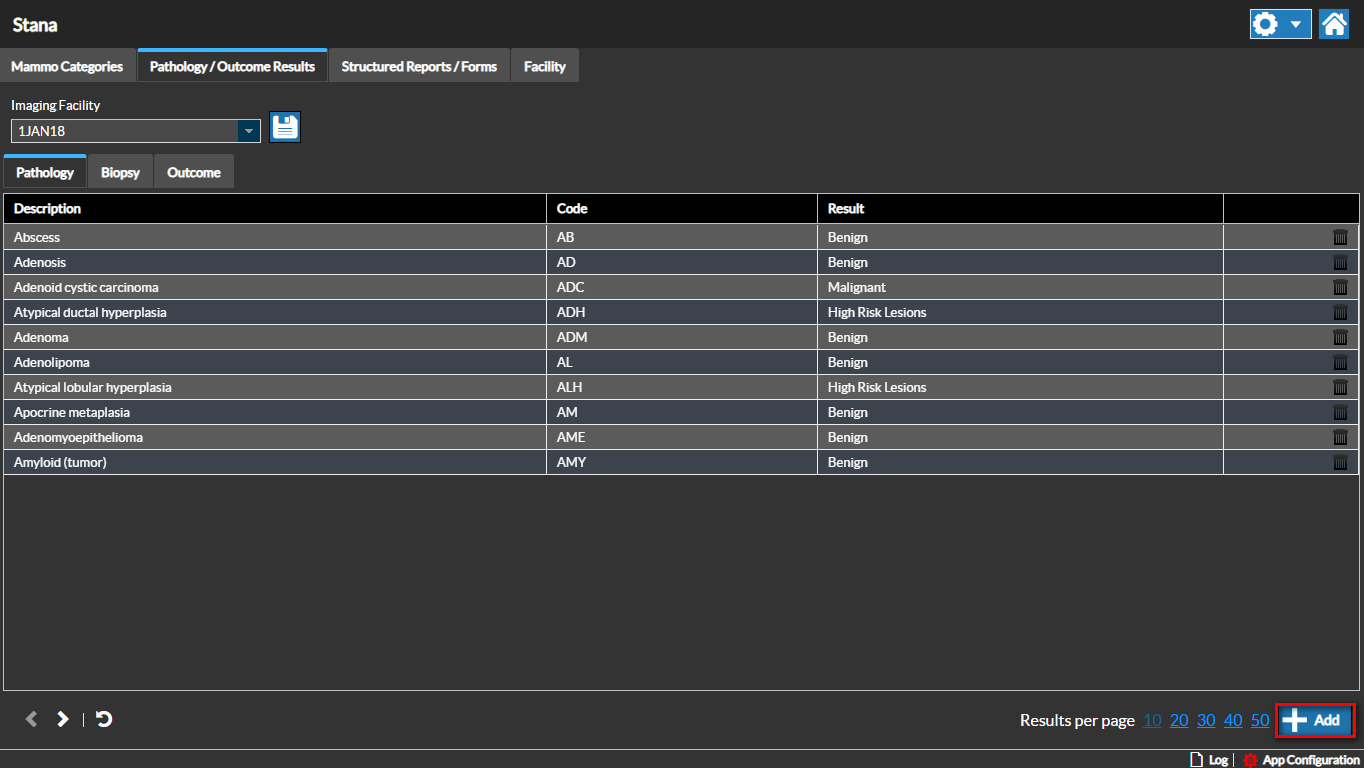
You can add a new Pathology by clicking the Add button. Enter the pathology details and save the changes.
Editing a Pathology
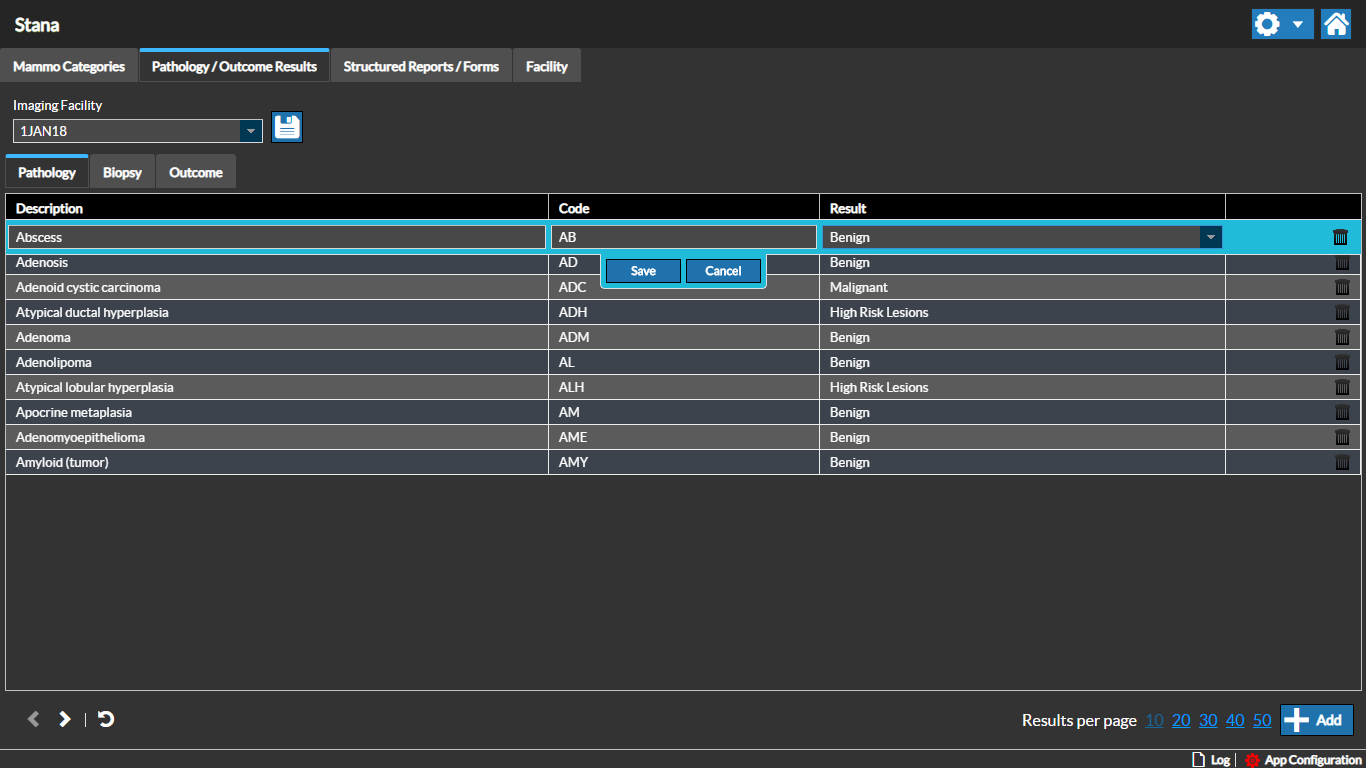
You can edit a pathology by double-clicking on the pathology record and updating the pathology details and saving the changes.
Biopsy Types
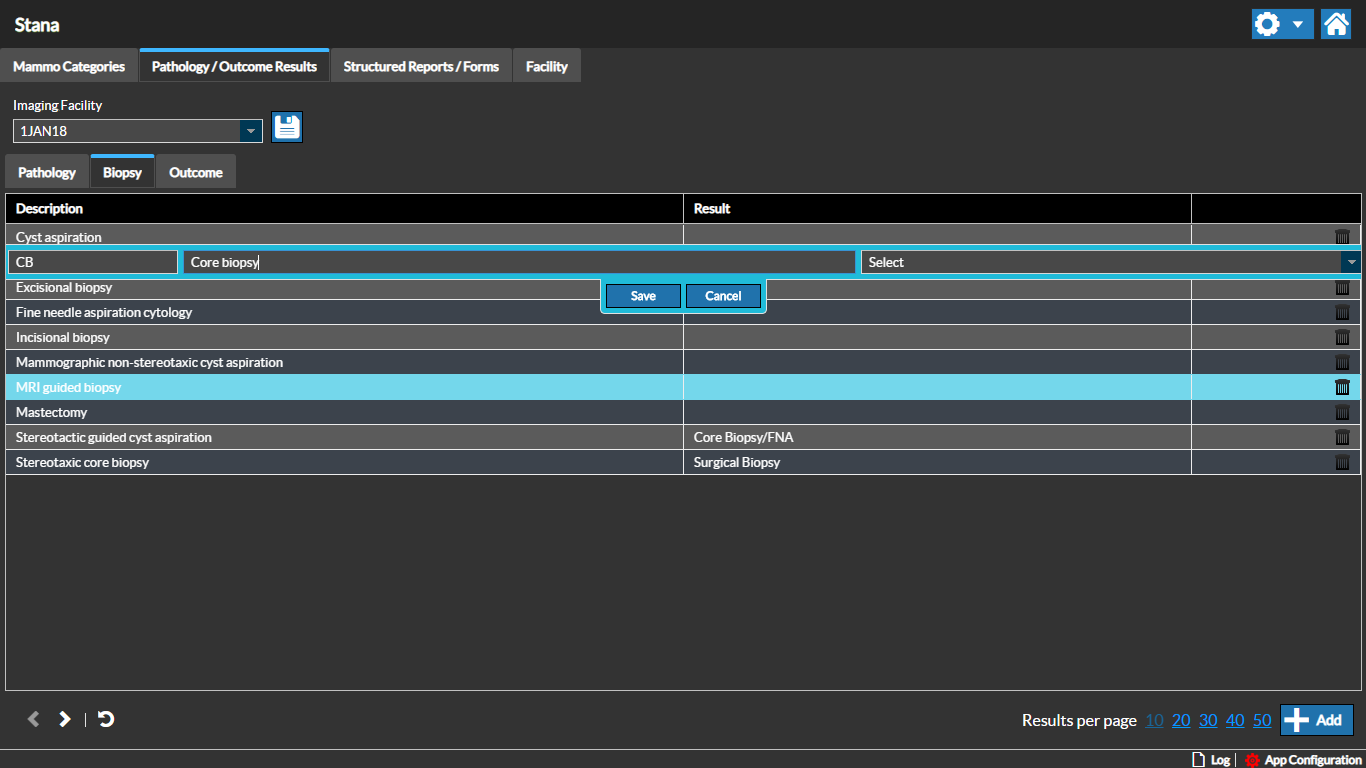
You can add or edit the list of Biopsy Procedure types for the selected Imaging facility by clicking the Biopsy tab.
You can view the Biopsy Code, description and the results on this screen. You can also add a new Biopsy Code by clicking the Add button.
To edit and update information for a specific Biopsy, double-click the Biopsy record and update any information and click Save.
Outcome
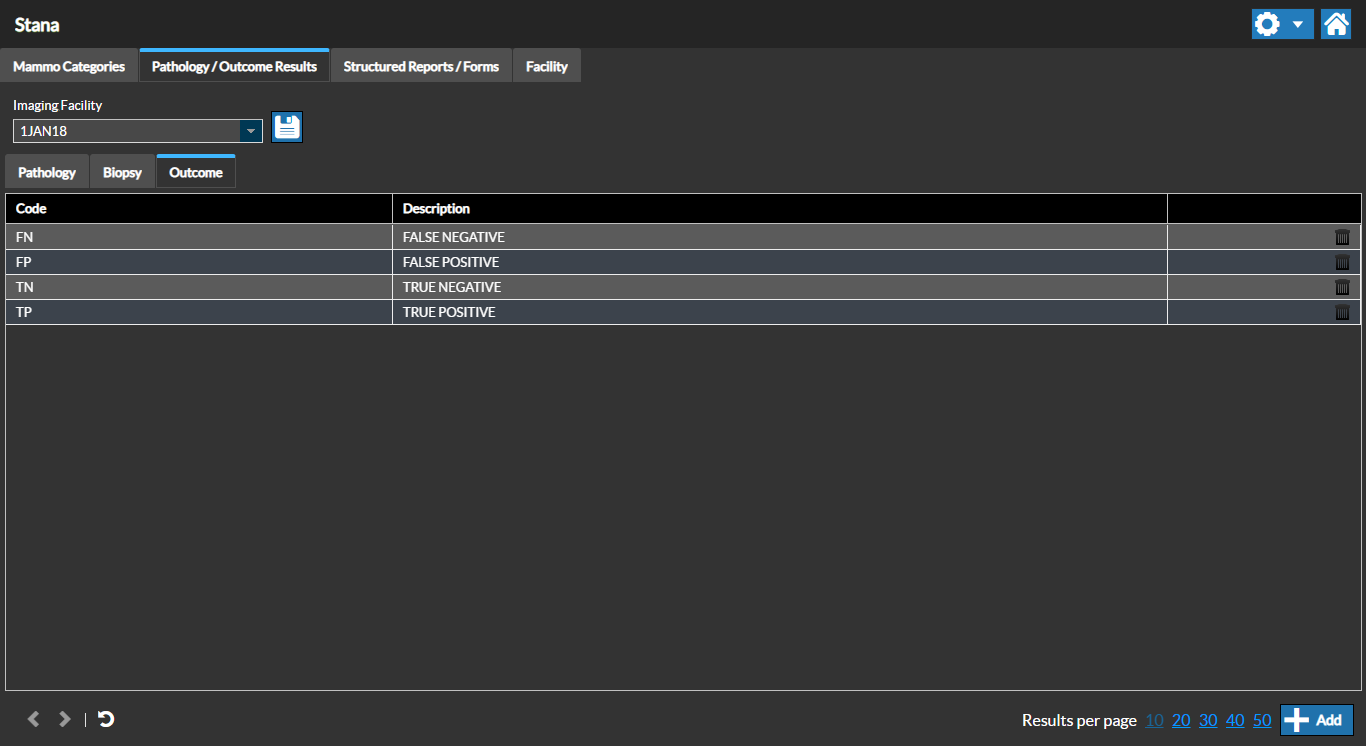
Currently there are four types of Outcome values. You can view the Outcome values by clicking the Outcome tab.
These should rarely be changed as modifying these values would impact your reporting. These are defined by the BiRad standard.
RELATED TOPICS: