Editing a Study
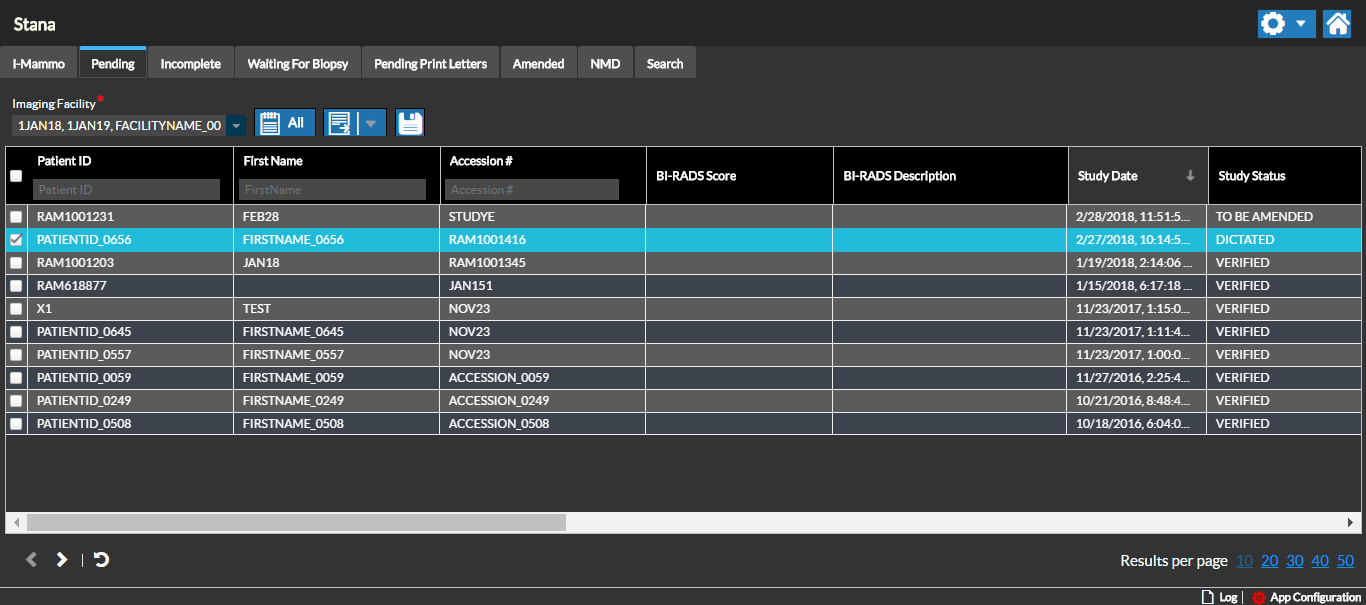
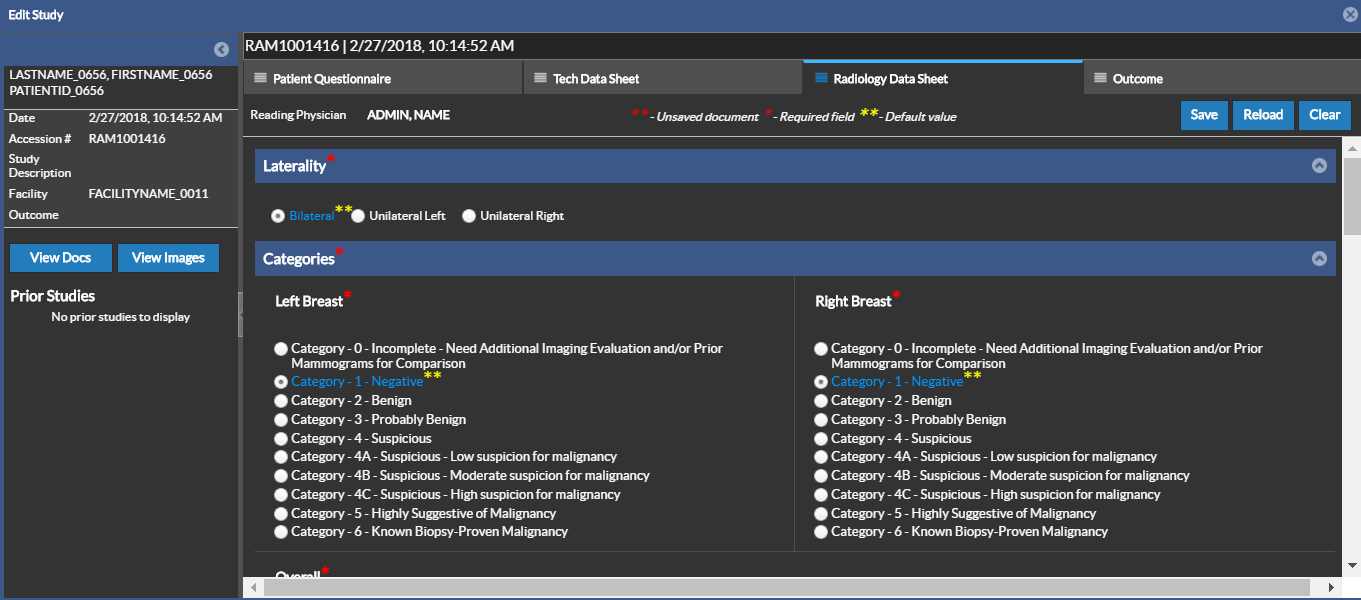
A Study can be edited to update the Data Sheets and Outcome. To Edit a Study, double-click on the selection box for the selected Study or double-click on the study itself. The Edit Study screen is displayed with the Patient Questionnaire Data Sheet by default.
The Data Sheets are configured based on customizable templates that can be used by different users based on their roles to provide information on the Study and generate an outcome report based on the collective findings. The following Data Sheets can be configured:
Note that a study is first opened in Stana Web for editing, the report cannot be created or edited. Only Data Sheet changes can be saved.
A similar Workflow can be followed to generate or update user information for the specific study in the Edit Study screen, similiar to working with a Stana study in the Document Viewer in Power Reader.
Only generated reports can be viewed from the Document Viewer in PowerReader.
The study information can be viewed by clicking on the View Docs or View Images link in the Study details pane on the left side.
RELATED TOPICS: