Selecting an Active Date Range
For any Imaging facility, a pre-defined time period can be selected or an active date range can be chosen to display the reports and statistics for that date range.
In the I-Mammo dashboard, the default date range is always set to All.
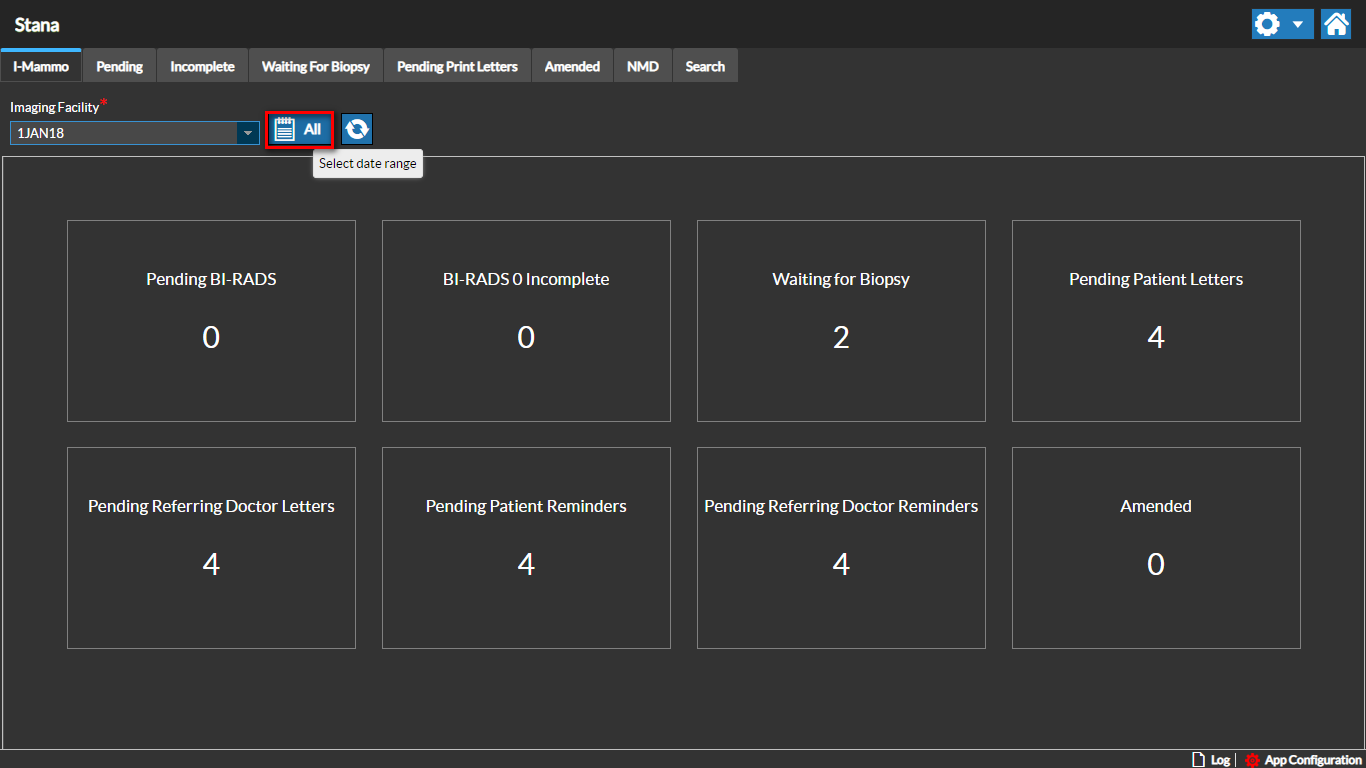
The date range can be set based on requirements for the facility by clicking the Calendar icon on the dashboard.
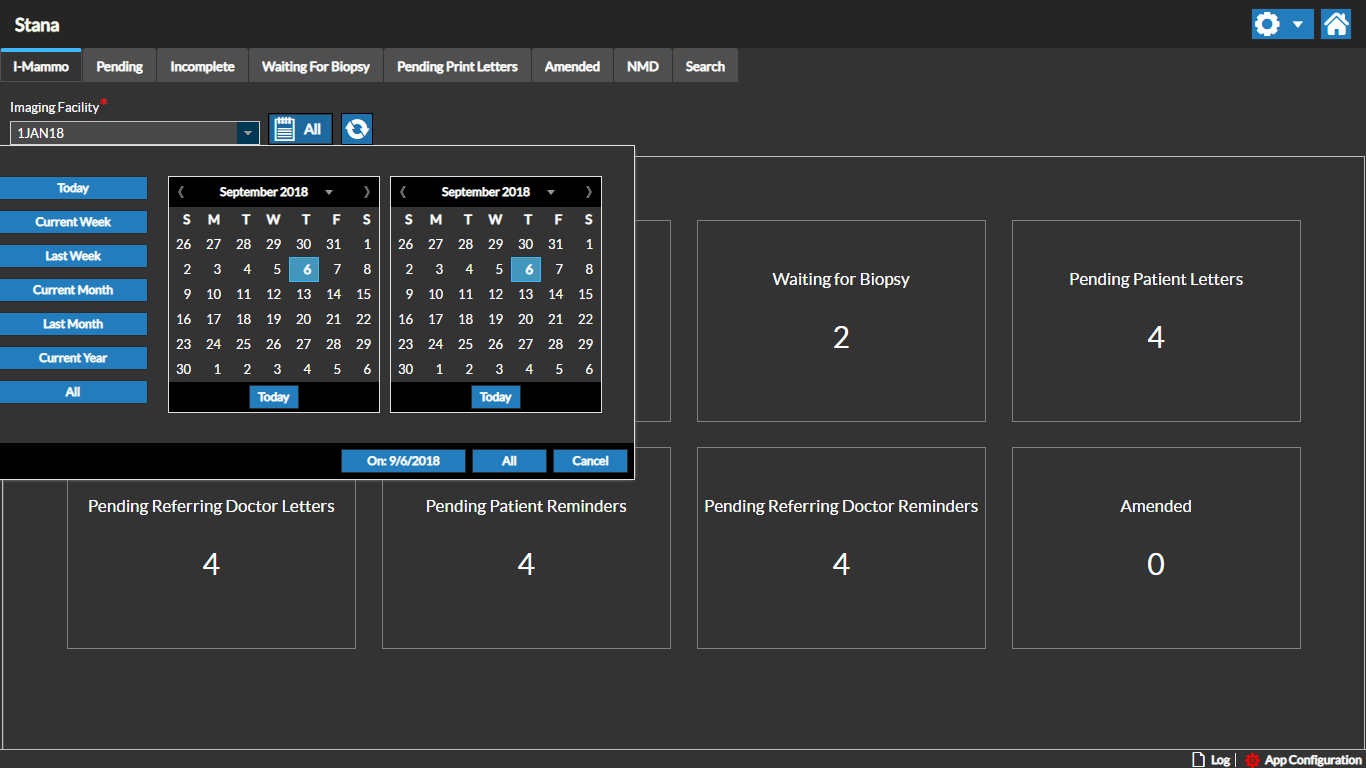
The active date range can be changed by selecting the From and To dates in the calendars as needed.
You can also choose the quick calendar date range options on the left side of the Calendar box.
RELATED TOPICS: