Pending Stana Studies
Clicking the Pending tab opens the Pending screen.
The Pending screen Worklist displays all the Stana Studies that are pending for the selected Imaging Facility. The number of pending studies for a given time period can be viewed by selecting the desired time period using the Calendar. When a user creates a Stana study in PowerReader, the number count of Pending Studies tab in Stana Web goes up by one.
For more information, please refer to the topic, Selecting an Active Data Range.
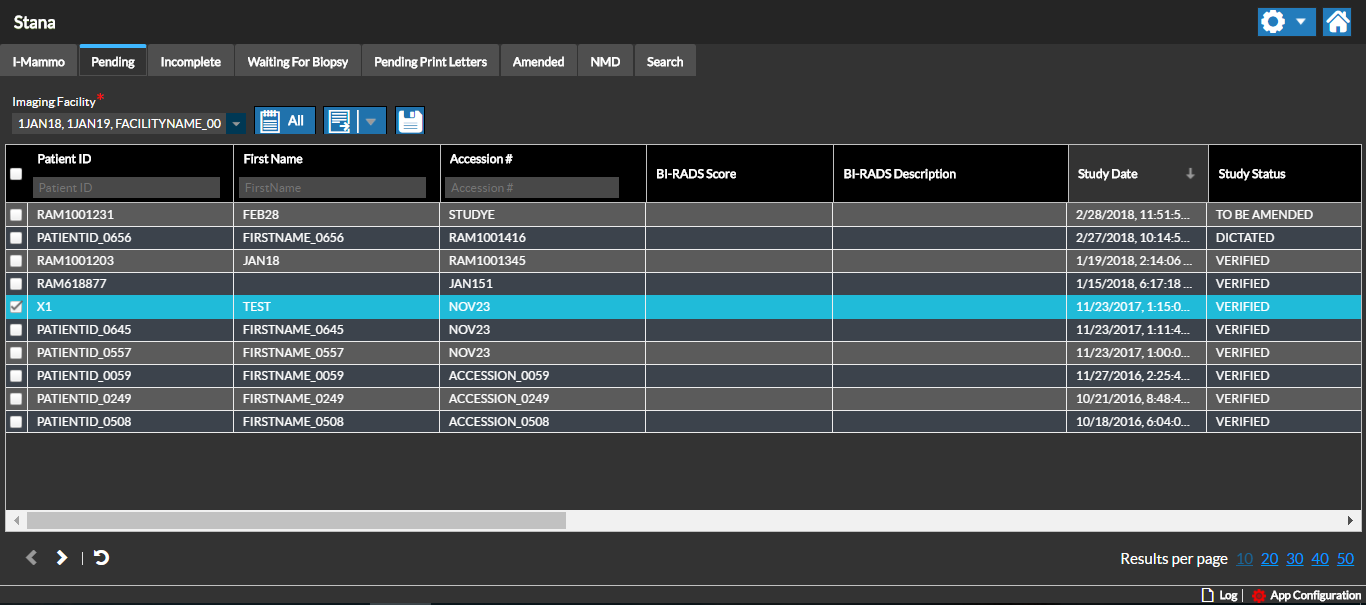
Once the examination is complete and the Outcome is generated or if a Study is categorized as "Incomplete", the Study is no longer pending and will move from this Worklist based on its current status.
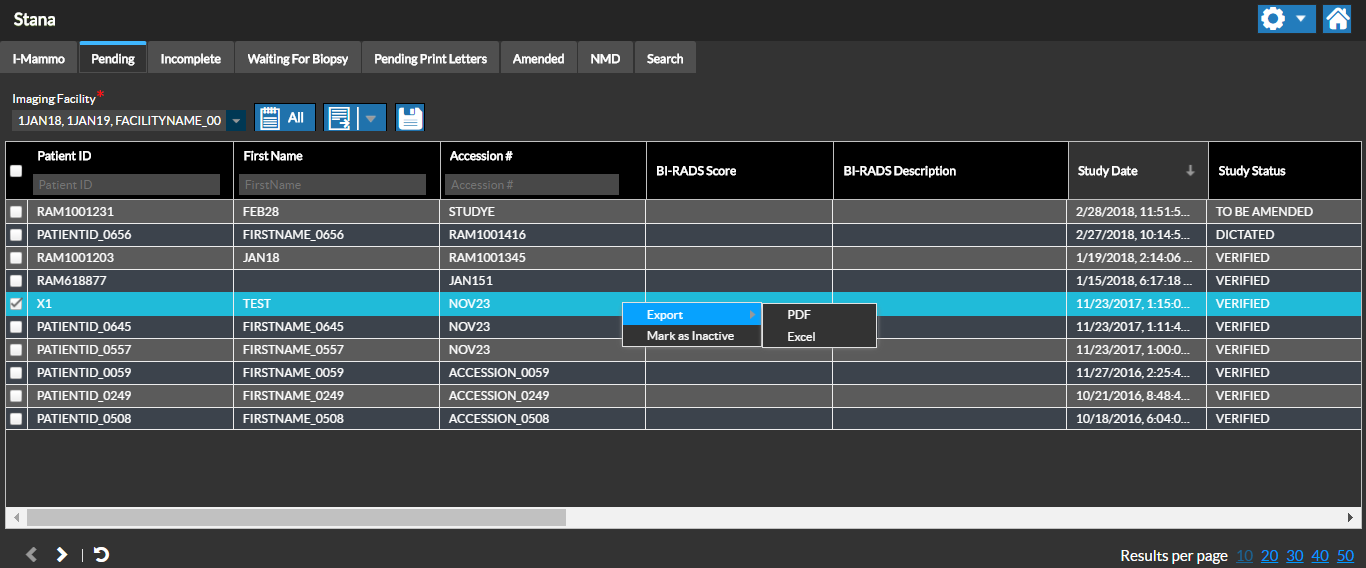
At any time, right-clicking the study list displays the Export option to export the details on the screen to a PDF or Excel file.
RELATED TOPICS: