Searching Mammo Studies
The Search tab is used to search studies and reports.
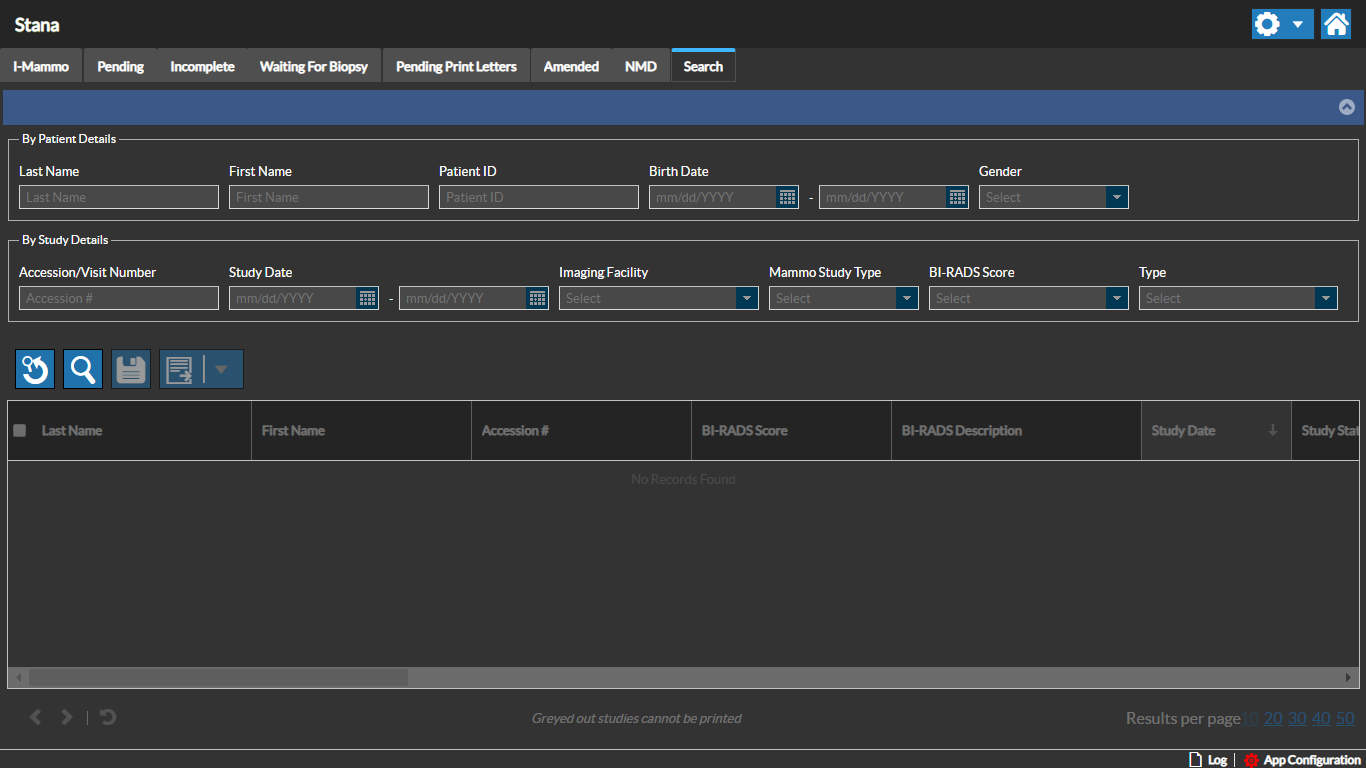
Enter the desired search criteria information. Once you select the required search criteria, click the Search  button to start the search.
The Reset  button can be used to reset the search criteria.
Note that any Search activity is logged for audit purposes.
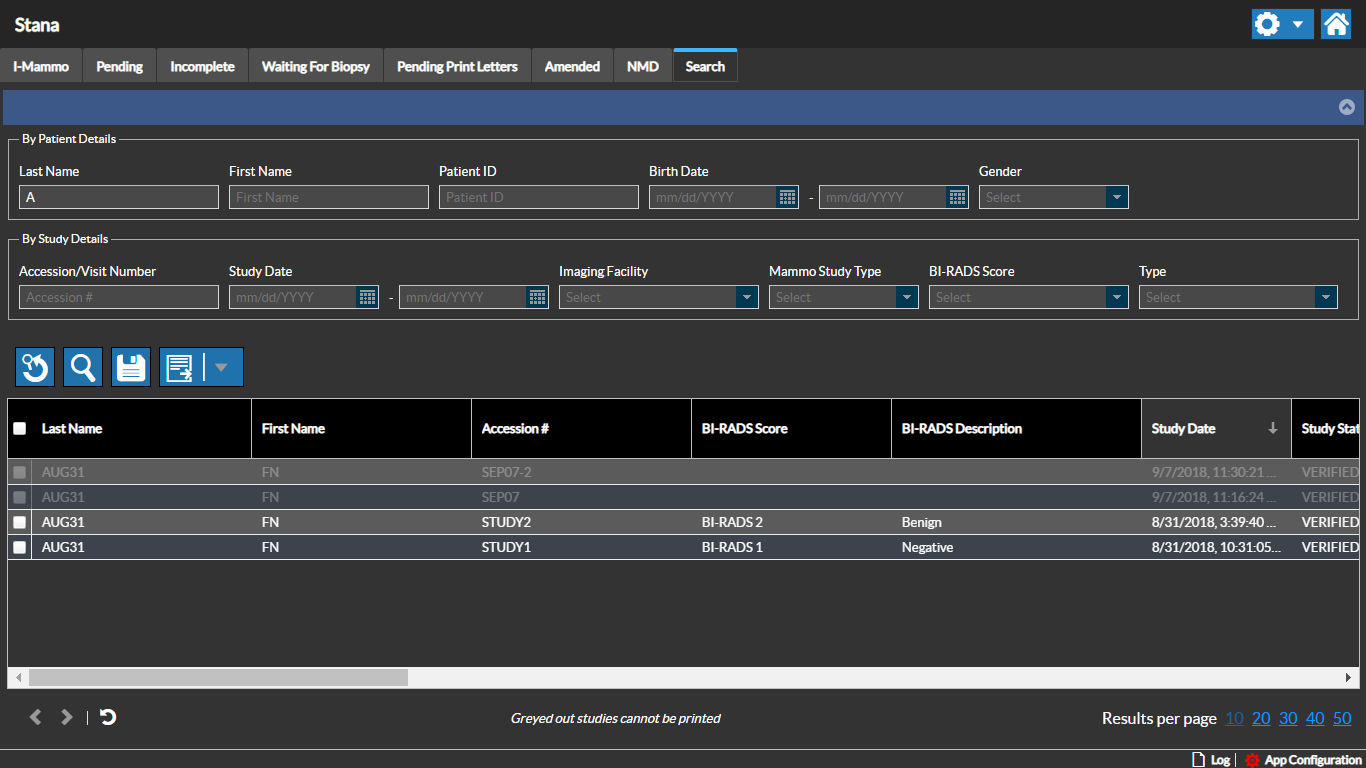
The search criteria can be saved.
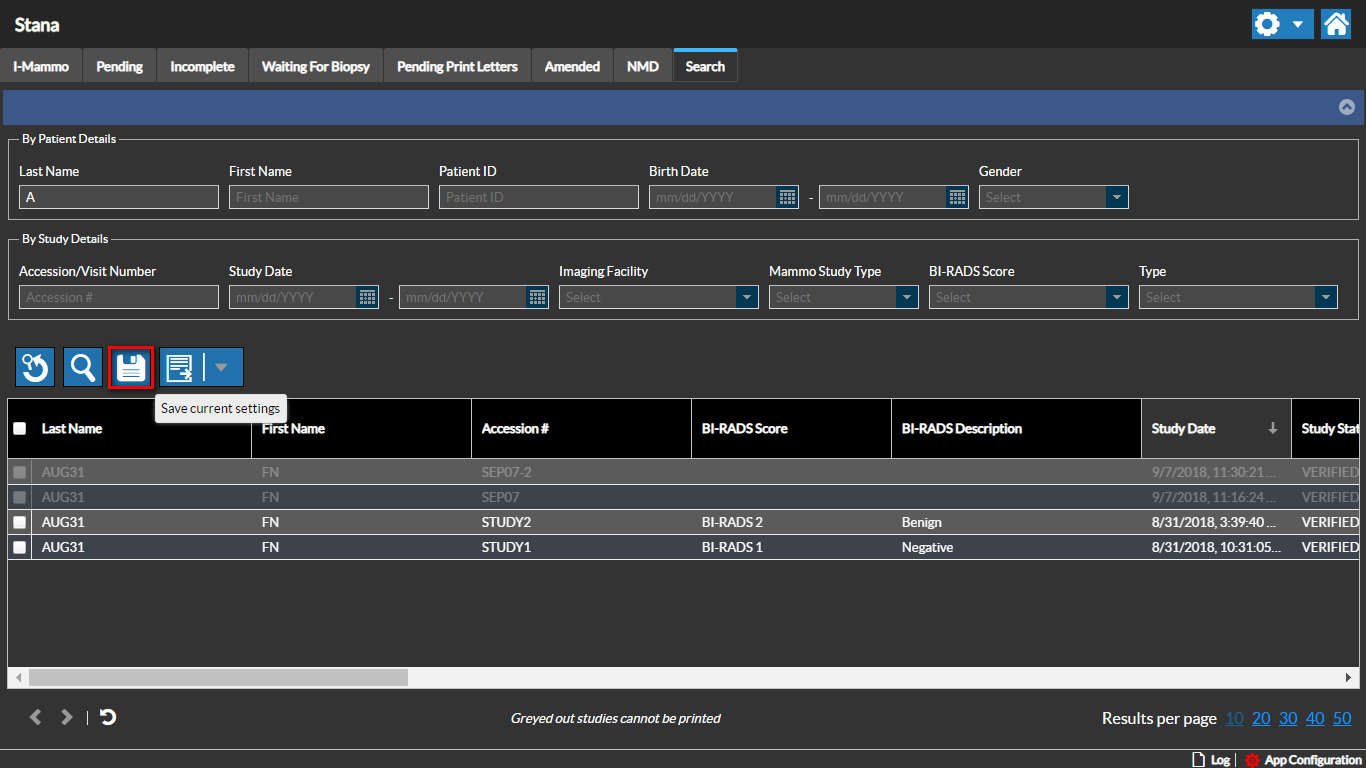
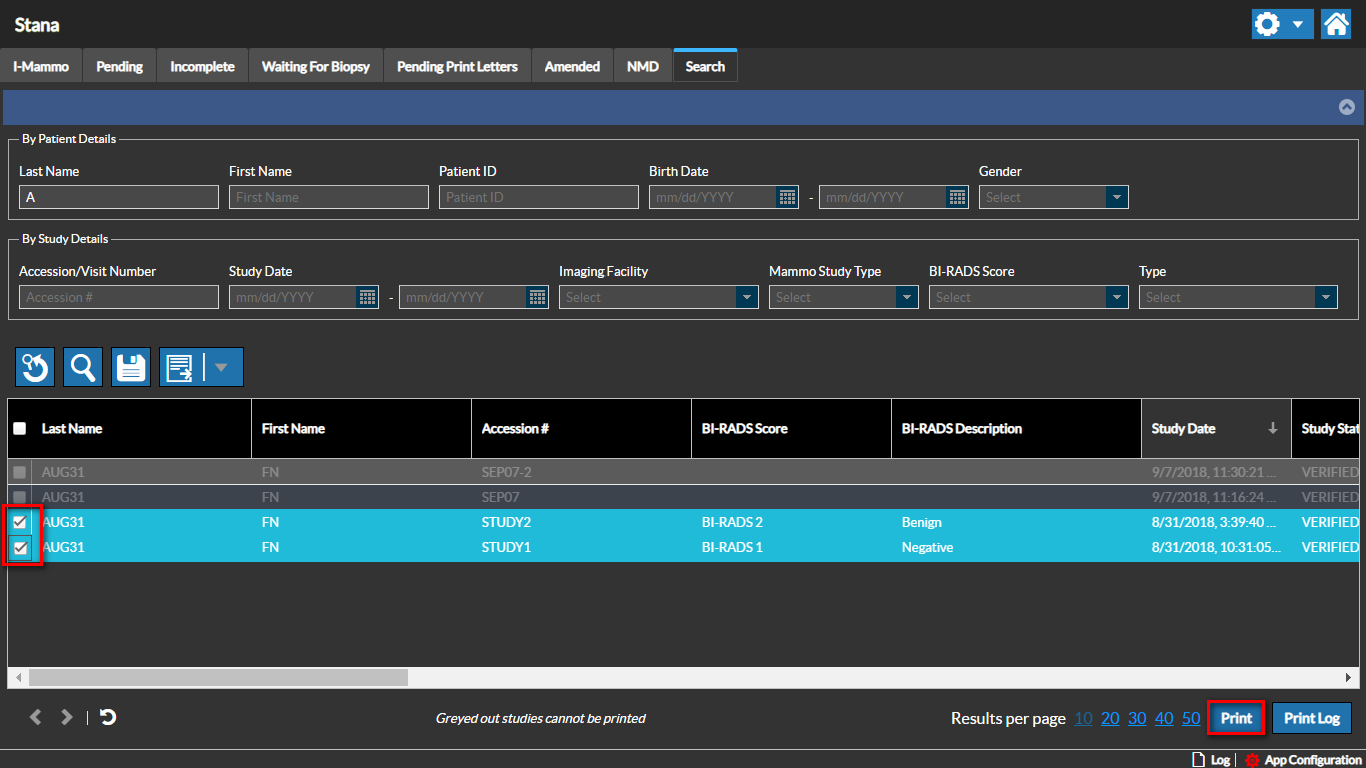
One or many studies from the search results can be selected for print. The Print button is enabled once the studies are selected by clicking the selection box.
RELATED TOPICS: