Cross-hair pointer
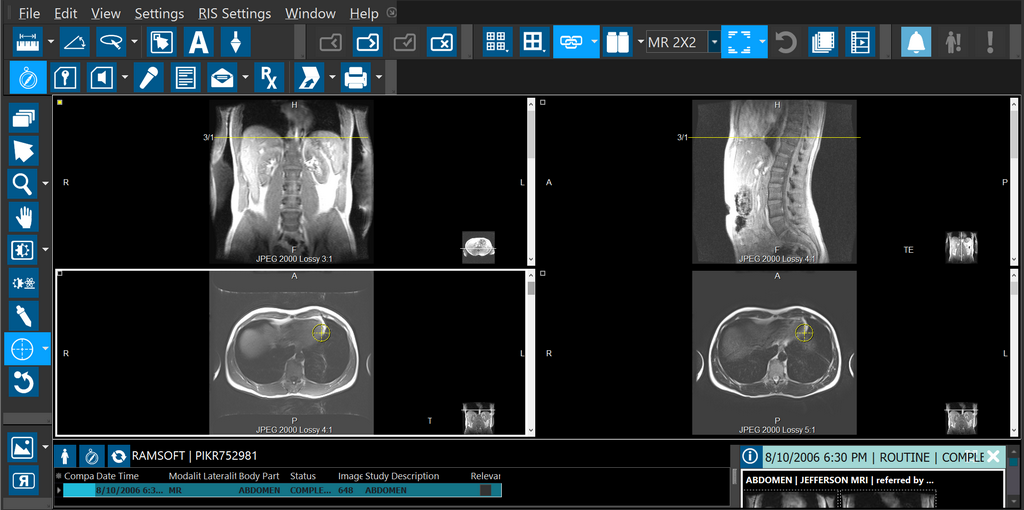
The Cross-hair Pointer is an interactive tool designed to visualize suspected pathology in every series. The RamSoft Cross-hair Pointer  icon is unique as it shows every plane and technique available that contains the selected point. The tool is activated from the Image Tools toolbar. The following screenshots illustrate the application of the RamSoft Cross-hair Pointer.
Note: This tool is visible from the Study Desktop toolbar only when you are viewing MR/CT/PT images.
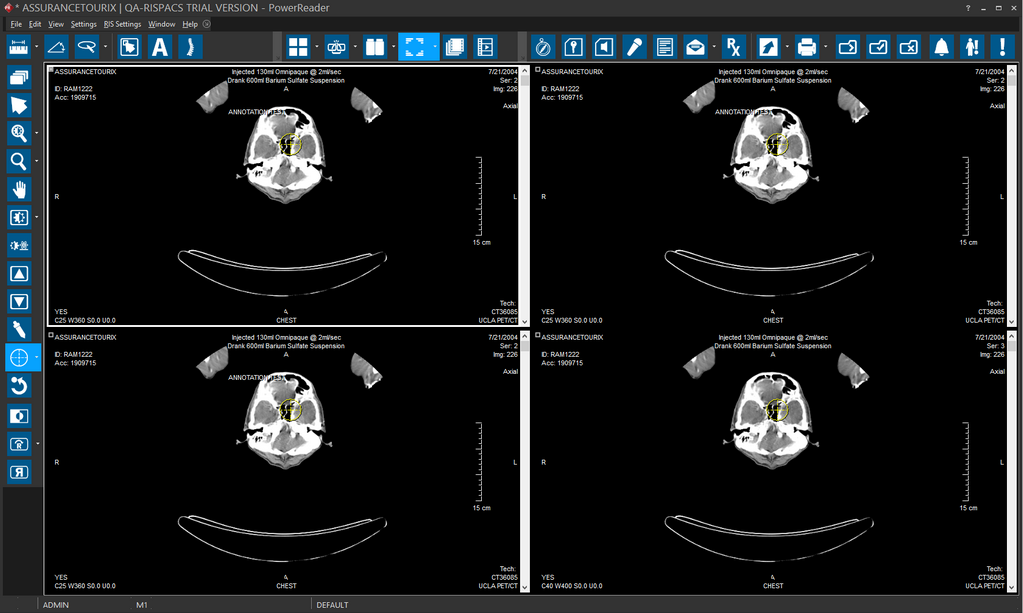
There are four Image View boxes visible on the screen above. In the event that a suspected area has been found and the user wants to view every image in the study that contains a view of it, clicking the area brings up every single possible view of that point. In the example below, this translates to a total of six images being displayed on the screen for that specific point.
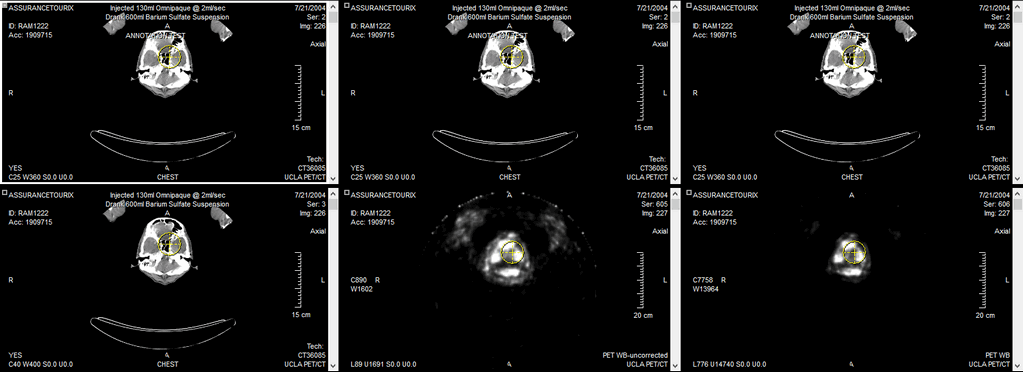
Clicking any point on any of these images brings up all available views of the new location. The cursor can be dragged around in the image, and the Cross-hair pointer in all views are updated in real time.
The option Display All Matching FrameSets is part of the Cross-hair Pointer tool drop-down menu. With this option on, clicking and releasing the Cross-hair Pointer at a location on the image causes the viewing protocol to display all Framesets containing the point; every viewport displays the 3D point location based on the matched series. Linking is ignored.
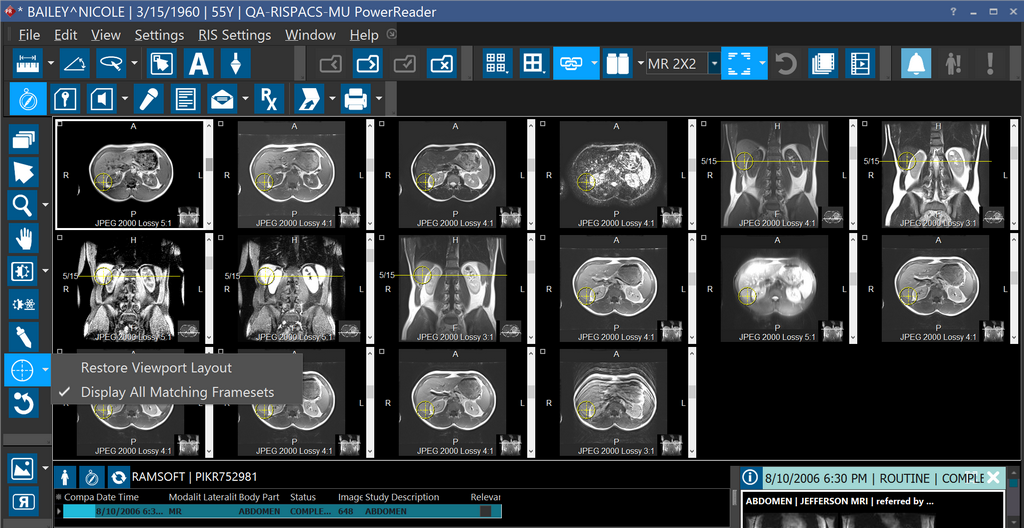
Selecting Restore Viewport Layout option from the drop-down menu restores the original viewing protocol.