Invert Image
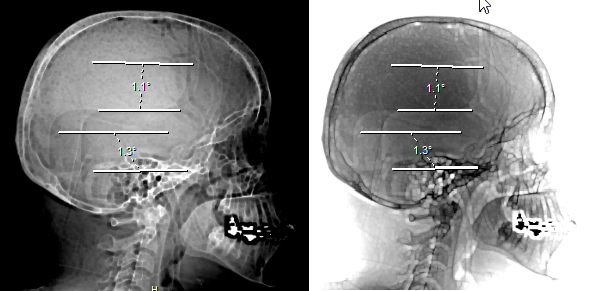
The Invert image icon is used to reverse the grayscale values of an image. Applying the Invert image icon will make white areas appear black and black areas appear white. It can be very useful to clarify areas of CR and x-ray images. The tool is accessible from the Study Desktop Toolbar.
 | Clicking the button will invert the grayscale values of the all images in the frameset. Clicking it again will change them back to the original values. The following is an example of the same image before and after the Invert image icon is applied. |
|---|