Locking Images
To prevent an image from getting shuffled or pushed off the screen, the Lock feature can be used to lock an image of interest. The lock option is available from the Image Right Click Menu.
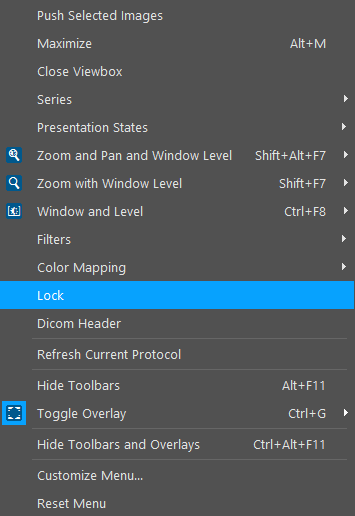
Pressing Lock activates the feature right away. This will be indicated by a check mark next to the Lock option in the menu, and a lock icon over the image.
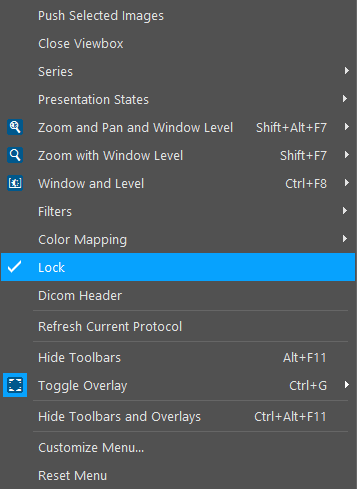
To turn off the Lock, highlight the image and select the Lock option again from the Image Right Click Menu.