Maximizing Images
The ability to view numerous images is very useful to read through the large amounts of images per study, however, sometimes it is important to maximize an image to full screen to analyze a detail. This feature is so useful that it has been set as the double click behavior. Simply double clicking any image will maximize it. Double clicking the image again will restore the image and screen layout.
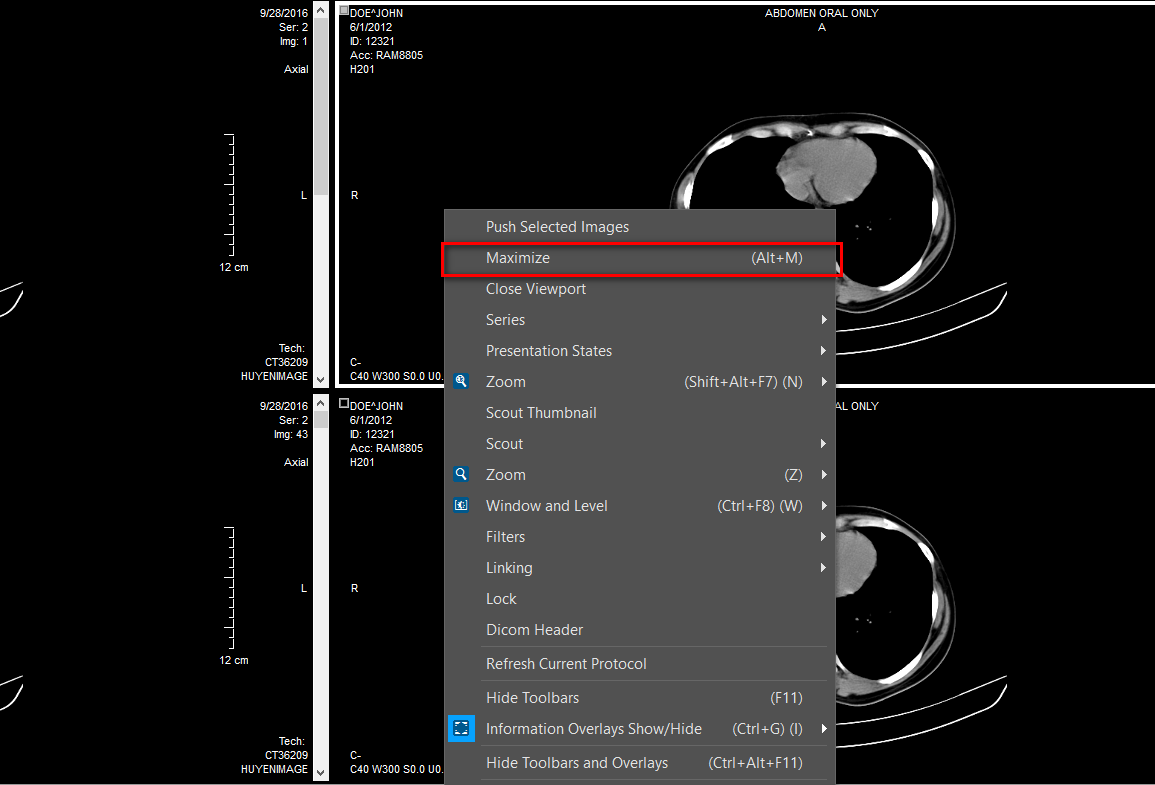
The Maximize option is also available in the Image Right Click Menu.
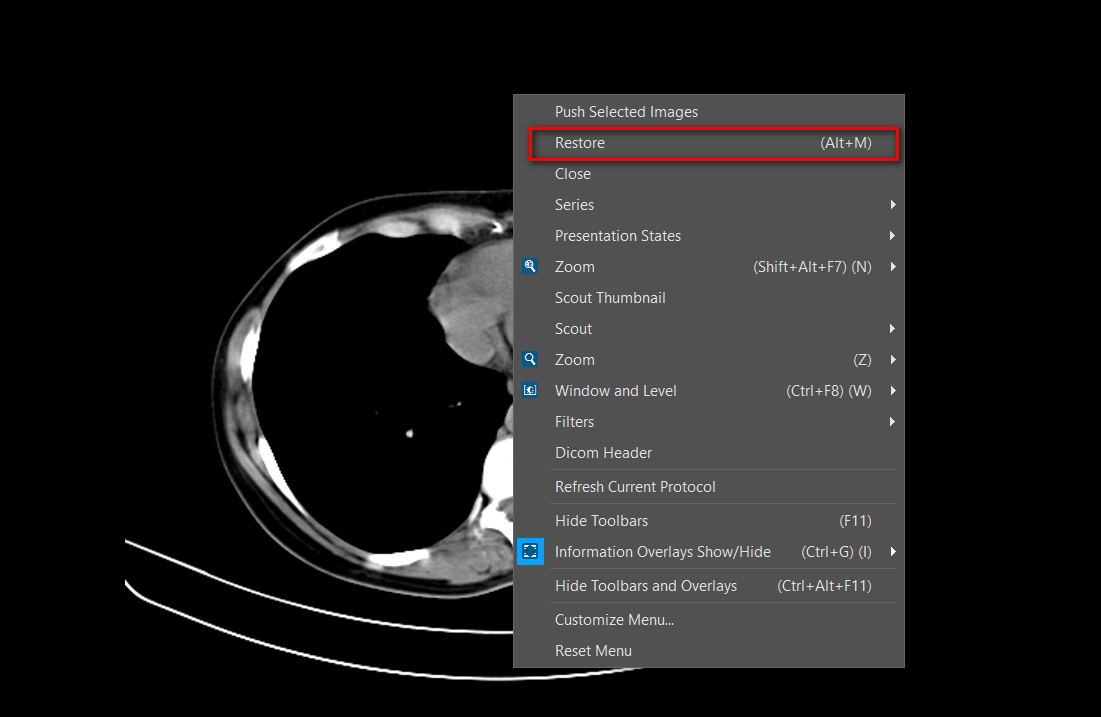
Once an image has been maximized, the option changes to Restore. This will restore the image and desktop layout back to normal.