Scout lines
Any exams that contain spatial information can be viewed with Scout Lines overlaying the images. Scout Lines reference other orthogonal images in the study. Scout lines are turned on through the Image Right Click Menu.
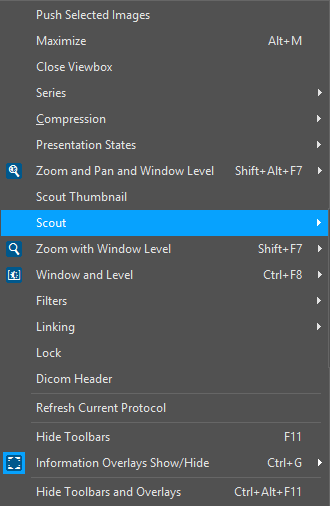
Choosing the Scout option will open the following menu.

Show All Scout Lines displays scout lines referencing all images within the study. Lines referencing the highlighted image will be displayed in yellow, while all others will be shown in green. Show Active Scout Lines will only show the scout line referencing the currently highlighted image. Show Visible Scout Lines will show Scout Lines referencing all currently visible images. Show Selected Scout Lines will only show Scout Lines referencing images that are currently selected. Remove Scout Lines will not display any scout information.
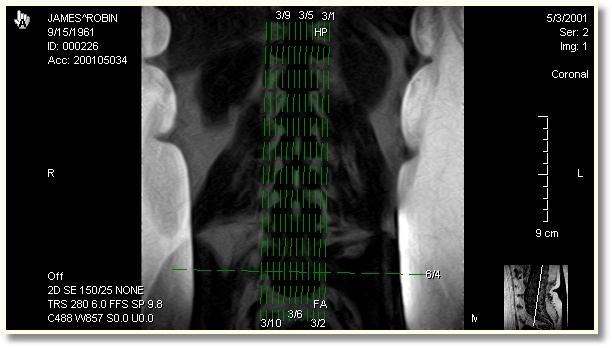
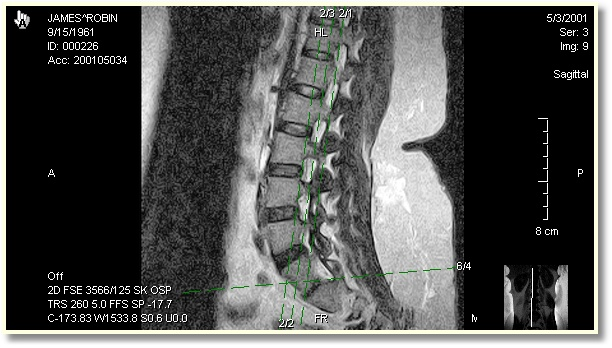
Each Scout Line has the associated series and image number written beside it.