Finding Patient Specific Education Resources
As part of Meaningful Use Criteria, RamSoft provides patient specific which can be accessed for further information. PowerServer offers these resources as an online resource and as an email based link to an online resource.
These resources are available for Problem Codes and Diagnosis Codes as well and are in three different locations:
- The Lab Result tab on the Patient Info form
- The Problems tab on the Patient Info form.
- The Study Details tab on the Study Info form
- As a Leaflet link for a medication in NewCrop
- As a Espanol+ link for a medication in NewCrop
These resources can be found in PowerServer as a Book icon  or as a link to an online resource delivered through an email indicated by the Email
  icon.
icon.
Lab Result tab
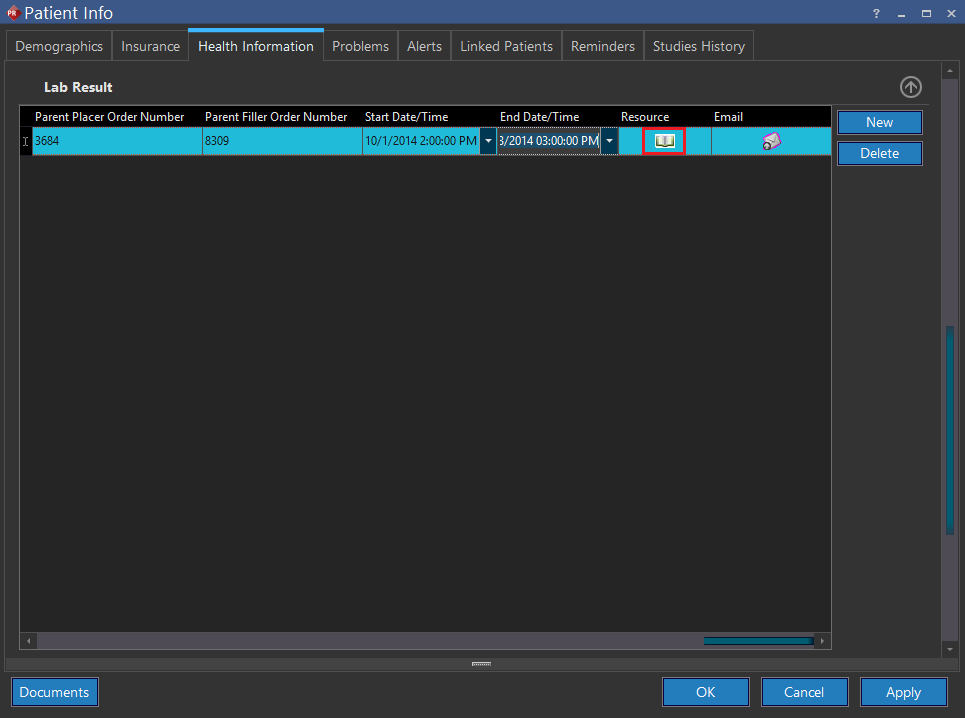
The Lab Result tab in the Patient Info form contains the Resource column. For every lab result created for a patient, the Resources column provides an icon that links to an online education resource. Click the Book icon to view further information regarding the specific lab test.
These resources can be found in PowerServer as a Book icon or as a link to an online resource delivered through an email indicated by the Email icon.
Lab Result tab
The Lab Result tab in the Patient Info form contains the Resource column. For every lab result created for a patient, the Resources column provides an icon that links to an online education resource. Click the Book icon to view further information regarding the specific lab test.
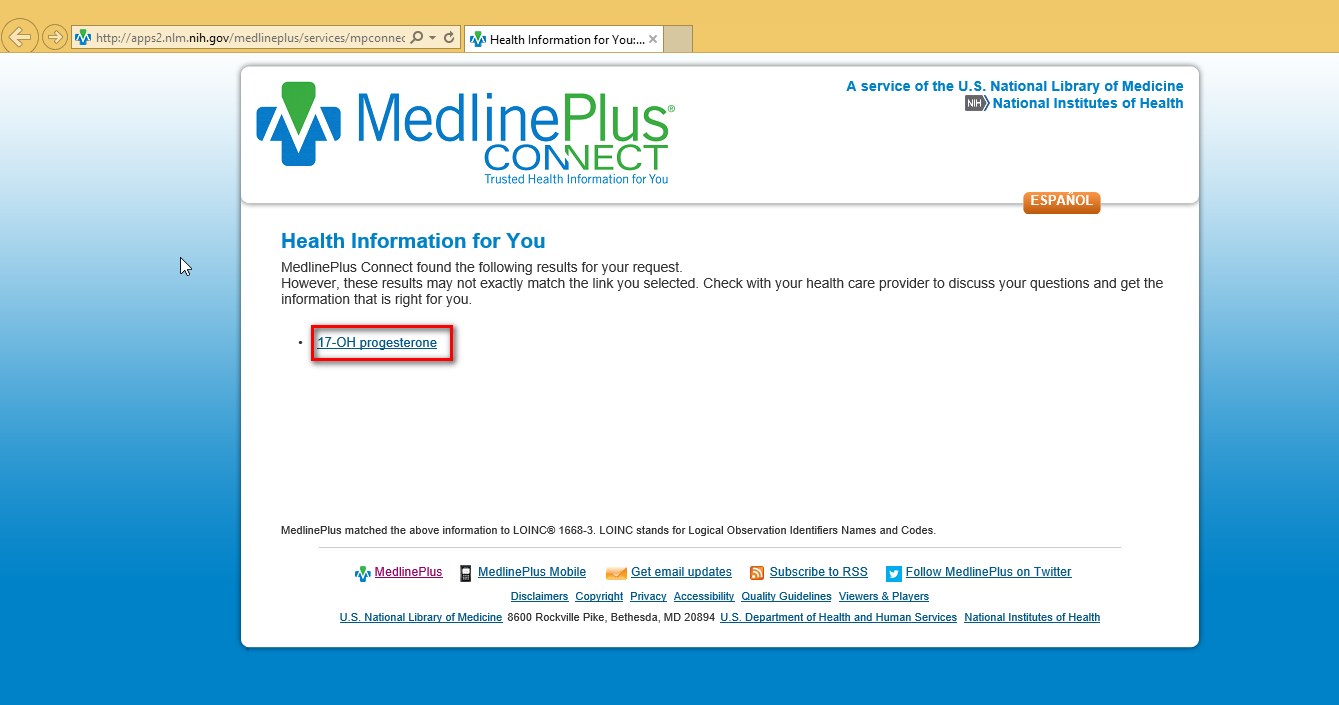
Clicking the Book icon launches a webpage which contains information on the lab test observation.
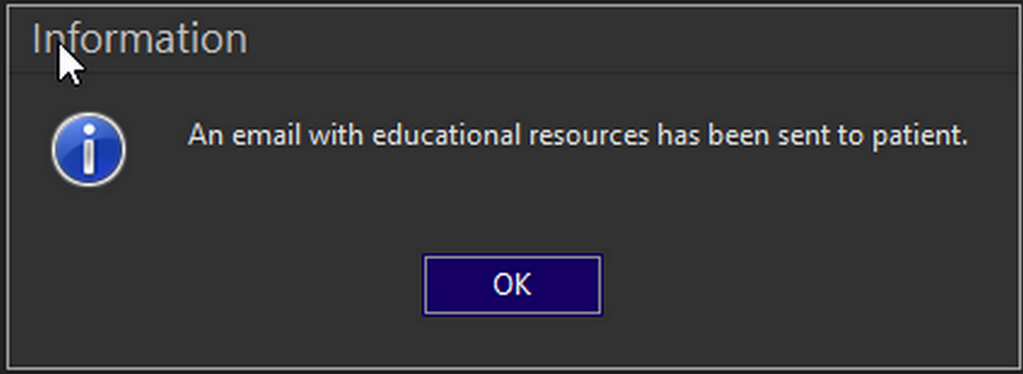
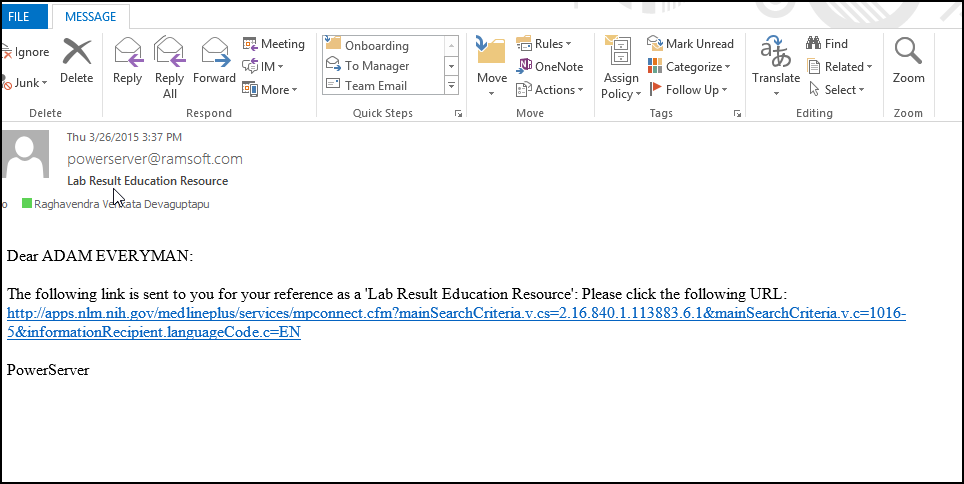
Clicking the Email icon displays the following confirmation message. The patient will receive an email providing a link to an online education resource.
Problems tab
The Problems tab in the Patient Info form contains the Online Education Resource and Email columns. For every Problem code associated with a patient, the Resources column provides an icon that links to an online education resource. Click the Book icon to view further information regarding the specific lab test. Clicking the Book icon launches a webpage that contains information on the Problem Code.
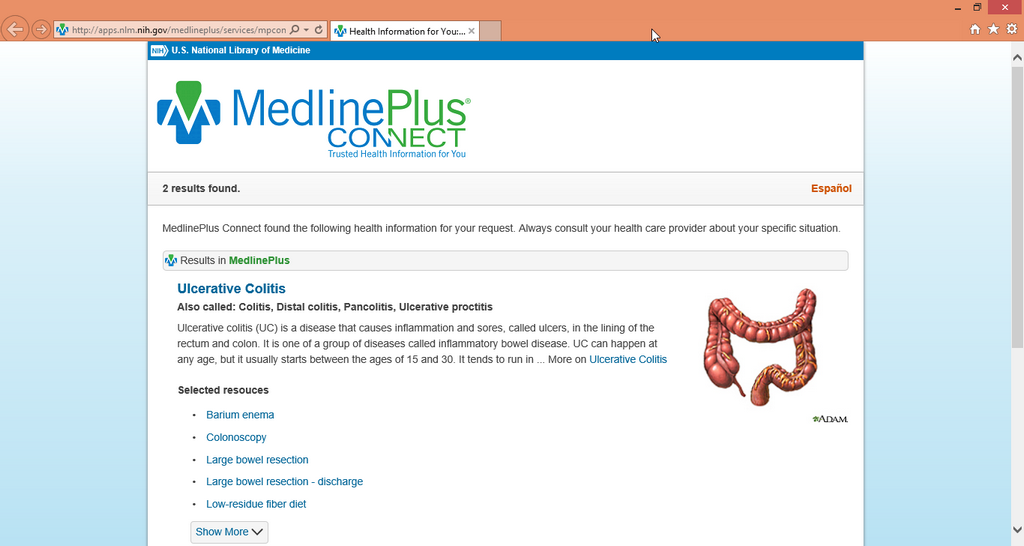
Clicking the Email icon sends an email to the patient providing a link to the online education resource.
Study Info form
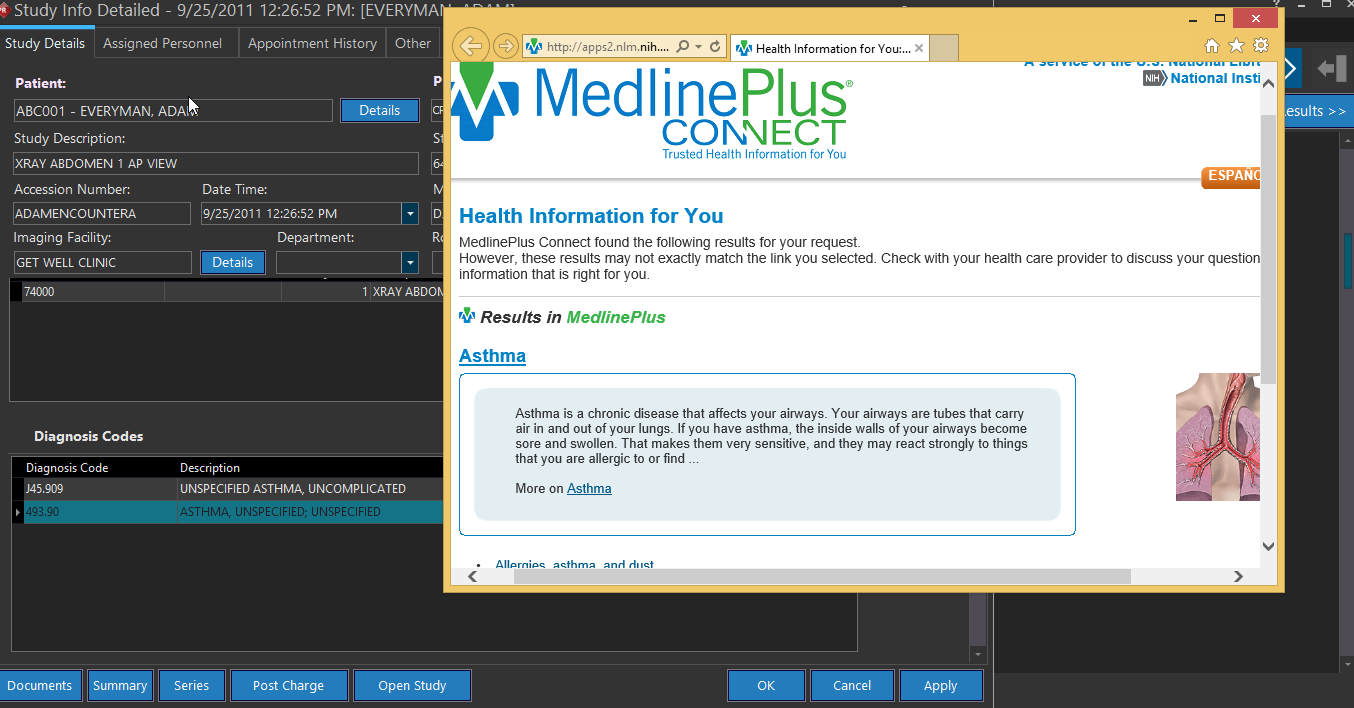
The third location where the link to a patient specific education resource can be found is the Study Info form. This is available in the Study Details tab of the study form. Click the Book icon in the Diagnosis Codes section of the form.
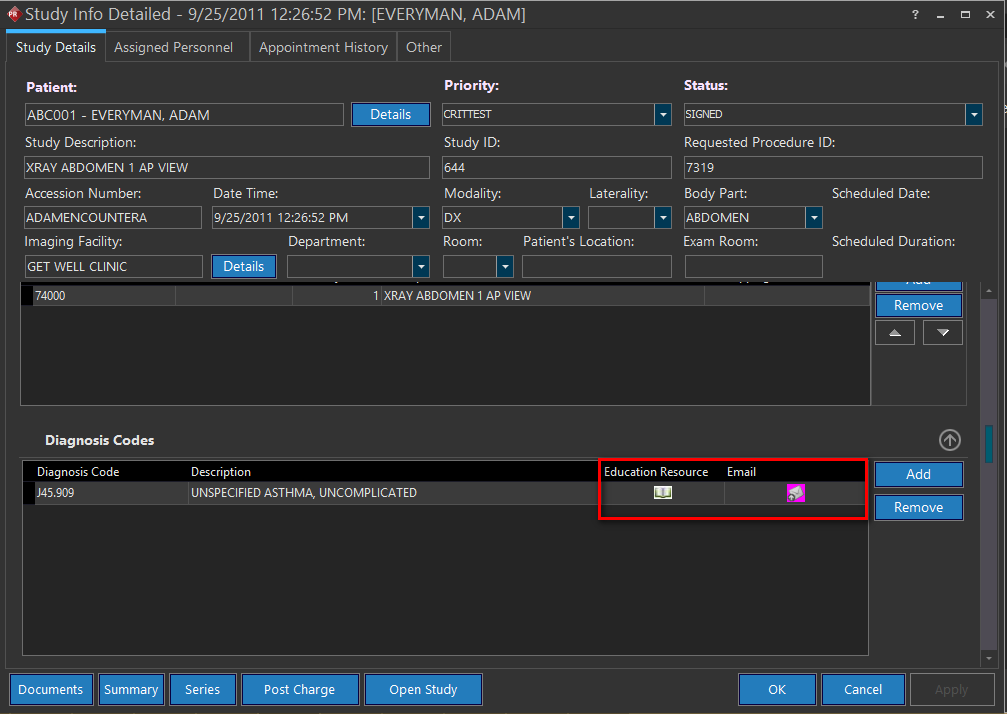
Either click the Book icon to access an online educational source or click the Email icon to retrieve the link to the educational resource delivered through an email.
Leaflet Link - NewCrop
The fourth location where an education resource can be found is inside the NewCrop screen. If a certain medicine is searched in NewCrop or when a medication is ordered, a Leaflet link is displayed along with the search results.
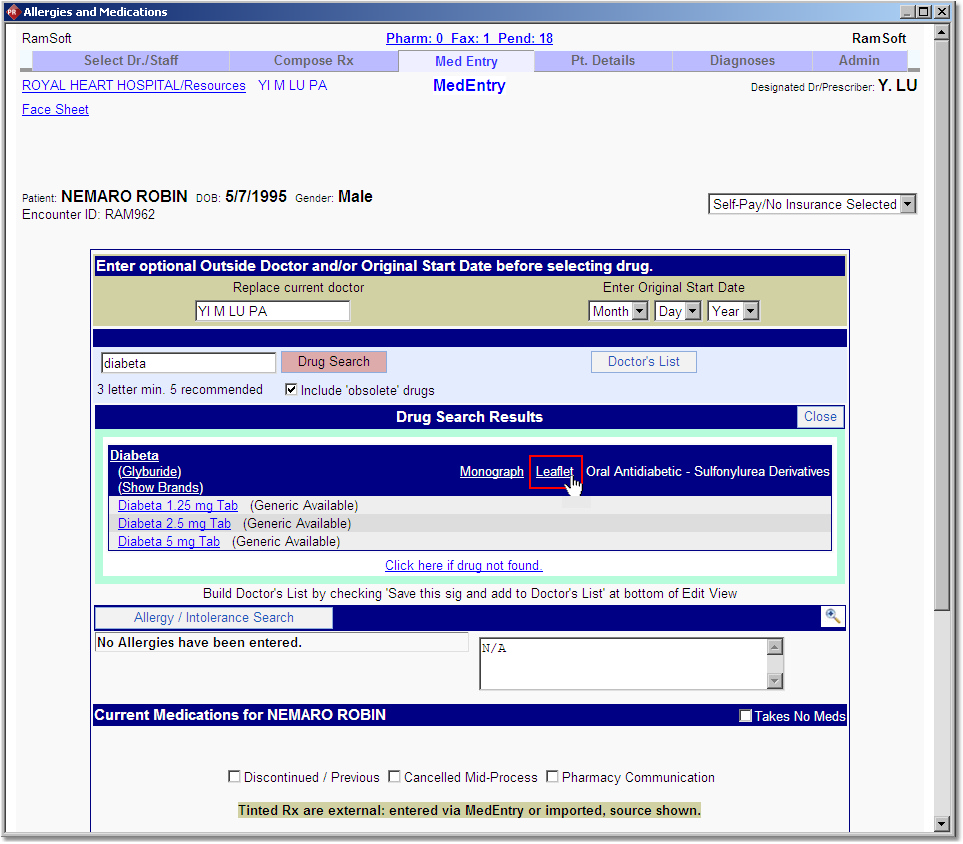
Clicking the Leaflet link will launch a web page which contains information about the specific drug.
Espanol+ Link - NewCrop
The fifth location where an education resource can be found is inside the NewCrop Drug Search screen. If a certain medicine is searched in NewCrop or when a medication is ordered, a Espanol+ link is displayed along with the search results.
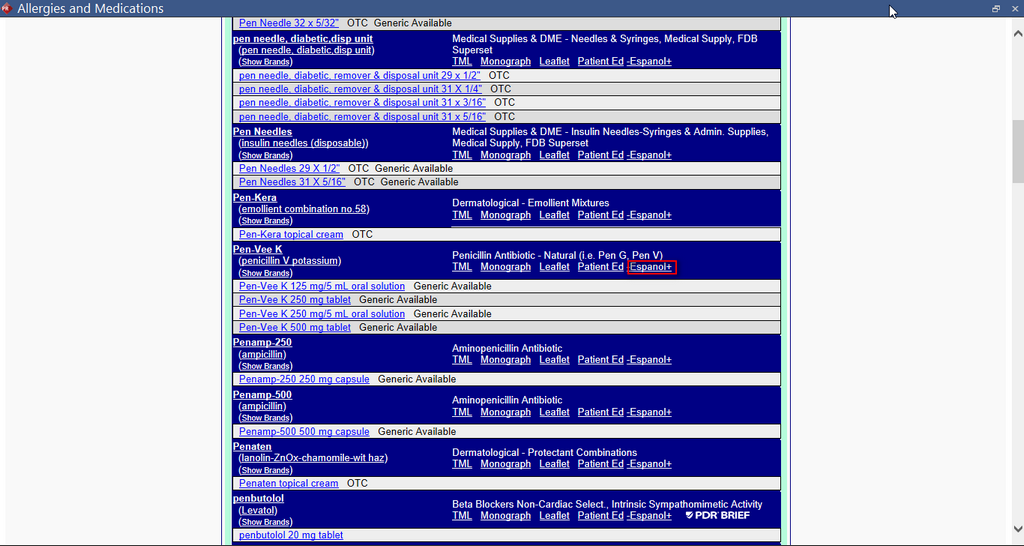
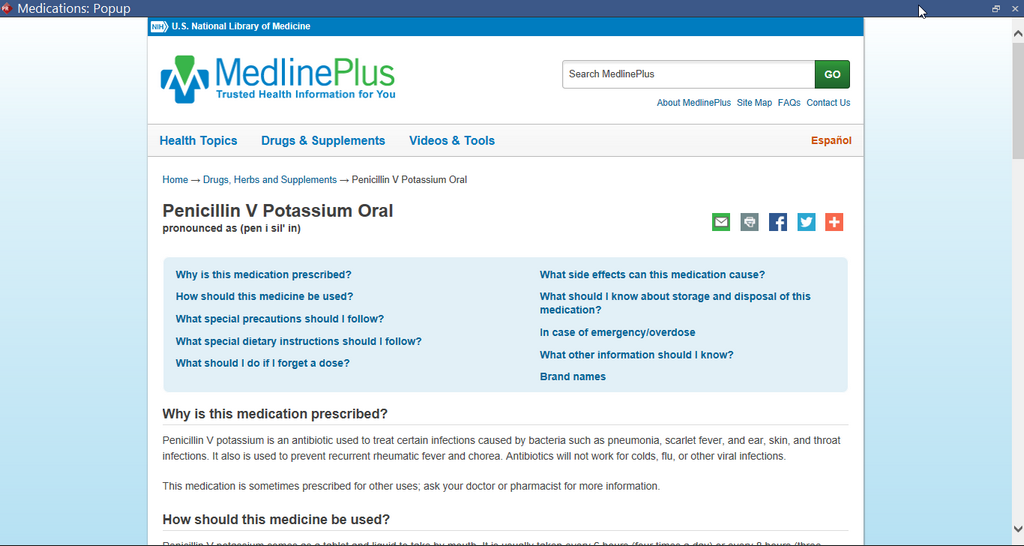
Clicking this link would launch a web page which contains information about the specific medication.
This Meaningful Use feature is only available for RamSoft PowerServer with Meaningful Use license.